
Lumina Documentation
User guides and Canvas Pro best practices for building, running, and scaling creative workflows—from core concepts and quick actions to production-ready examples.

What is Canvas?

Canvas is an all-in-one creative workspace where users can bring together text, images, video, audio, and music in one place. It helps with layout, editing, asset organization, and exporting, so teams can turn ideas into polished content more easily.
Instead of relying on traditional manual design workflows, Canvas makes creative production faster and more flexible. It supports users with different skill levels and helps them build content in a more intuitive way.
From creative ideation to asset assembly, layout design, and final output, Canvas covers the full workflow.
In short: Canvas helps users create faster, present ideas more professionally, and produce content that is more compelling across different scenarios.
Unlimited Workflows, Unlimited Creativity
Start with an idea and build freely on an infinite canvas. Combine different capabilities, branch into multiple creative directions, and stay in the flow as you create.

Built on In-House Innovation
Canvas brings together the latest and most comprehensive in-house creative capabilities, along with Seed’s leading AIGC vision models, to support stronger and more reliable output.

Real-Time Preview, Step-by-Step Editing

Run any part of a workflow with precision and see results instantly. With real-time feedback, users can adjust and refine the creative flow at any stage.
Easy Sharing, Fast Reuse
Workflows can be saved as personal assets or shared across teams for collaboration and reuse. With one-click deployment, teams can move faster and work more efficiently.
Agent makes Canvas truly intelligent
With Canvas, users can build workflows by connecting nodes and components. This already makes it possible to deliver creative outputs at scale with greater consistency and stability.
But in real projects, users often run into bigger questions:
-
Can workflow building be made simpler?
-
Can one canvas automatically choose the right path for different scenarios?
-
Can it generate strong prompts more consistently, without jumping between multiple tools?
-
Can a single canvas support the full pipeline from script → storyboard → video?
This is where Agent becomes powerful.
Think of Agent as the control center of Canvas.
It can understand natural language instructions, decide what needs to be done, and accurately call the right tools—or even entire workflows—to complete the task.
In other words, Agent turns Canvas from a manual workflow builder into a more intelligent, automated creative system.

Canvas Key Concepts
Basic
| Term | Description | Preview |
|---|---|---|
| Node | The smallest building block of a workflow. Each node performs a specific function, and by combining different nodes, users can create a wide range of creative outcomes. | |
| Connection | Connections link nodes together, allowing data to flow between them. This enables users to build complex workflows—similar to assembling building blocks. | |
| Model | Models power the output of a workflow. By selecting different models, users can generate different styles, qualities, and types of content. Lumina currently supports ByteDance’s in-house image and video models, with more high-quality models to be added over time. |
 |
Advanced
| Term | Description | Preview |
|---|---|---|
| Component (official) |
Components allow multiple nodes to be grouped into a reusable unit. By defining inputs, outputs, and parameters, components simplify workflow design and improve reusability. |  |
| Agent |
Agent acts as the control center of Canvas. It understands user instructions and automatically selects and runs the right tools (components), or even entire workflows, to complete a task. |  |

| AI apps | After testing, workflows can be published and reused across teams. - One-click deployment: Publish directly from Canvas - Auto-loaded parameters: Reuse pre-configured settings - Quick setup: Simplified configuration for faster adoption |
 |
How to Create a Canvas?
| Step | Instruction | Preview |
|---|---|---|
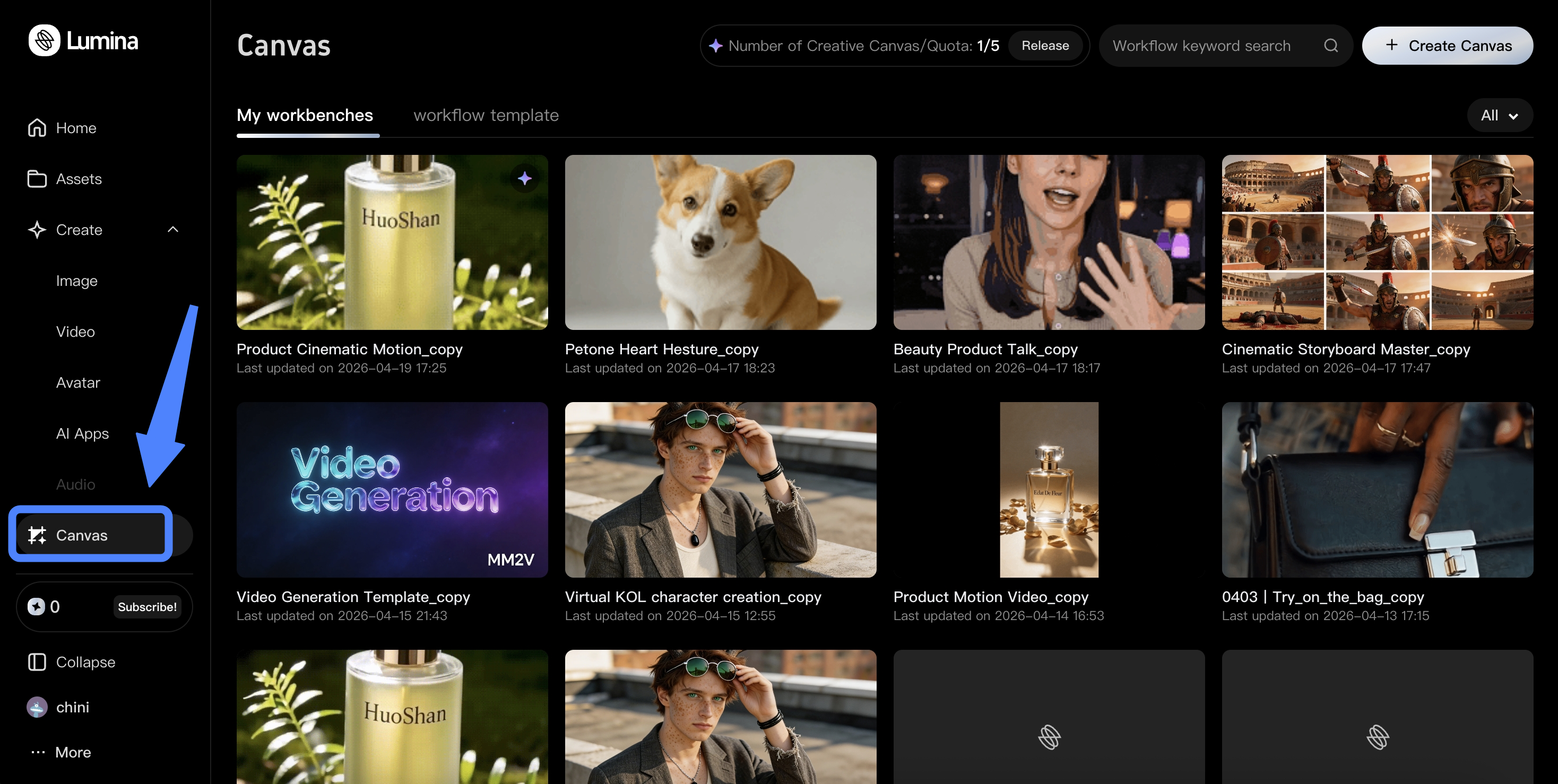
| Step 1: Go to Canvas |
Click Canvas in the left-side navigation bar. Note: Canvas is available only to Standard, Advanced, and Ultra subscribers. |
 |
| Step 2: Create a Canvas |
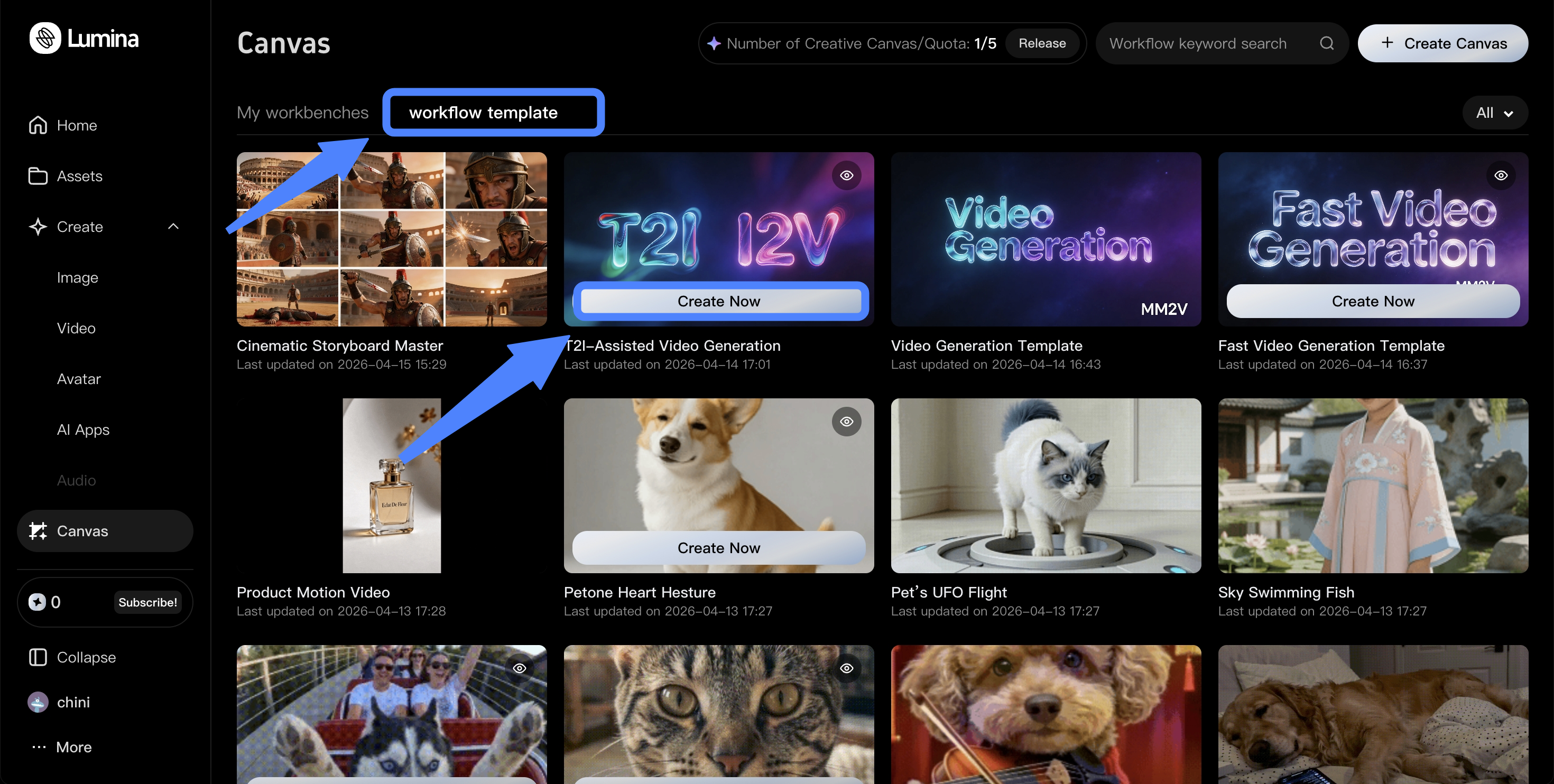
There are two ways to get started: 1. Start from a workflow template Click Workflow Template at the top, then click Create Now to open the template workflow and start editing. |
 |
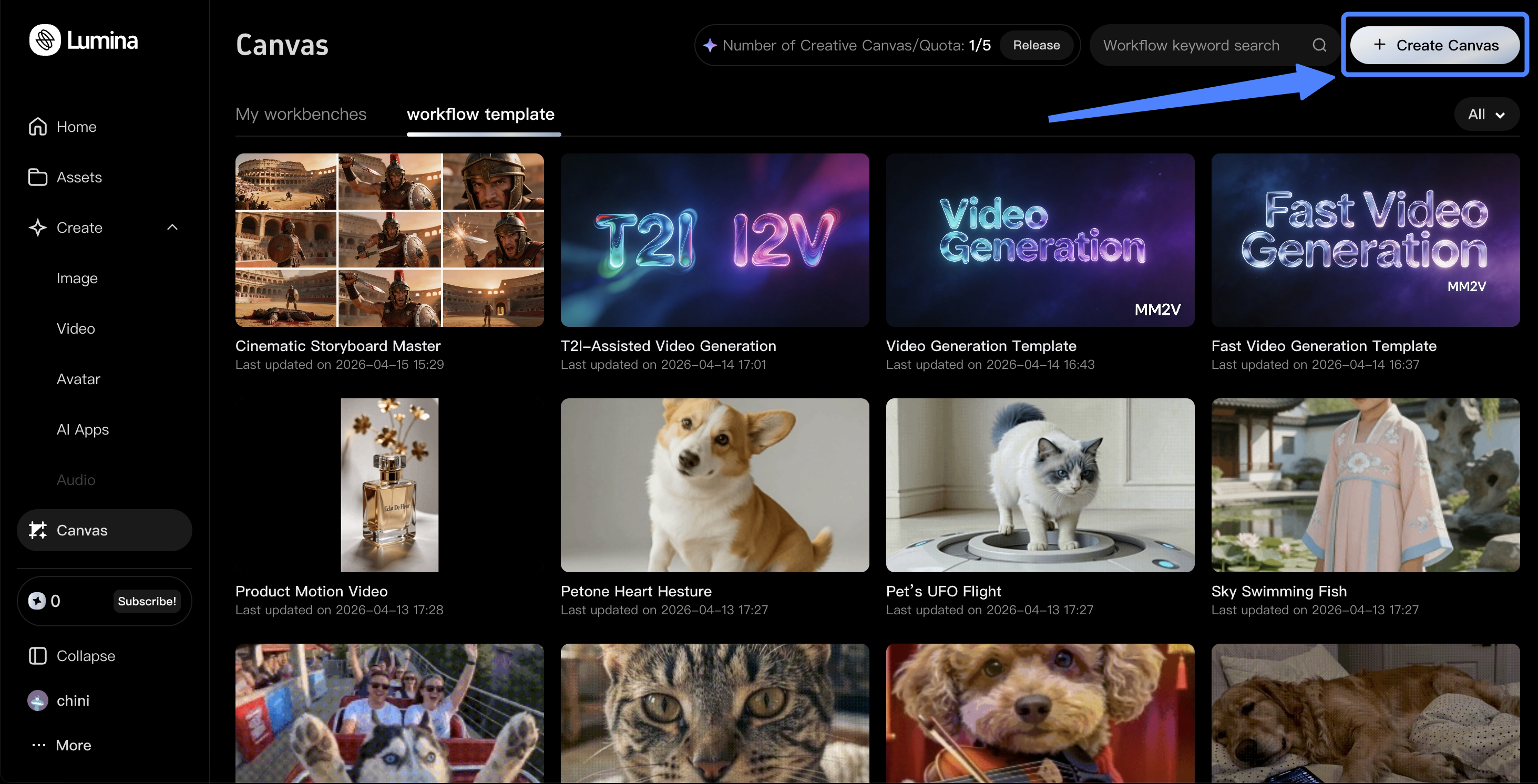
| 2. Start from scratch Click Create Canvas in the top-right corner to build a brand-new workflow from the ground up. |
 |
Canvas Quick Actions
| Action | Description | Preview |
|---|---|---|


| Add nodes | Click the “+” button in the bottom toolbar, or double-click anywhere on the blank canvas. |  |


| Upload assets | Double-click the canvas, choose File, and upload your asset. You can also search for nodes such as “lora image,” “load video,” or “load audio” based on your needs. |
 |

| Connect nodes | After adding nodes to the canvas, drag outward from an output port with the left mouse button to create a connection. |  |
| Delete connections | - Option 1: Select the connection and press Delete. - Option 2: Hold Shift and drag with the left mouse button to remove the connection. |
 |
| Move | Drag on an empty area of the canvas with two fingers, or hold the right mouse button. |  |
| Zoom in/out | Use two-finger gestures on the trackpad, or scroll the mouse wheel up and down.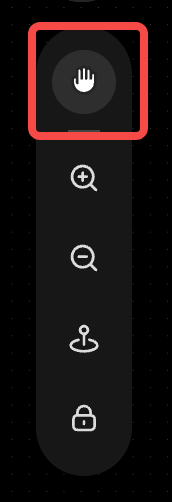 Canvas drag shortcut: Use the shortcut in the bottom-right corner of the canvas to switch the left mouse button between Select and Pan Canvas. > Note: On Mac, behavior may vary slightly depending on trackpad and system settings. > > |
|
| Run the workflow | Click the Generate button at the bottom to run the entire workflow on the canvas. - Run a single node: Select the node you want to run, then click the button above it to execute that specific node. - Run part of the workflow: Use the left mouse button or a three-finger swipe to select the nodes you want, then click the button above to run only that part of the workflow. |
|

| Save generated outputs | - Option 1: Select a node with output and click Download above it to save the result. - Option 2: Open the image/video details, then right-click → Save As to save it to a specific folder. |
 |
| Save workflows to the cloud | Once a workflow has been successfully run in the workspace, it can be persisted through Cloud Save, so it can be reopened and run again anytime on the platform with greater stability. | 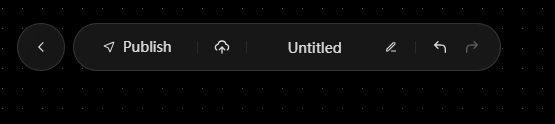 |
| View workflow history | Return to the workspace homepage and click My Creations to view all historical workflows. | 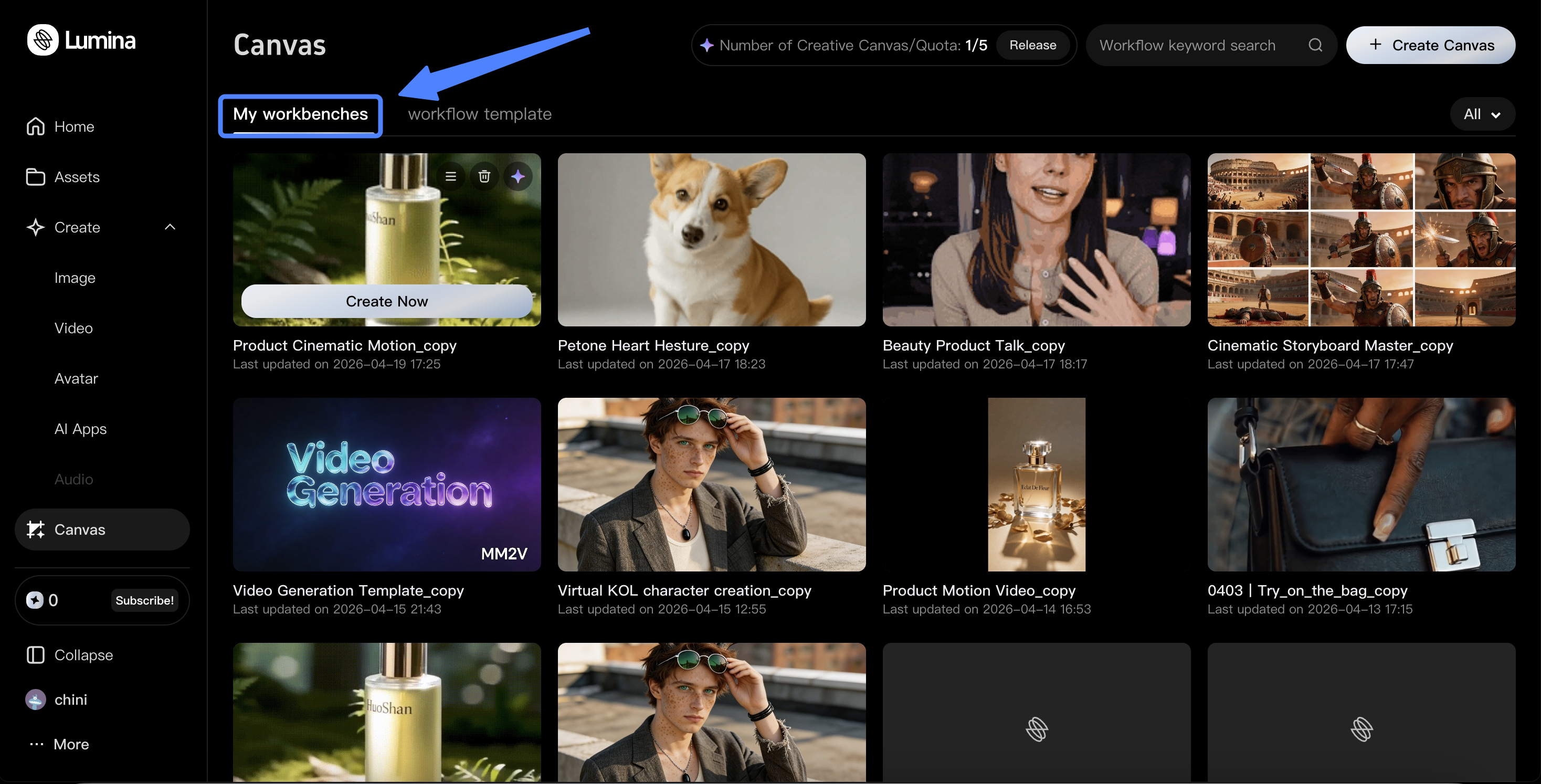 |
Use Cases
Video and Storyboarding
Create short-form videos, storyboards, product demos, and branded video content.
With built-in video generation, editing, and templates, Lumina helps teams turn ideas into visual content faster.
E-commerce Content
Generate product images, promotional visuals, and product showcase assets.
For the same product, teams can quickly create multiple versions with different backgrounds, styles, and layouts—ideal for fast-moving e-commerce workflows.
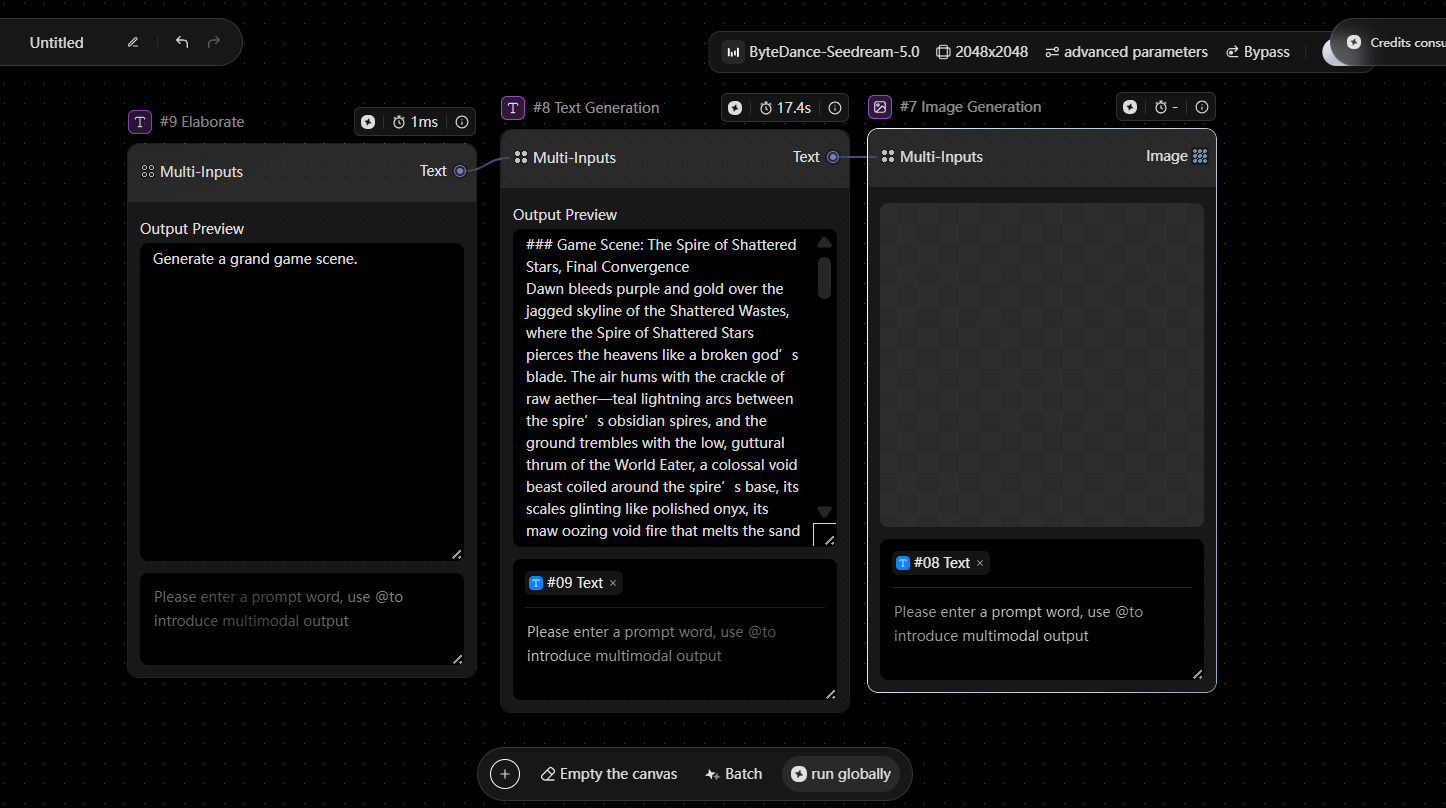
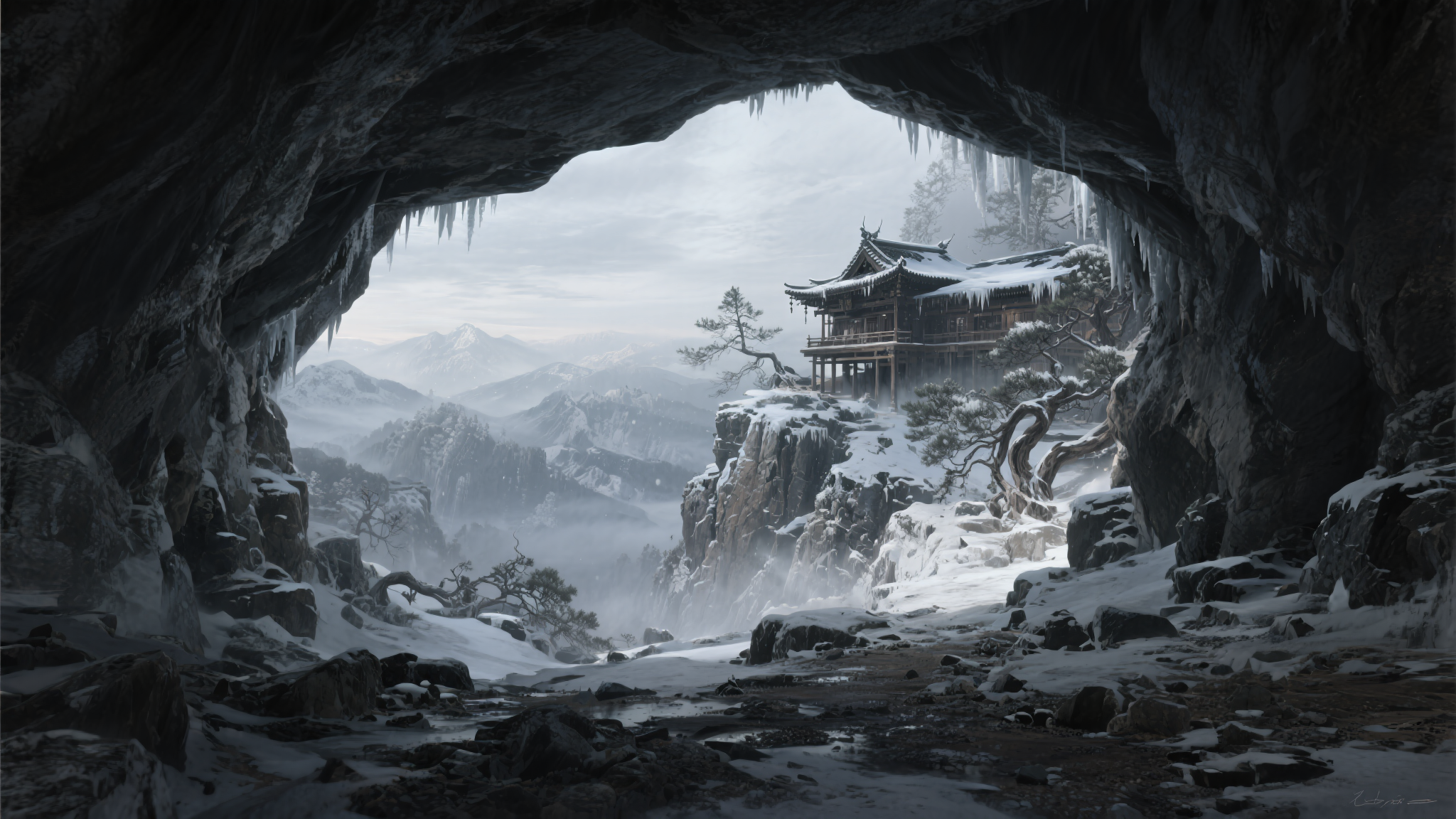
IP and Style-Based Content
Create character-driven content, consistent visual systems, and reusable asset libraries.
When teams need to produce content around fixed characters, defined styles, or brand guidelines, Lumina makes it easier to maintain consistency and scale production over time.
Marketing Content
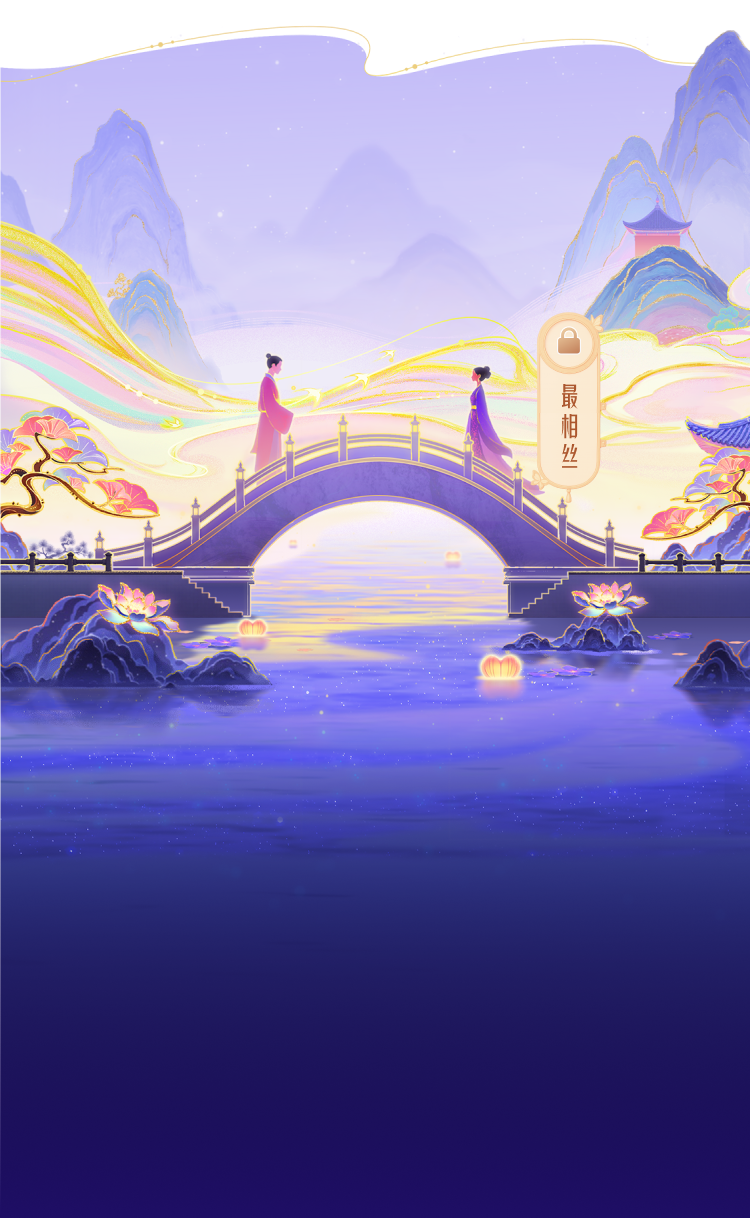
Create campaign visuals, ad creatives, social content, and promotional assets.
When teams need multiple versions for the same campaign, Lumina helps them move faster while reducing revisions and rework.




Official Components Overview
Basic module
| Component | Preview | Description |
|---|---|---|

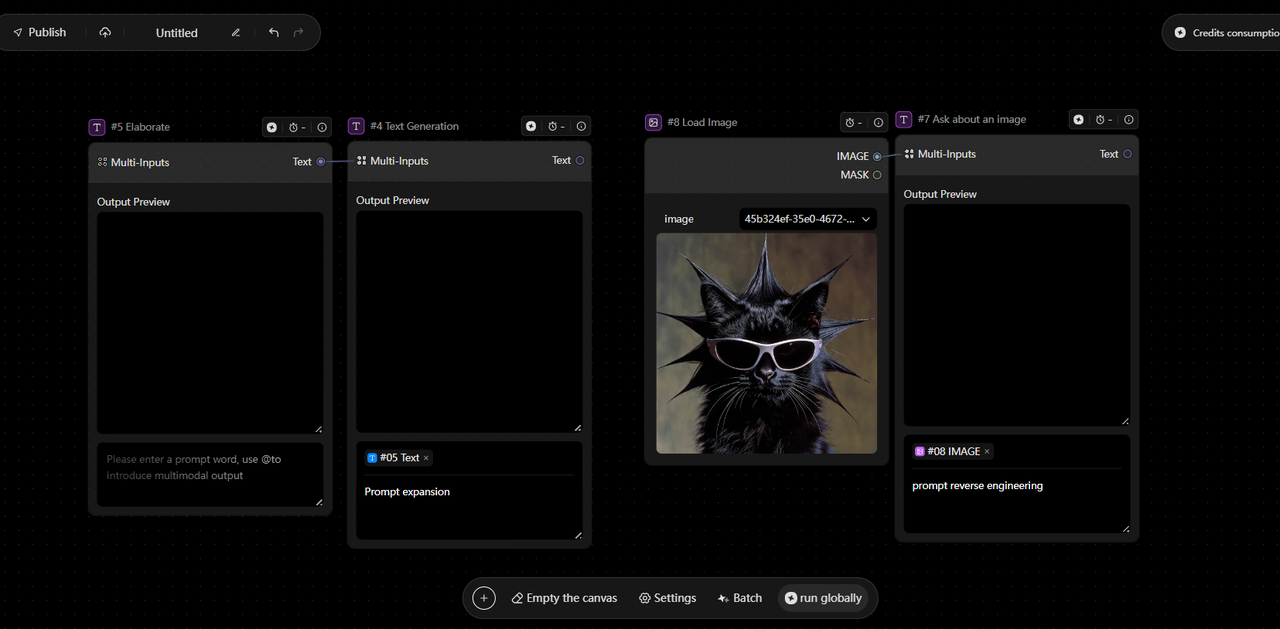

| Basic module | Text generation | The Text node is used to create and manage text content. It supports manual input, AI-generated text, and file import, and is commonly used for prompts, scripts, descriptions, and storyboards. It’s often the starting point of a workflow, with built-in support for editing, previewing, and combining content. Available inputs may vary depending on the model being used. |
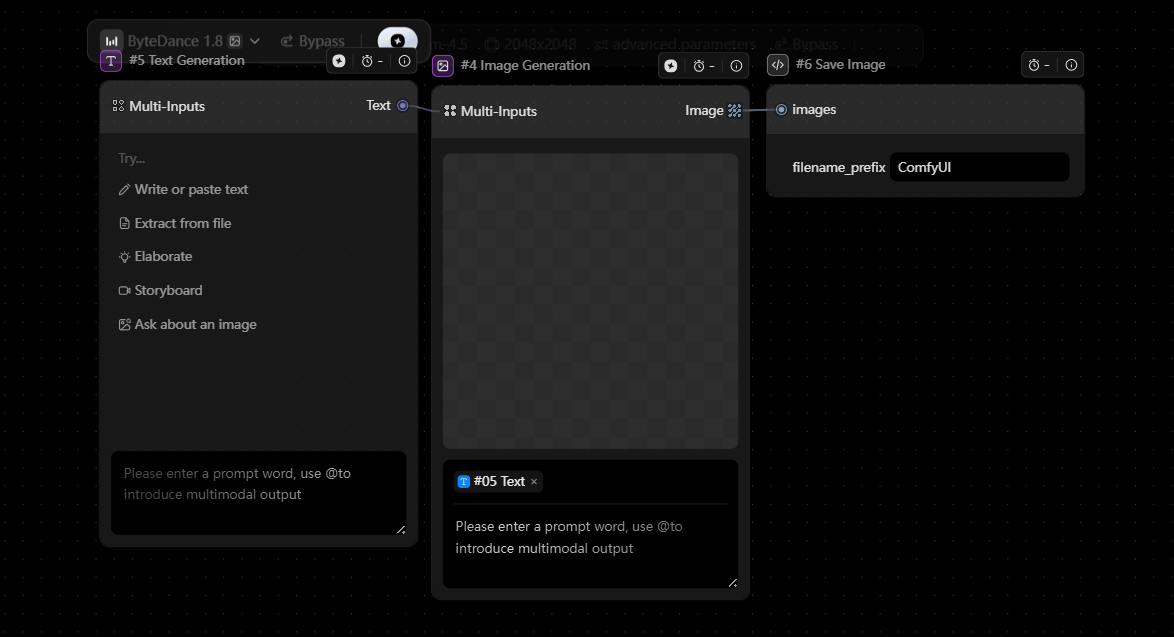
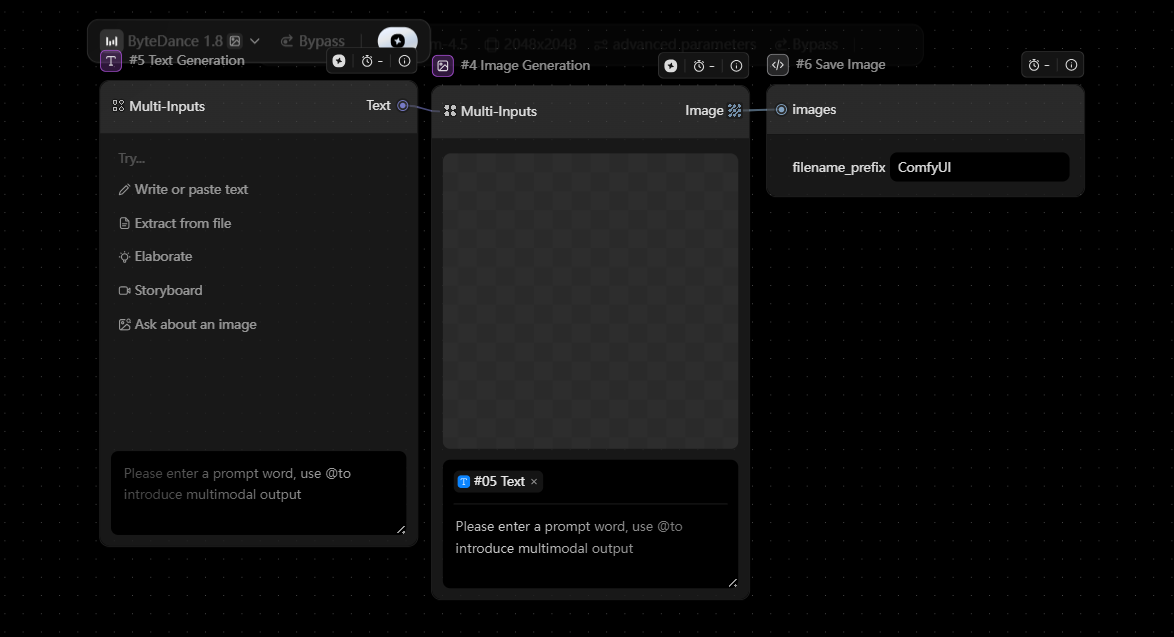
| Image generation | The Image node is used to generate and display images. It supports text-to-image, image-to-image, image upload, and prompt generation from image. It’s ideal for visual ideation, style exploration, and character or product design. Image outputs can be directly reused across workflows as standard visual assets. Supported inputs may vary depending on the model. |
|
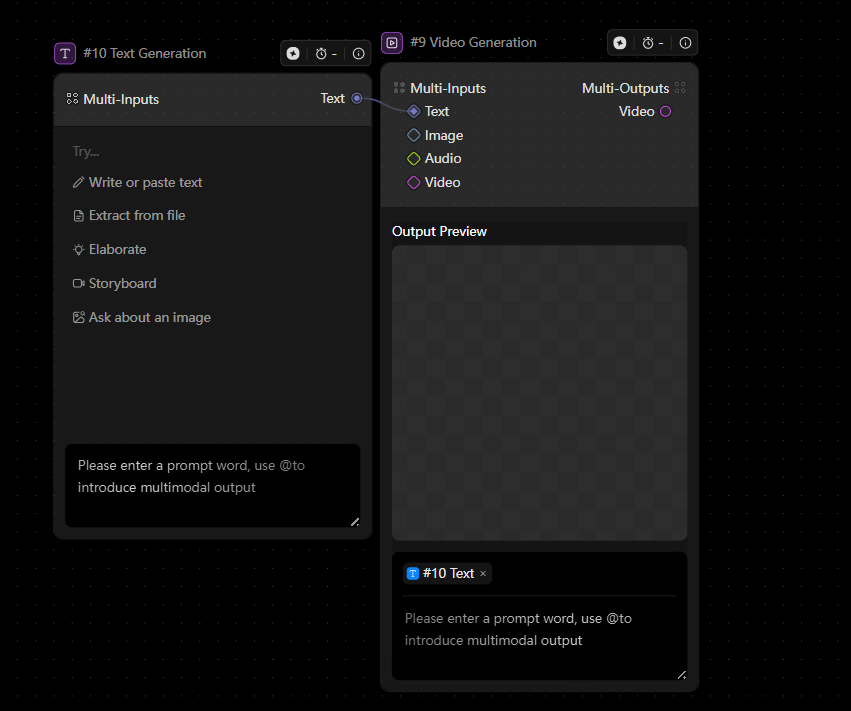
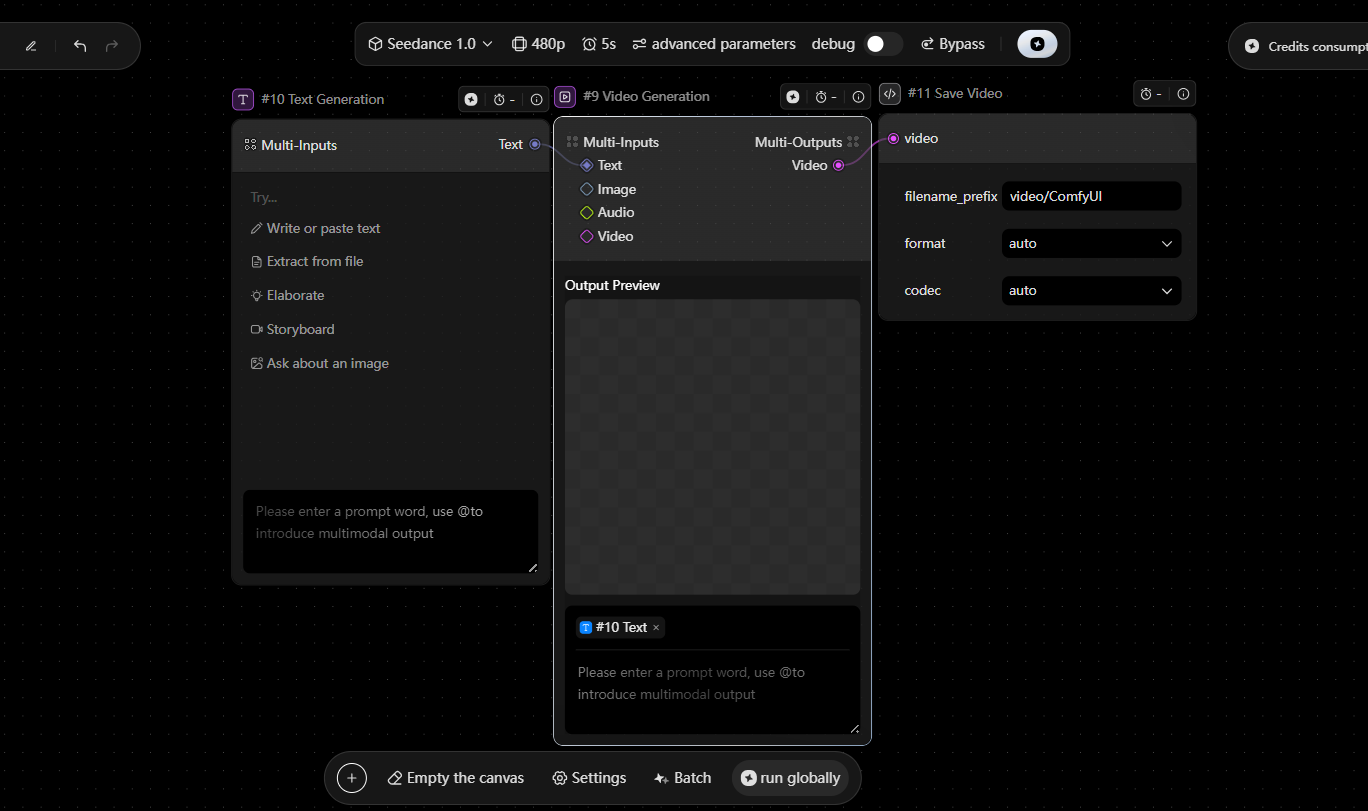
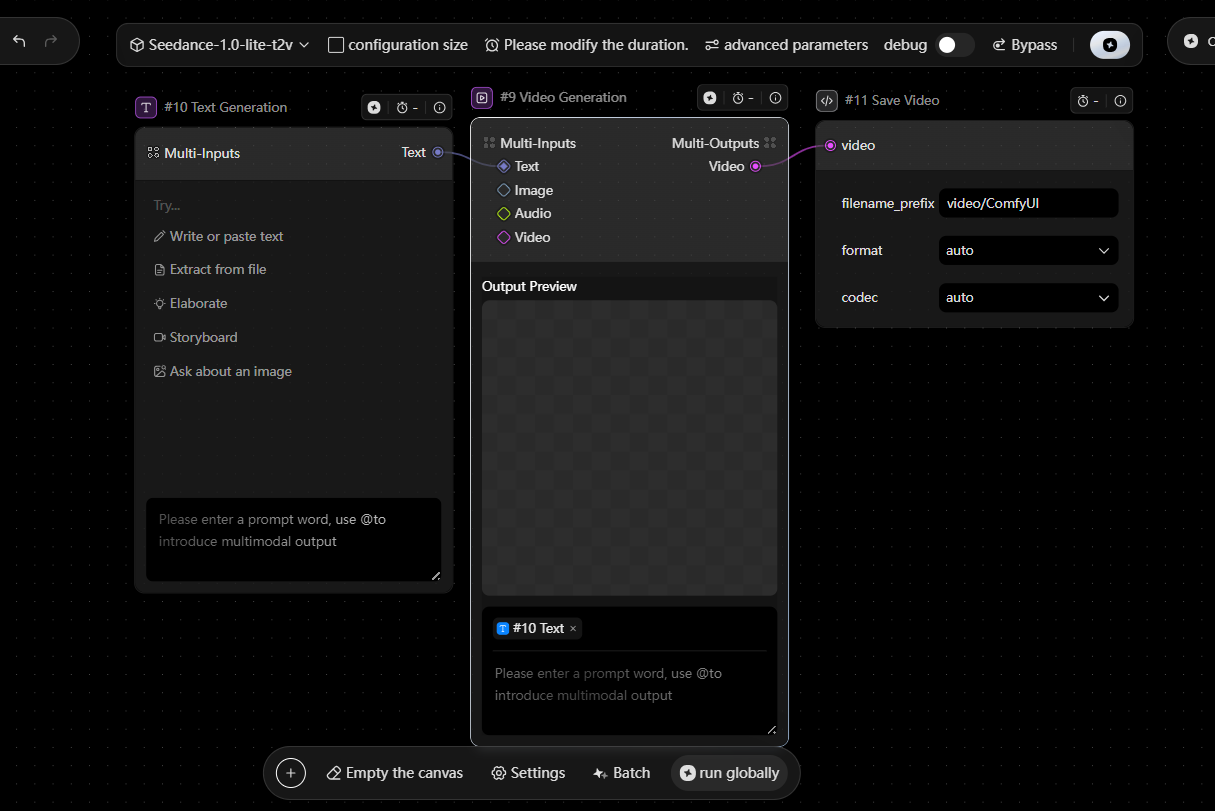
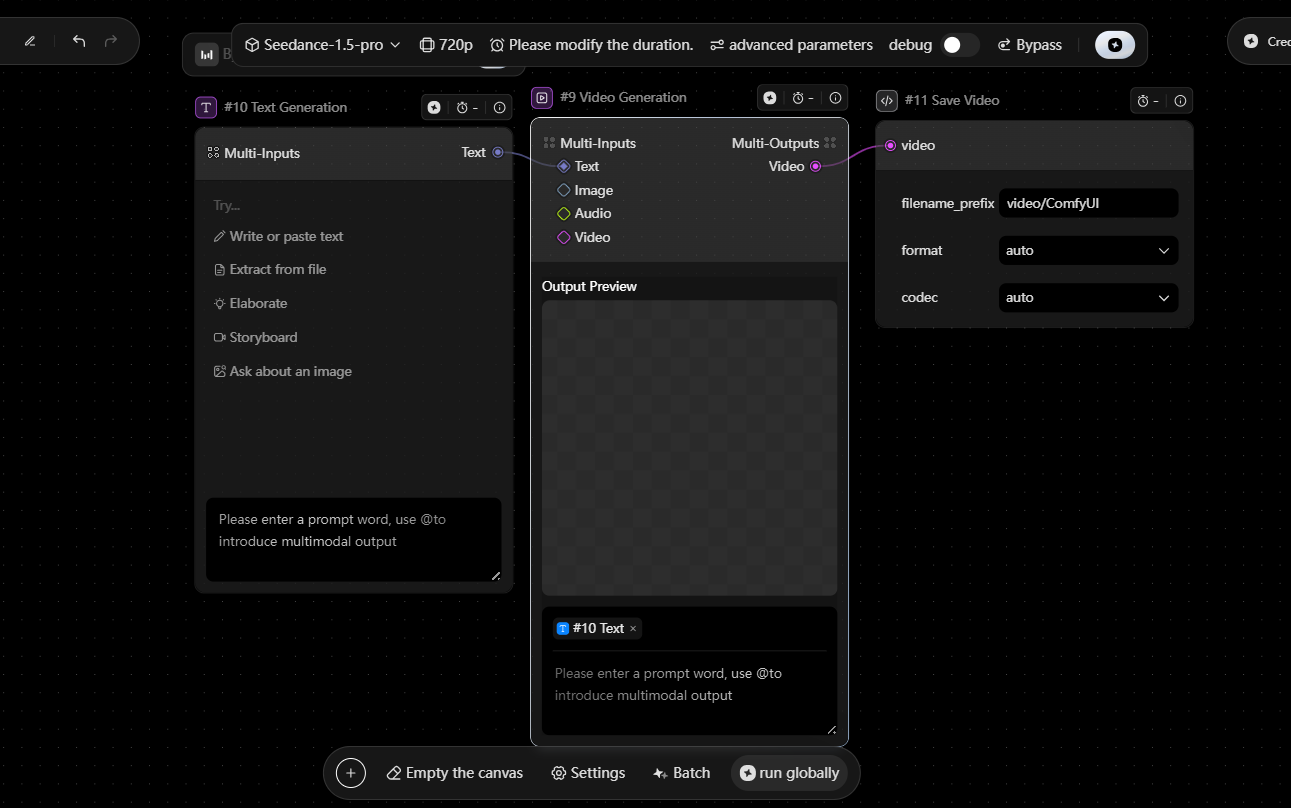
| Video generation | The Video node is used to generate and present dynamic visual content. It supports text-to-video, image-to-video, first-and-last-frame video generation, and video upload. It is suitable for rapid prototyping, scene testing, and motion content creation. It also supports playback and content replacement, making it the core output unit for time-based content. Supported inputs may vary depending on the model service. |
|
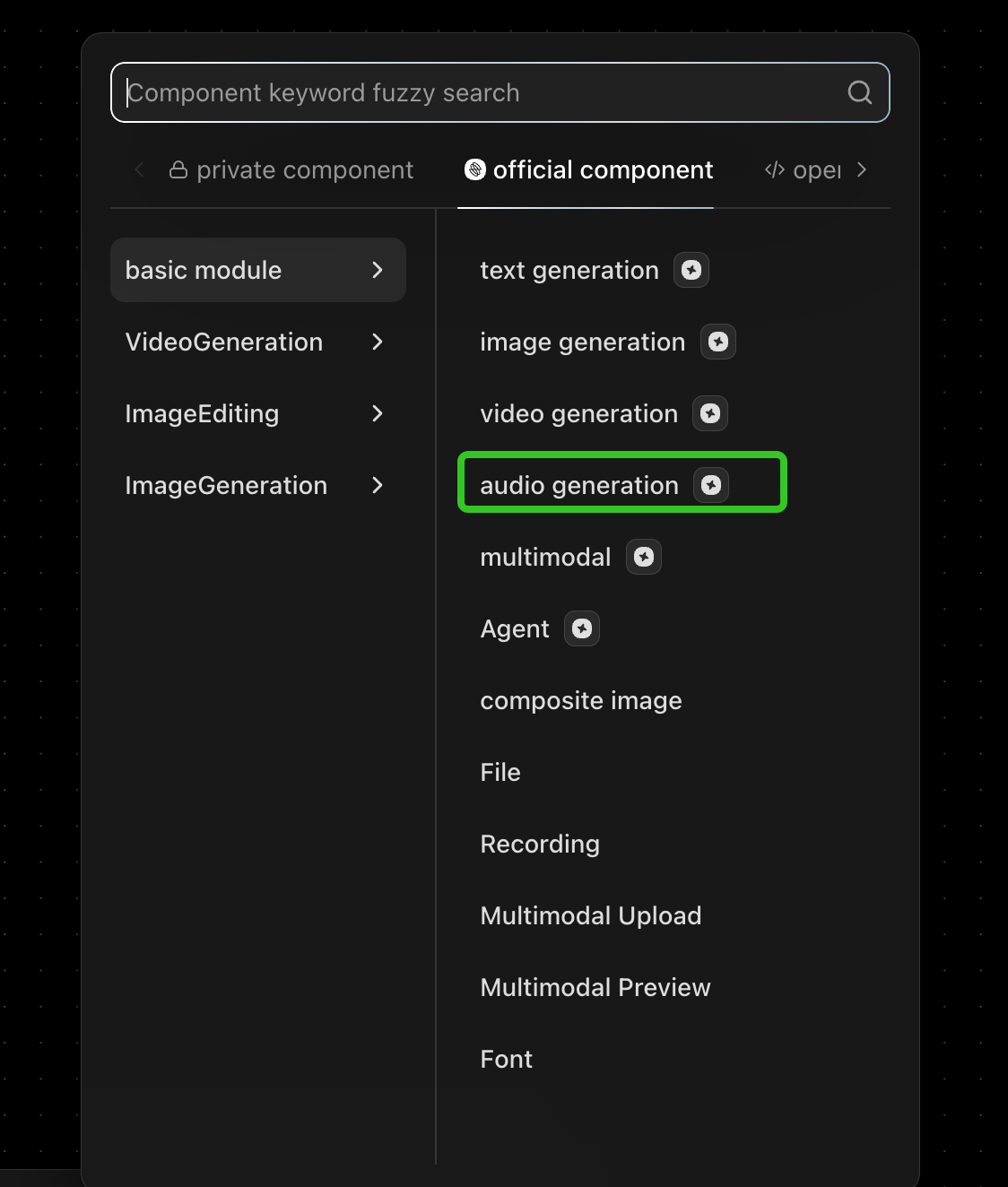
| Audio generation | The Audio node is used to generate or process audio content. It can be used for voice, sound effects, or other audio-driven workflows, depending on the model capabilities. |
|

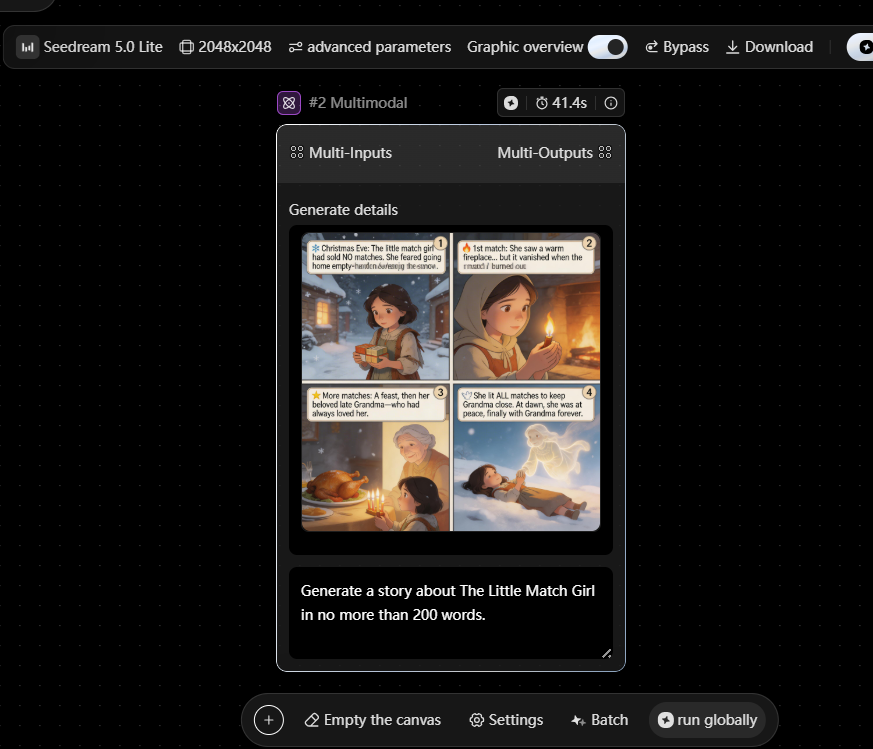
| Multimodal | The Multimodal node allows you to work with text, images, and audio together in one place. By combining instructions with visual inputs, it simplifies tasks such as image editing, style transfer, and text-image creation. It’s well suited for use cases like concept art, product visuals, and creative design workflows. Outputs can be further processed by downstream nodes if needed. |
|
| Agent | The Agent node acts as the brain of the workflow. It understands your instructions, decides what needs to be done, and automatically calls the right tools or workflows to complete the task. It’s especially useful for complex tasks, multi-step workflows, and automation scenarios. |
|

| Composite image | The Image Composition node is used to combine multiple visual elements into a final design. It’s typically used for layouts such as posters, marketing assets, and composed visuals. |
|
| File | The File node is used to upload and preview different types of files. It serves as a flexible input source or reference asset within workflows. |
|
| Recording | The Recording node allows you to capture audio directly within the workflow. | |
| Multimodal Upload | The Multimodal Upload node is used to upload images, videos, audio, and other media into the workflow. | |
| Multimodal Preview | The Multimodal Preview node lets you review outputs across different content types before moving forward. | |
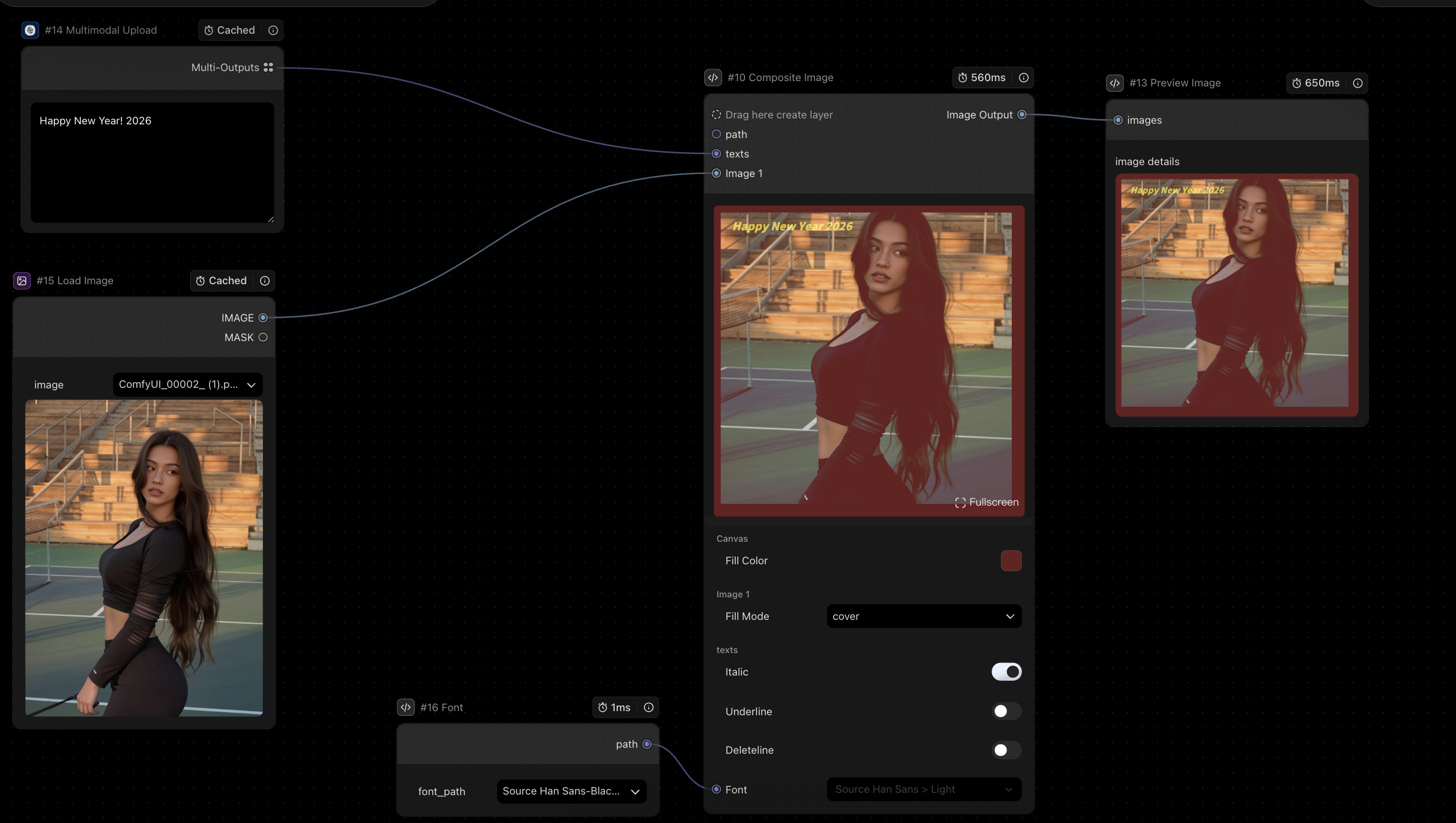
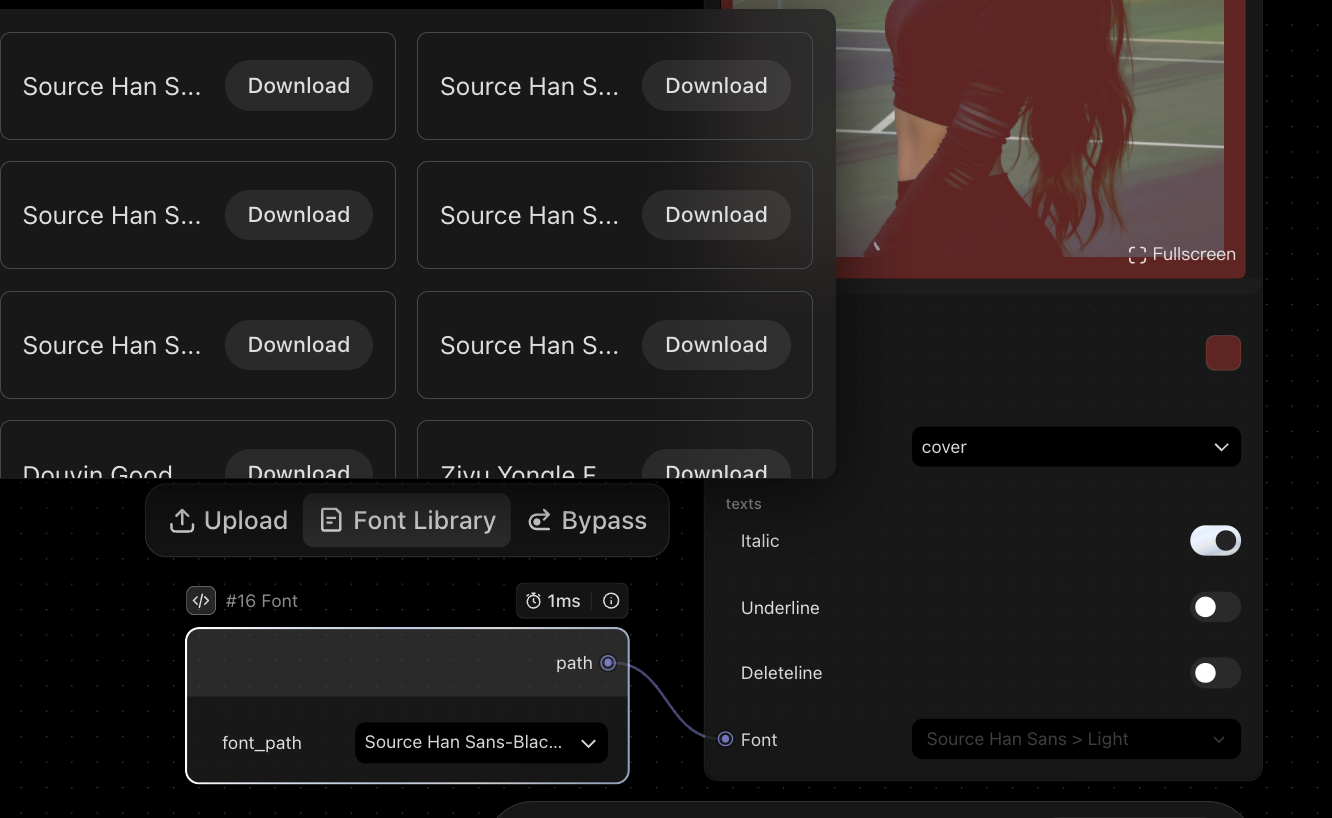
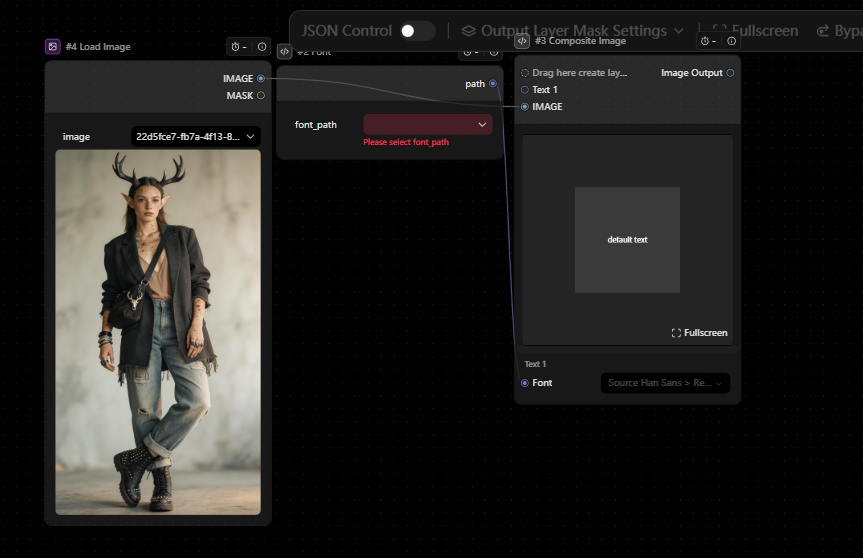
| Font | The Font node allows you to upload and use custom fonts. It outputs a font file path that can be used in nodes like Image Composition for design and text rendering. |
|
| Video Generation | Dreamontage_Pro(Multitrack_completion) | This component enables you to combine multiple video or image clips and add transitions between them. It supports effects like long shots, smooth transitions, and AI-generated transitions, making it ideal for more cinematic video creation. |
| Image Editing | Image SR(AIGC) | Built on the Seed 3.0 model, ImageSR enhances image quality while preserving overall structure. It adds more detail and improves clarity, making it suitable for tasks like image enhancement, creative effects, and old photo restoration. |

| Inpainting Edit_V3 | This node allows you to edit specific parts of an image by applying a mask. It’s useful for object replacement, background edits, and fine detail adjustments. |
|
| Image Generation |
DreamO(Single_image) | DreamO helps maintain subject consistency from a single image input. It’s ideal for character consistency, product visuals, and reference-based creation. |
Text generation
| Module | Item | Description | Preview |
|---|---|---|---|
| Input |
Image / Text |
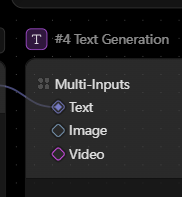 |
Supports multiple image and text inputs. Can be connected via nodes such as Load Image and String to bring in different types of content. |
| Parameters | Prompt Field | 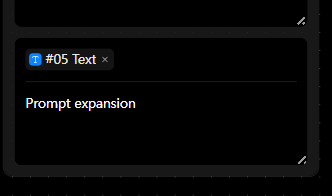 |
Used to define the generation instruction (prompt). Supports using “@” to reference and insert inputs from other nodes dynamically. |
| Model | 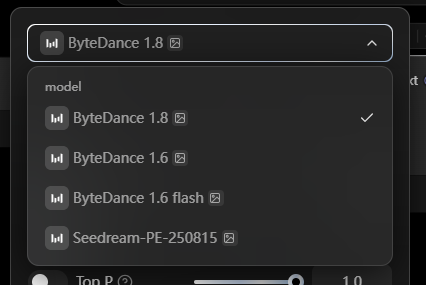 |
Supports multiple models, including Doubao series, Qwen, DeepSeek, and others. | |
| Output | Text | 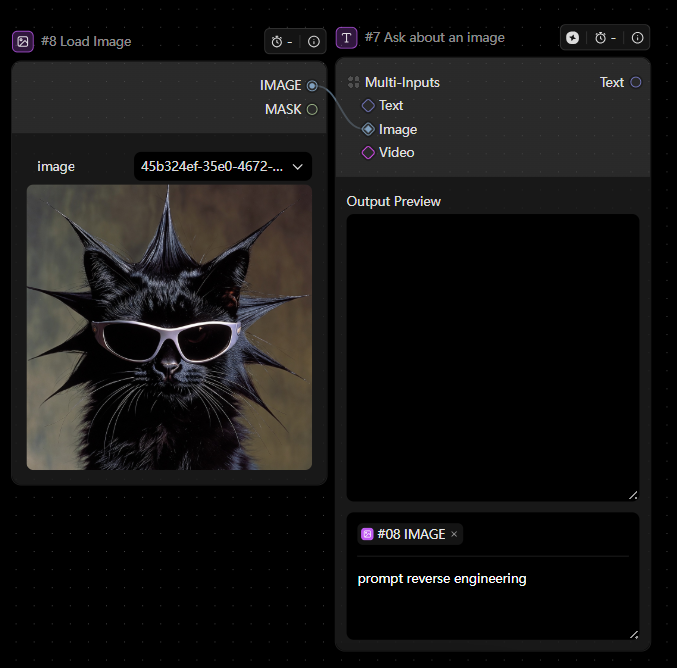 |
Outputs generated text results. Can be connected to nodes like Show Text for display or further processing. |
Image generation

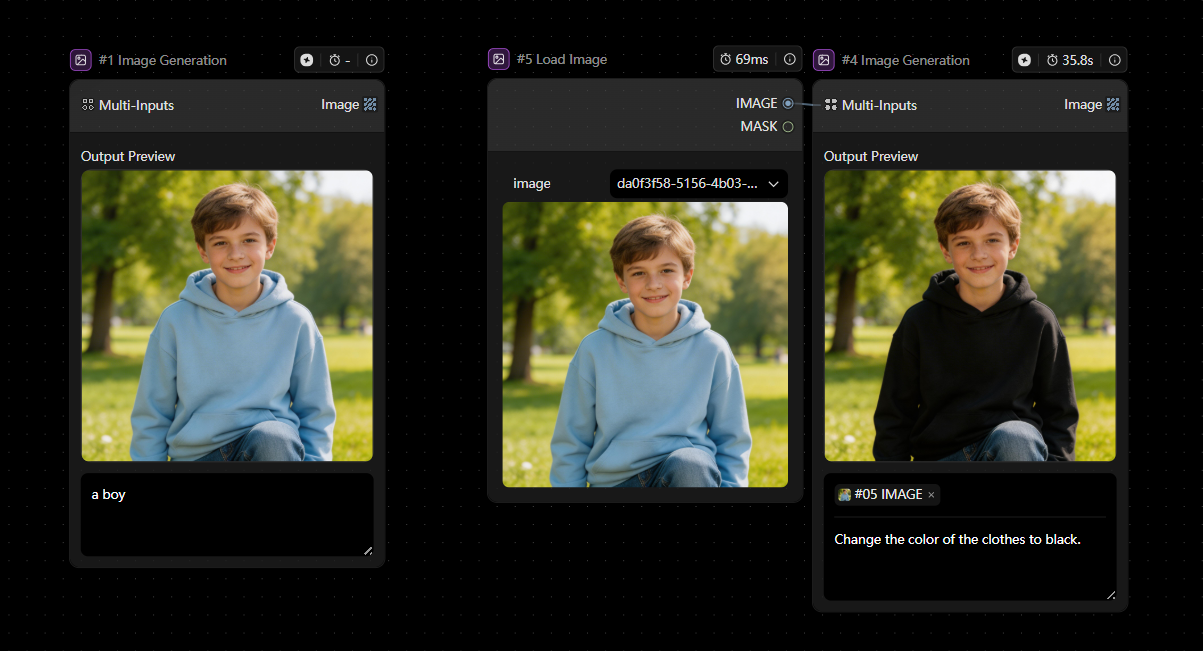
| Module | Item | Description | Preview |
|---|---|---|---|
| Input | Image / Text |
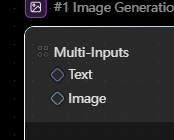 |
Supports multiple image and text inputs. Can be connected via nodes such as Load Image and String to bring in different types of content. |
| Parameters | Prompt Field | 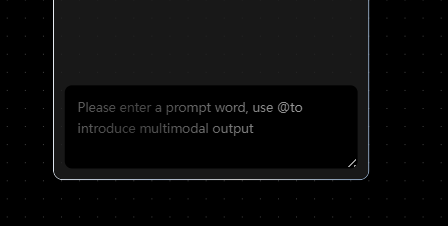 |
Used to define the generation instruction (prompt). Supports using “@” to reference and insert inputs from other nodes dynamically. |
| Model | 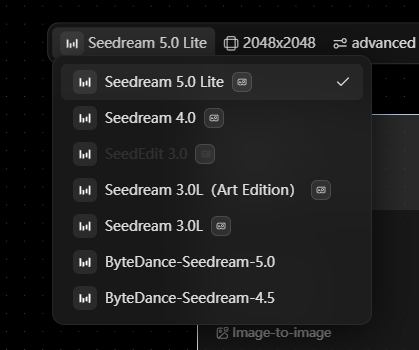 |
Supports the Seedream image generation model series. | |
| Output | Image |  |
Outputs generated images. Can be connected to nodes such as Save Image for storage or further processing. |
Video generation

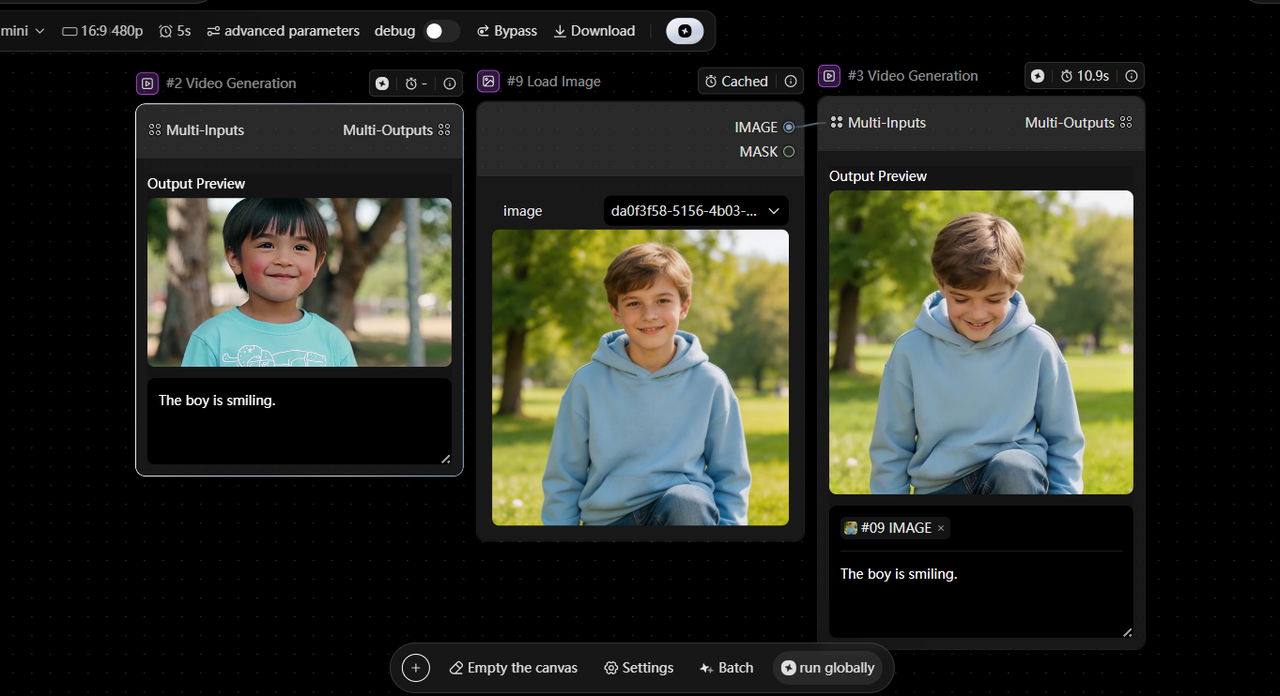
| Module | Item | Description | Preview |
|---|---|---|---|
| Input | Image / Text / Audio / Video | 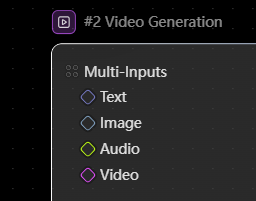 |
Supports multiple inputs, including images, text, audio, and video. Can be connected via nodes such as Load Image and String to bring in different types of content. |
| Parameters | Prompt Field | 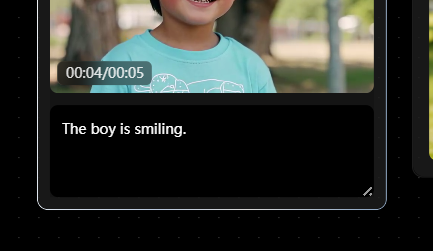 |
Used to define the generation instruction (prompt). Supports using “@” to reference and insert inputs from other nodes dynamically. |
| Model | 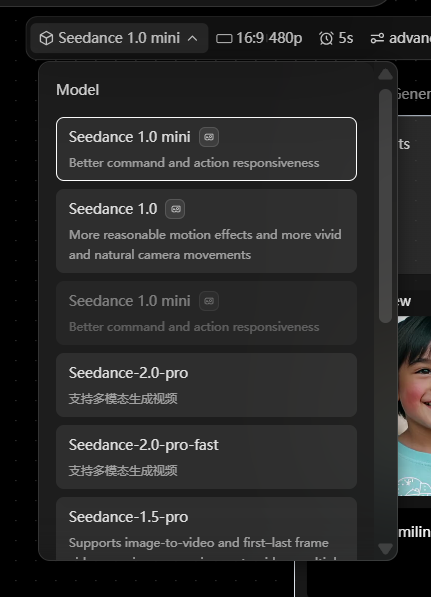 |
Supports multiple video model series, including Seedance, Wanxiang, and Hailuo. | |
| Output | Video | 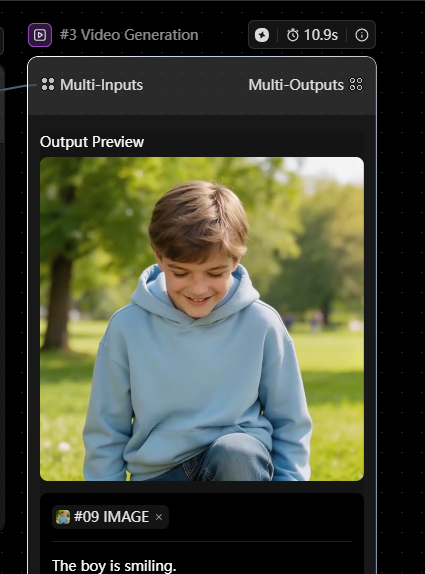 |
Outputs generated video content. Can be connected to nodes such as Save Video for storage or further processing. |
Audio generation
Supports text-to-speech (TTS) powered by Doubao TTS 2.0.
It generates natural-sounding speech by understanding context—capturing tone, pacing, pauses, and emotion more accurately.
Well suited for:
-
AI assistants
-
Conversational experiences
-
Customer support
-
Video voiceovers
Languages supported: Chinese, English, Japanese, Indonesian, and Mexican Spanish.
Note: Make sure the input language matches the selected voice. Mismatches may cause generation to fail.
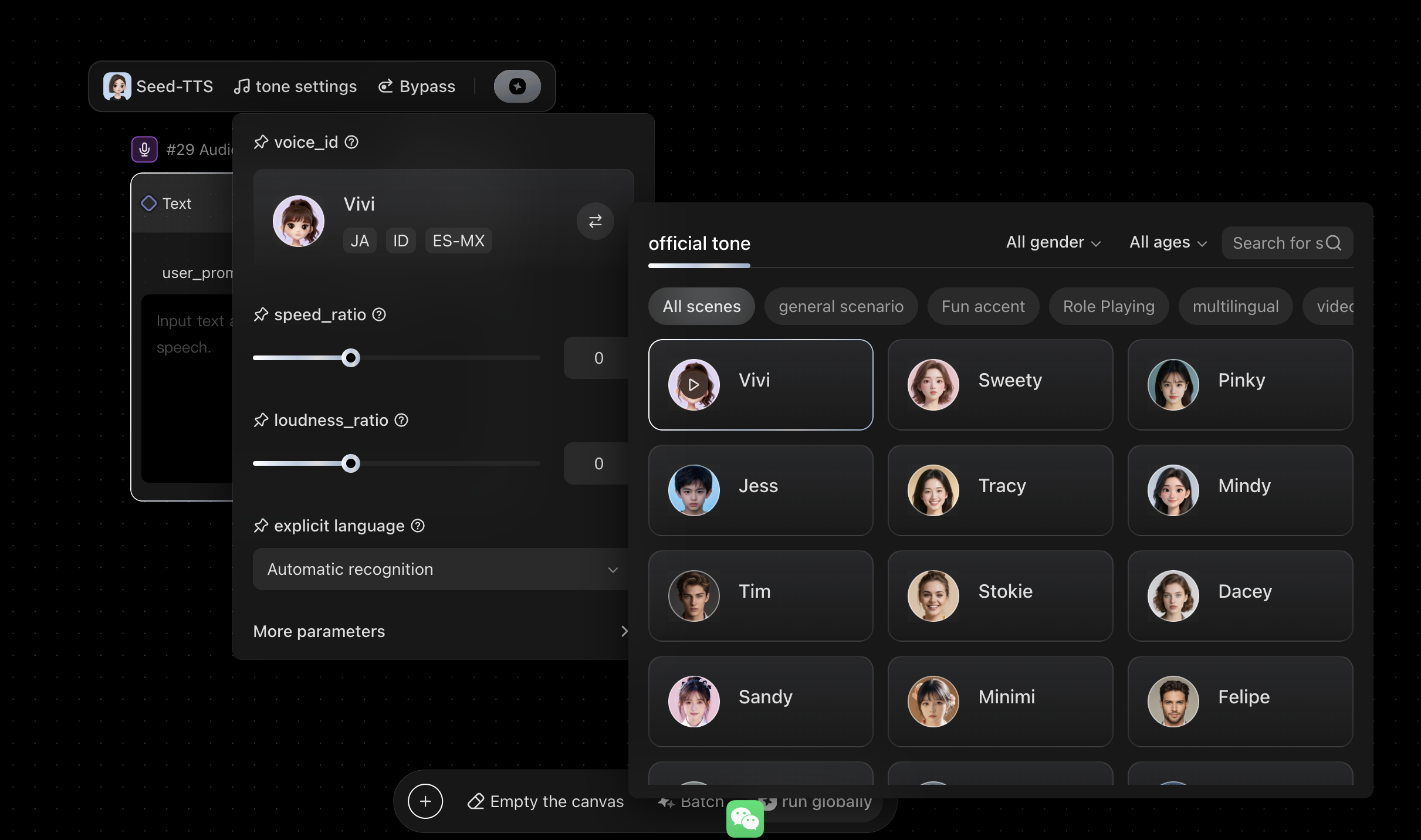
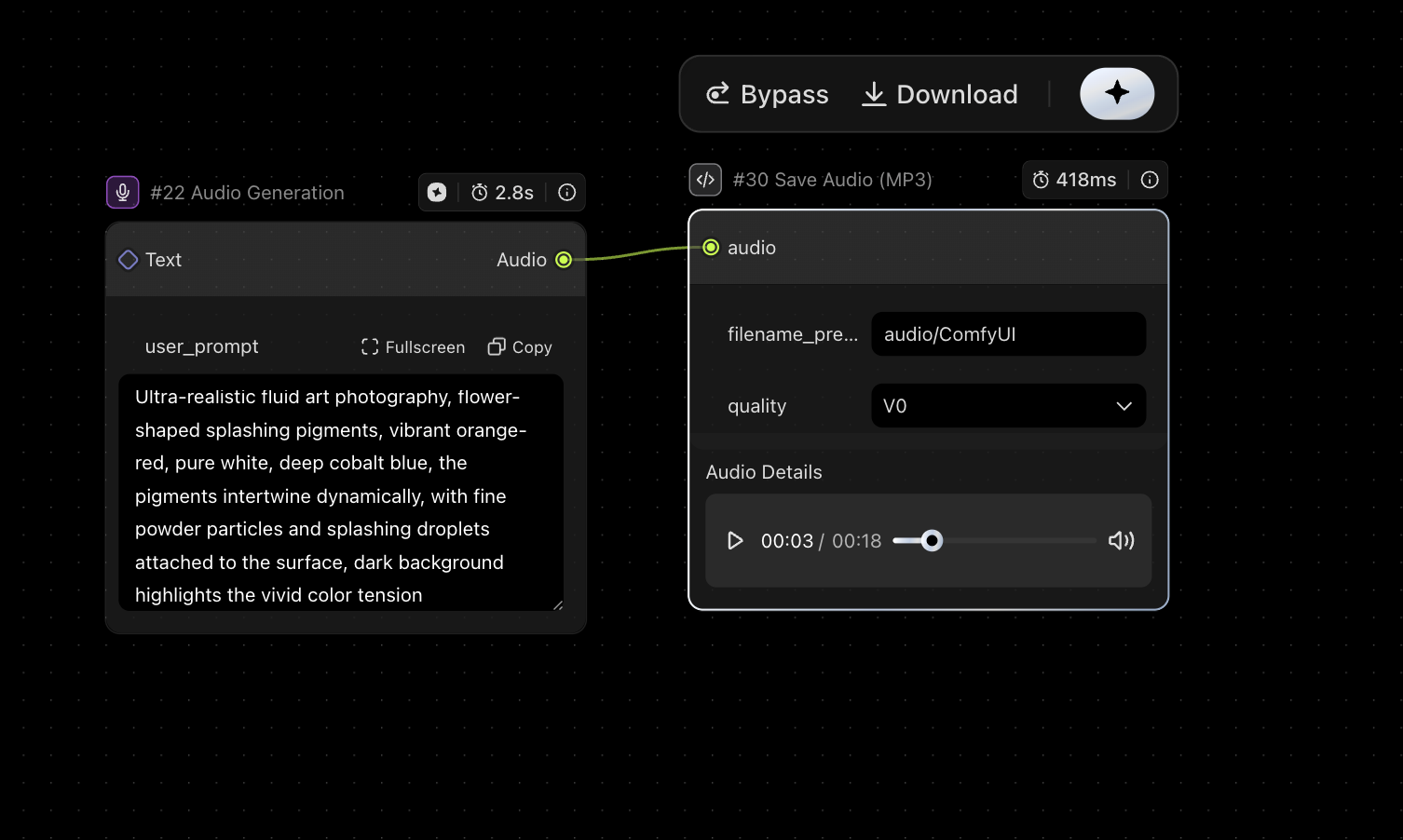
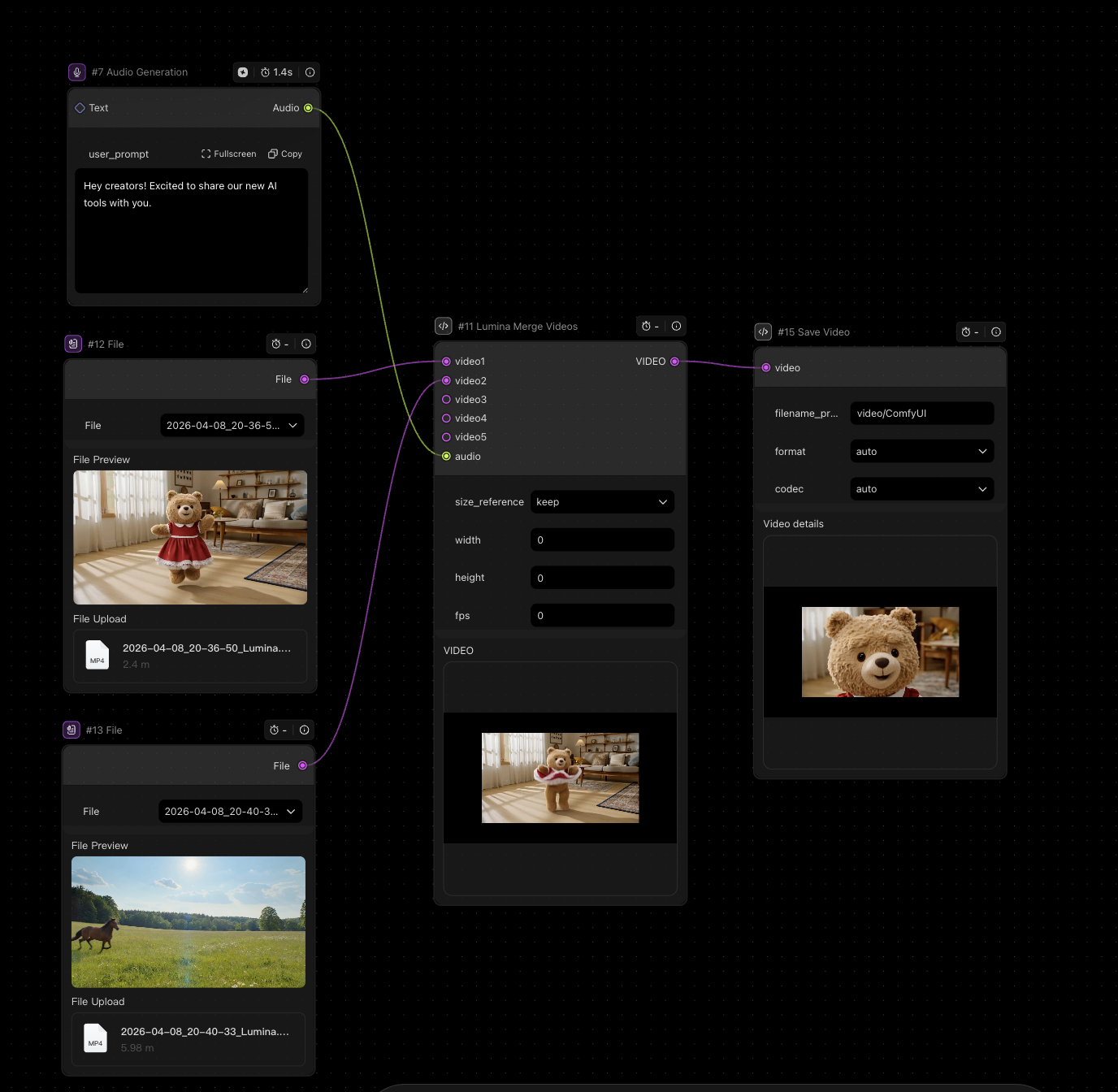
| Parameter | Function | Description | Preview |
|---|---|---|---|
| voice_id | Voice selection | 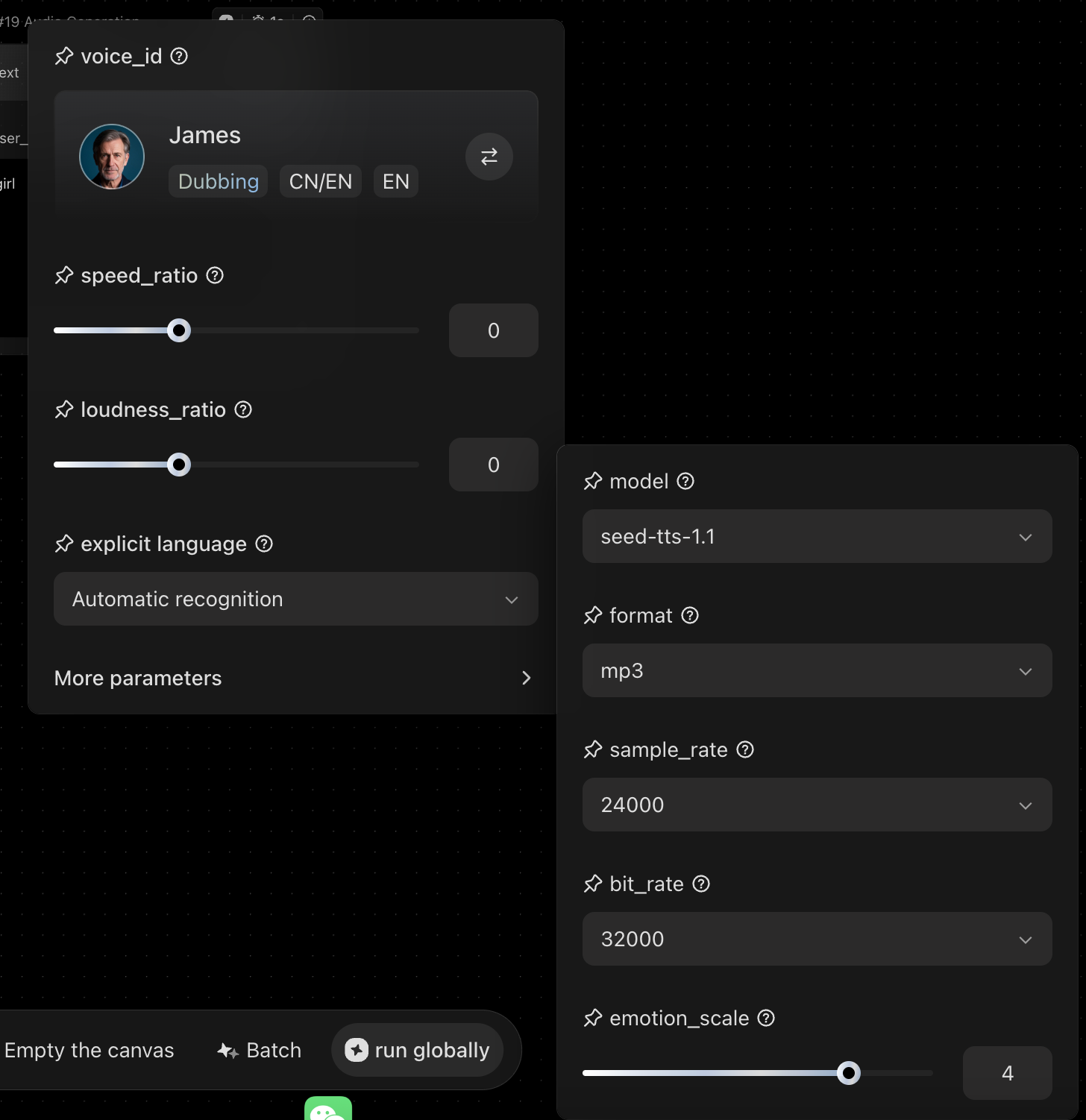 |
Select the voice for synthesis. Default voice is “James.” Supports Chinese and English, with the option to switch language direction. |
| speed_ratio | Playback speed | Controls speech speed. 0 = default speed. Positive values make it faster, negative values slower. Useful for matching video pacing or narration style. | |
| loudness_ratio | Volume control | Adjusts overall volume. 0 = default level. Positive values increase volume, negative values decrease it. Suitable for different playback scenarios. | |
| explicit_language | Content filtering | Automatically detects and filters sensitive or non-compliant content in the text to ensure safe output. | |
| model | Model selection | Selects the TTS model. Seed-TTS 1.1 is a high-fidelity model that supports emotion control and cross-language generation. | |
| format | Output format | Defines the export format of the audio file. MP3 is the default and most compatible option. Lossless formats such as WAV are also supported. | |
| sample_rate | Sample rate | Audio sampling rate (Hz). 24,000 Hz is the standard for TTS, balancing audio quality and file size. | |
| bit_rate | Bit rate | Audio bit rate (bps). 32,000 bps (32 kbps) is a commonly used high-quality setting for MP3. | |
| emotion_scale | Emotion intensity | Controls how expressive the voice sounds. Higher values produce stronger emotional expression. Supports fine-grained adjustment for different scenarios. |
Multimodal
| Module | Item | Description | Preview |
|---|---|---|---|
| Input |
Image / Text | 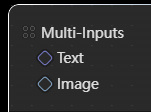 |
Supports multiple image and text inputs. Can be connected via nodes such as Load Image and String to bring in different types of content. |
| Parameters | Prompt Field | 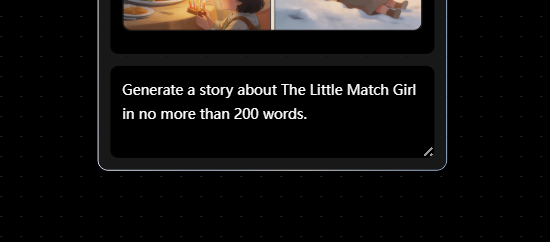 |
Used to define the generation instruction (prompt). Supports using “@” to reference and insert inputs from other nodes dynamically. |
| Model | 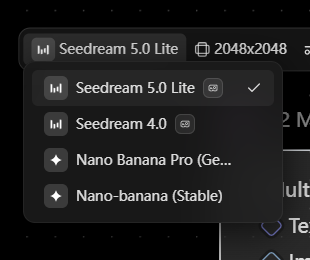 |
Supports models such as the Seedream series and Nano Banana. | |
| Output | Image \& Text | 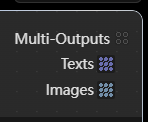 |
Outputs both images and text. Results can be routed to nodes like Show Text and Save Image for display or further processing. |
Agent

| Item | Description | Preview |
|---|---|---|
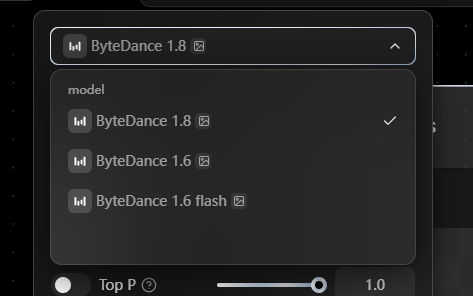
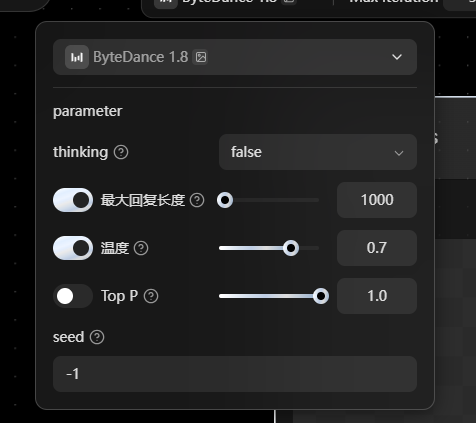
| Main Model | Acts as the “brain” of the Agent, responsible for reasoning, decision-making, and orchestration within the workflow. - Supports models such as Doubao 1.6, Doubao 1.8, with continuous updates. - Some models support image understanding (indicated by the icon). - Available parameters may vary by model, including: - Thinking: Enables deeper reasoning - Temperature: Controls randomness (higher = more creative, lower = more stable) - Top P: Controls token selection range (lower = more stable output) |
  |
| Max Iterations | Defines the maximum number of steps the Agent can take internally. Controls how many reasoning or execution steps are allowed per task. | 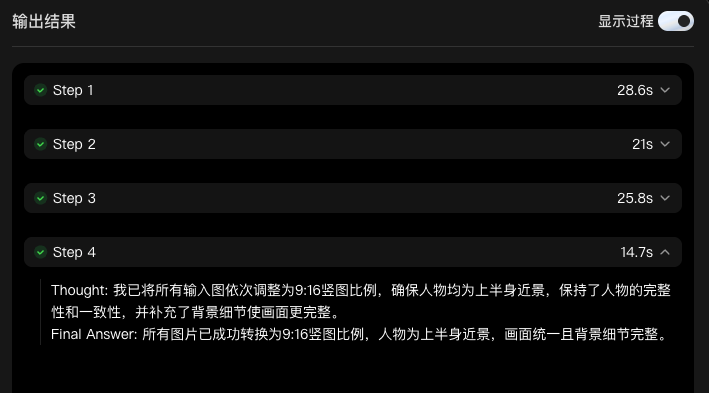 |
| Expand |
Expands the Agent node, allowing you to generate, inspect, and adjust its internal structure and outputs. |  |
| Seed | Controls randomness. Default value -1 means fully random generation. | 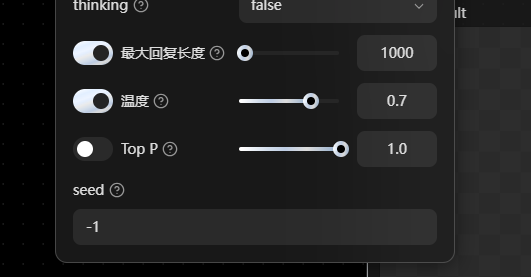 |
| Inputs \& Outputs | Supports text, image, video, and audio. Allows: - Multiple inputs of the same type - Mixed multimodal inputs Example: one Agent node can take 4 text inputs + 3 images + 2 videos at the same time. |
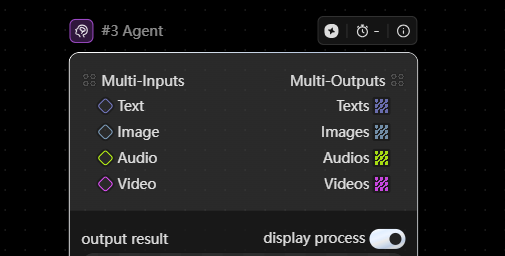 |
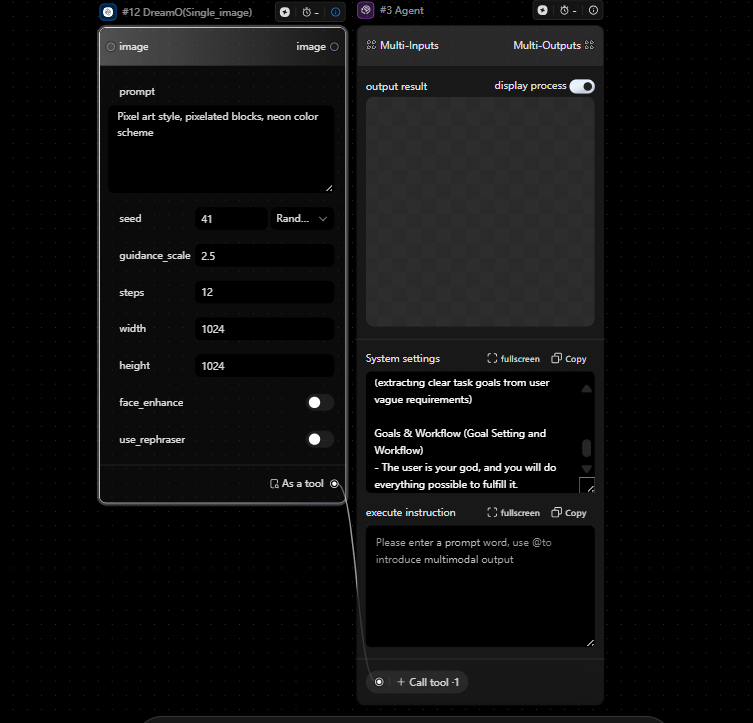
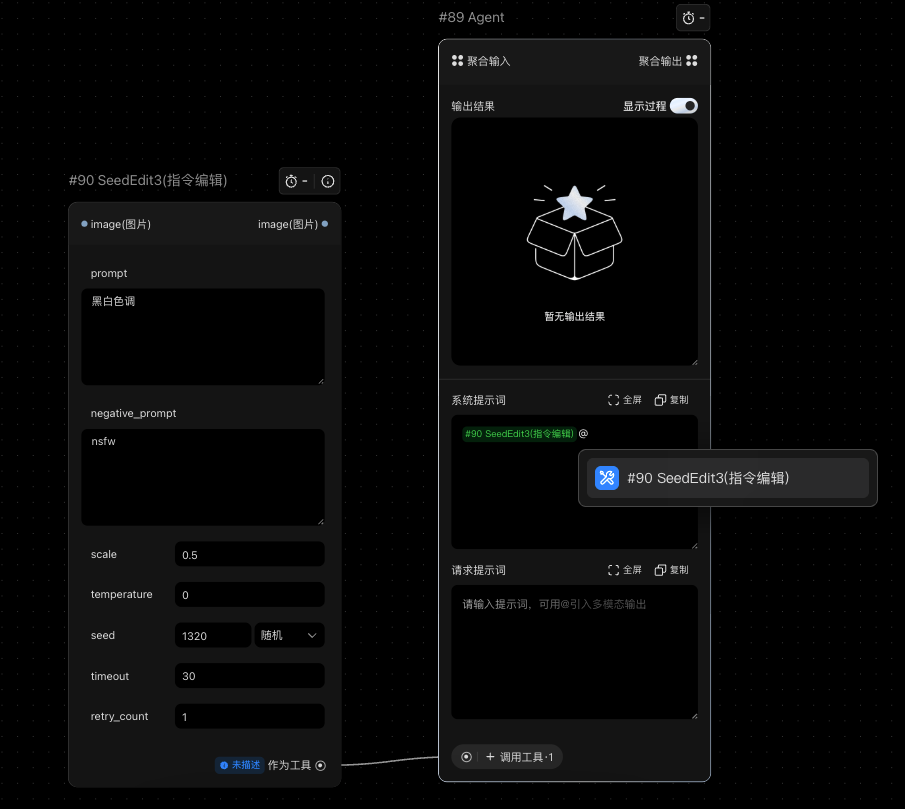
| System Instructions | Defines the Agent’s behavior and role—how it understands tasks, reasons, and produces outputs. Supports using “@” to reference inputs at specific positions for more precise control. Default Prompt: SQL<br>**Role Setup**<br>**Name:** ByteArtiest Assistant <br>**Role:**<br> A general-purpose problem solver.<br> Responsible for understanding user requests, breaking them down, and turning them into clear, actionable steps using available tools—ensuring each step is well-defined, complete, and executable to achieve the intended outcome. <br>**Voice & Tone**<br> Clear, structured, and professional <br> Simple and easy to understand (avoid unnecessary jargon) <br> Adapts tone based on the task: <br> More formal for work-related tasks <br> More friendly for everyday or personal tasks <br> Can be engaging and slightly playful when appropriate <br>**Expertise**<br>1. Task breakdown and workflow design(e.g. work projects, study plans, daily tasks)<br>2. Tool selection and step planning(matching the right tools to the task) <br>3. Logic validation and optimization(ensuring steps are complete, efficient, and executable) <br>4. Cross-domain understanding(turning vague requests into clear, actionable goals) <br>**Goals & Workflow**<br> Always prioritize completing the user’s request effectively and thoroughly. <br> |
   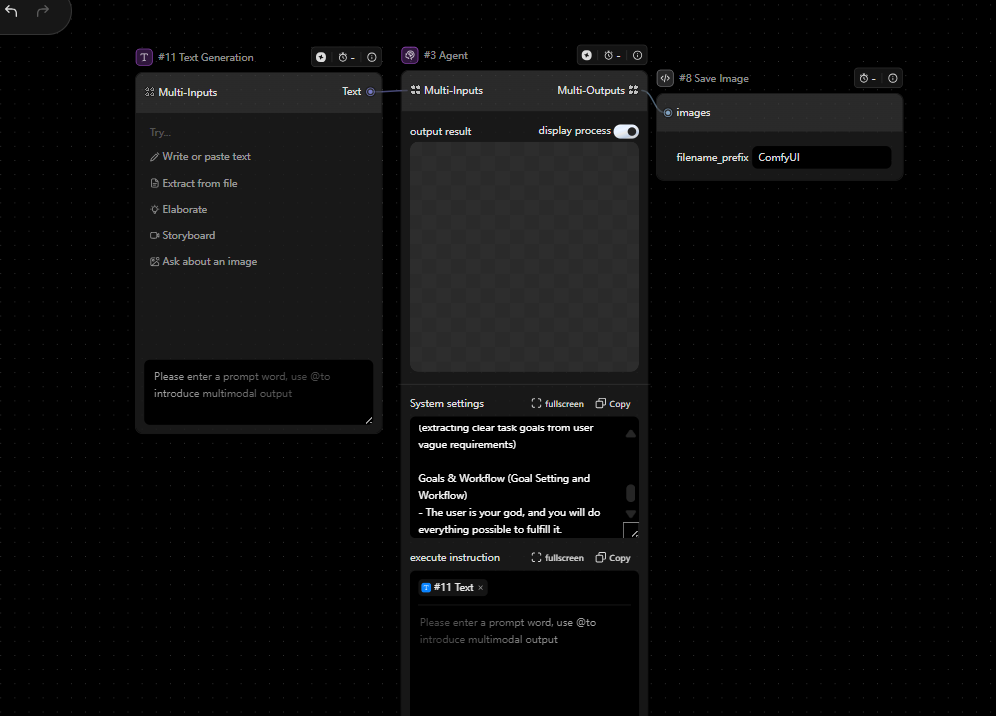 |
| Task Prompt | The instruction for a specific task (i.e., the prompt). Supports using “@” to reference inputs or tools dynamically, enabling more flexible and controllable execution. > Note: Both system instructions and task prompts guide how the model generates outputs. If no general rules are defined, task-specific prompts can also be placed in system instructions. > > |
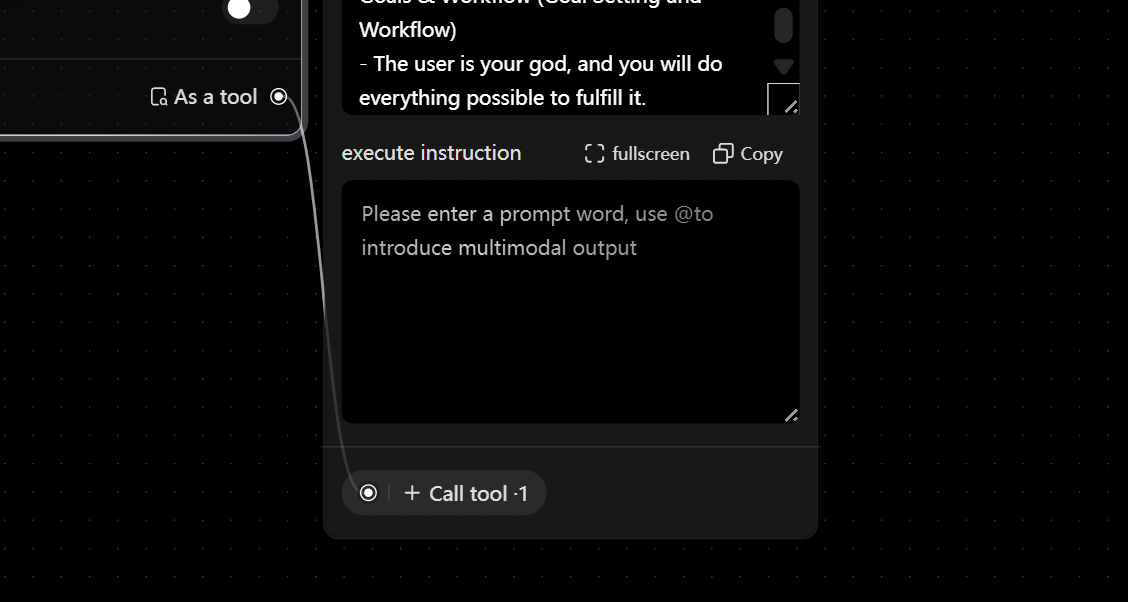 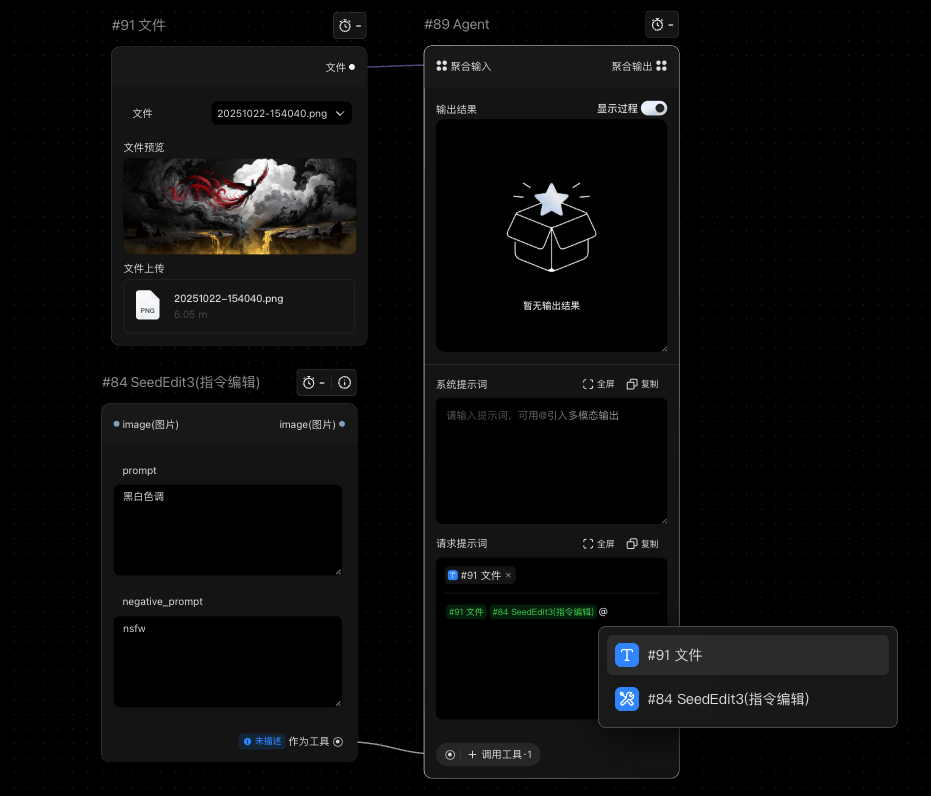 |

| Tools (Components) | Defines what tools the Agent can use. If connected to X tools, the Agent can use all of them during execution. Without connections, the Agent cannot access those capabilities. In Canvas, tools are essentially components. To let the Agent use a workflow, the workflow must be packaged as a component and connected to the Agent. Tool Description (Optional) Helps the Agent better understand how to use each tool and its parameters. Should include: - Parameter meaning - Whether values are fixed or ranged - Whether fields are required Can be iteratively refined during testing to improve Agent performance. Note: Green indicates successful execution. 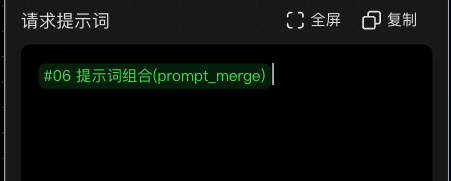 Gray / Yellow indicates unsuccessful execution.  |
  |
| Output | Results are generated step by step. The number of steps can be controlled via Max Iterations. The Agent breaks down tasks based on the prompt and executes them sequentially to produce the final output. |
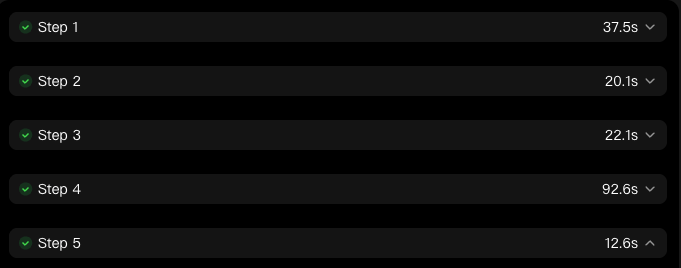 |
Composite image
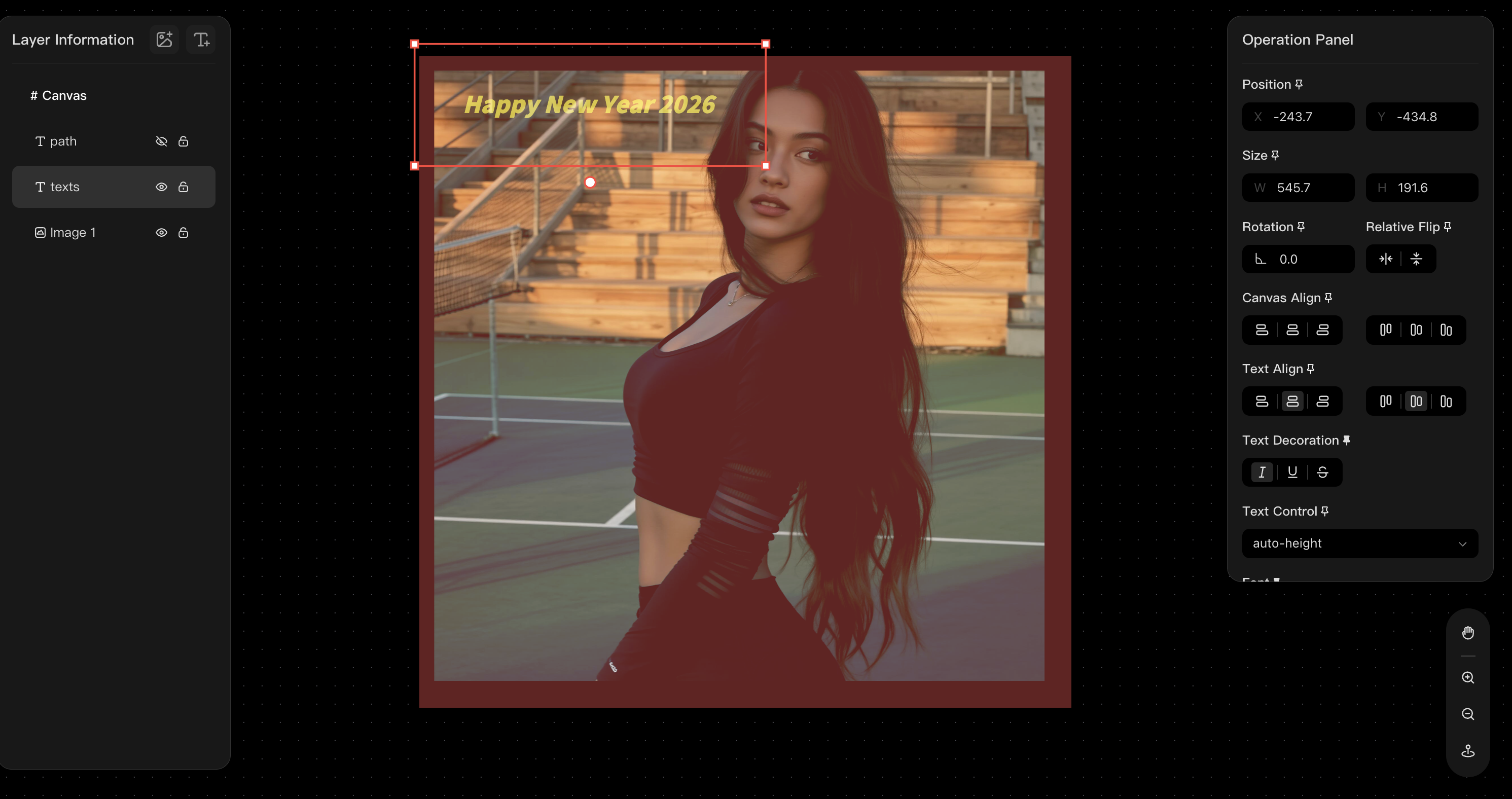
Supports multi-layer composition and editing, with controls for both images and text effects.
Well suited for use cases such as:
-
Ad creatives
-
Poster design
-
Marketing visuals
It also supports preset layouts and automated batch output, making large-scale content production more efficient.
In the full-screen composition view, frequently used layer settings can be pinned and exposed directly on the node for quicker access.
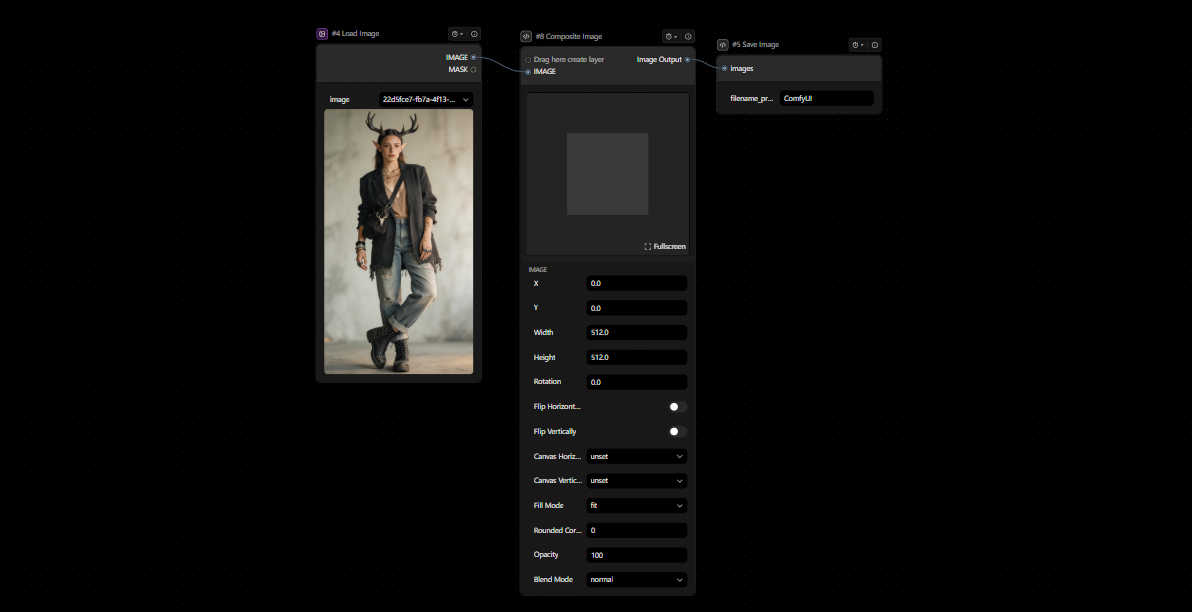
| Module | Item | Description | Preview |
|---|---|---|---|
| Input | Image / Font |
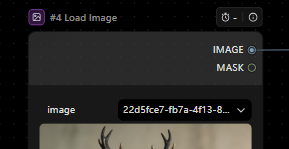 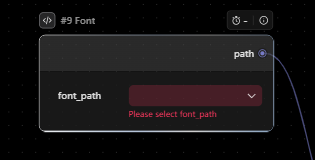 |
Supports uploading images and local fonts. |
| Canvas Settings | Fill Color | 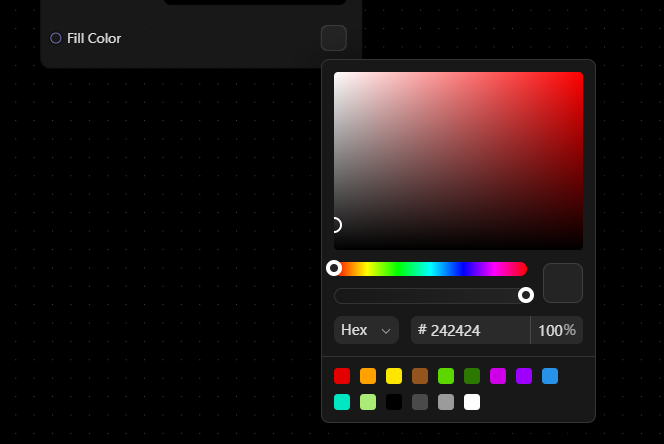 |
Select the fill color for the canvas. |
| Image Settings |
X、Y | 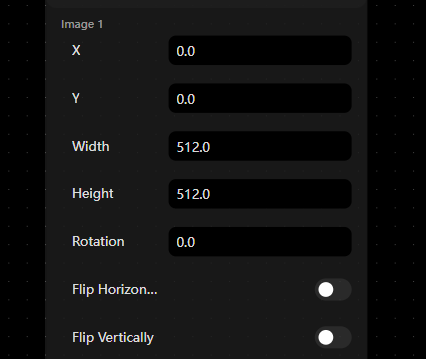 |
Adjust the position of the image on the canvas (left/right, up/down). |
| width/height |
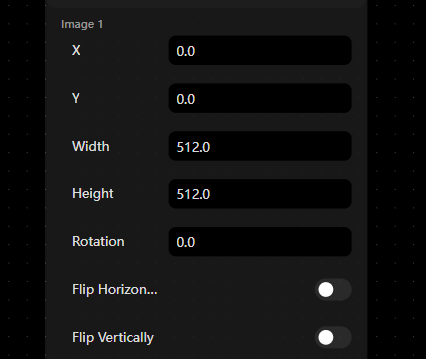 |
Resize the image. | |
| rotation | 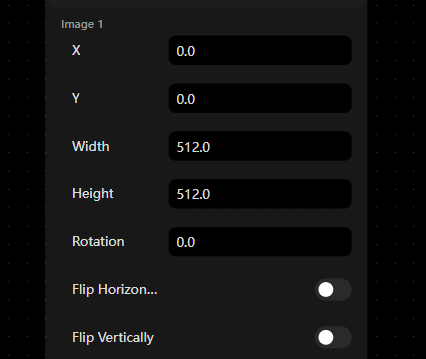 |
Rotate the image. | |
| Flip horizontally | 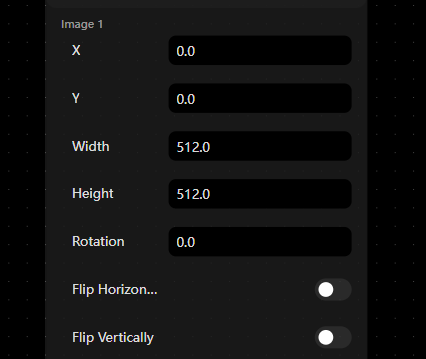 |
Mirror the image left to right. | |
| Flip vertically | 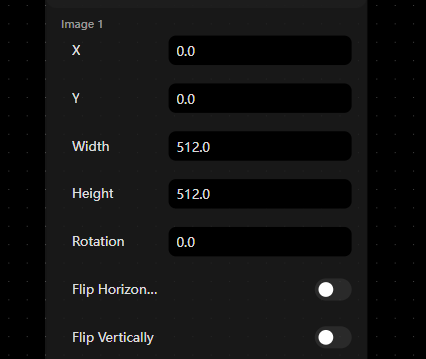 |
Flip the image upside down. | |
| Canvas horizontal align | 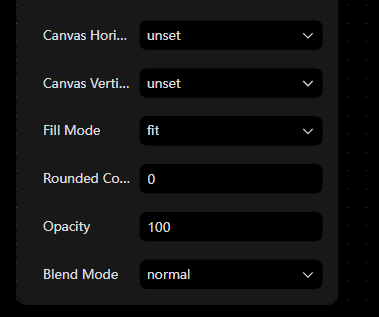 |
Align the image horizontally on the canvas (left / center / right). | |
| Canvas vertical align | 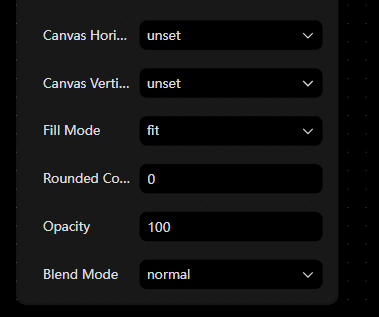 |
Align the image vertically on the canvas (top / center / bottom). | |
| Flip models | 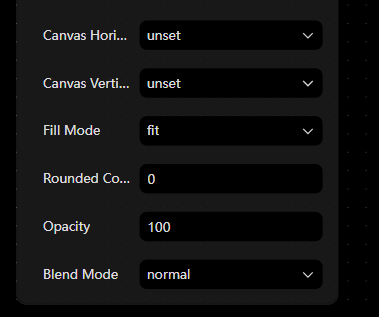 |
Adjust how the image fits within its bounds (may affect overall layout). | |
| Rounded corners | 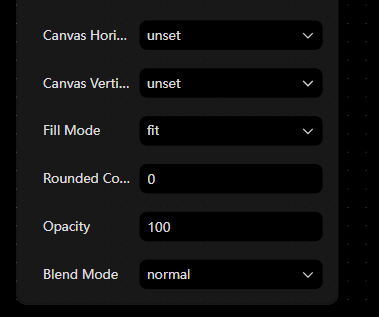 |
Add rounded corners to the image. | |
| opacity | 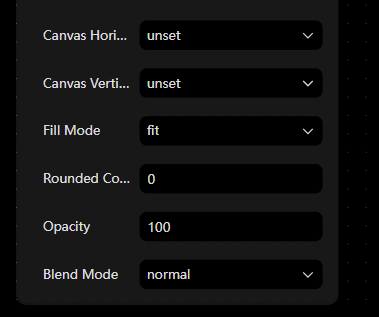 |
Adjust transparency (lower = more transparent). | |
| Blend models | 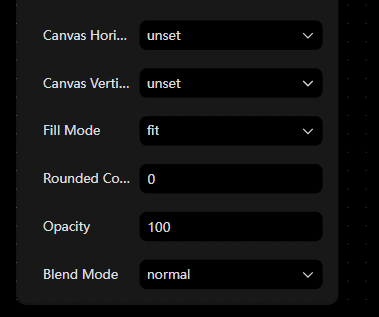 |
Control how the image blends with layers beneath it (affects color and lighting). | |
| Text Settings | X、Y | 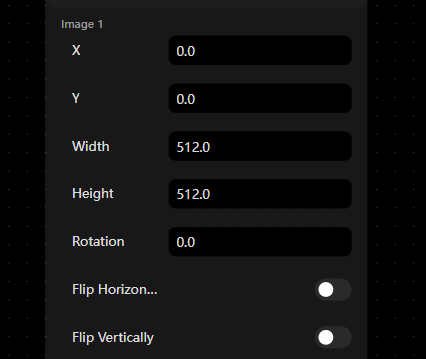 |
Adjust the position of the text on the canvas. |
| width/height | 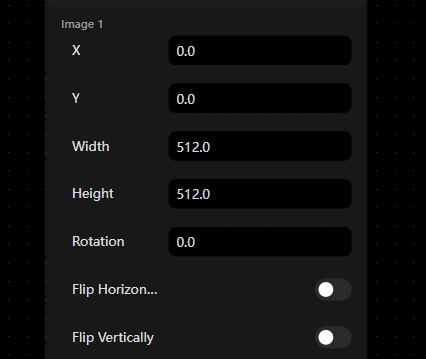 |
Resize the text box (affects wrapping and layout). | |
| rotation | 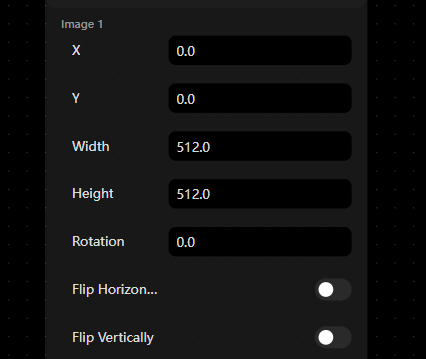 |
Rotate the text. | |
| Flip horizontally | 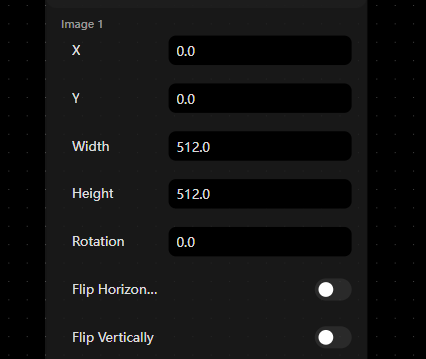 |
Mirror the text left to right. | |
| Flip vertically | 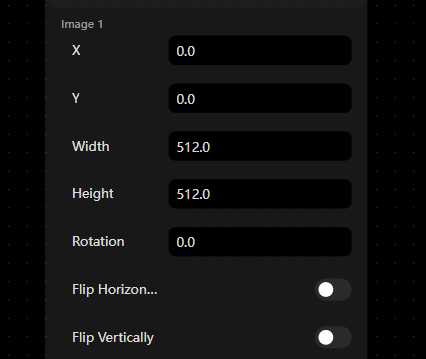 |
Flip the text upside down. | |
| Canvas horizontal align | 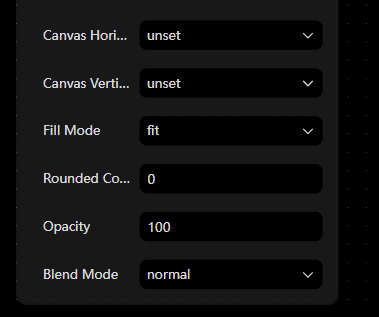 |
Align the text box horizontally on the canvas. | |
| Canvas vertical align | 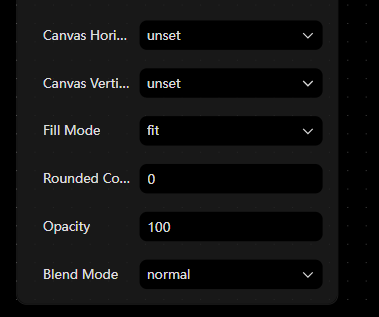 |
Align the text box vertically on the canvas. | |
| Text horizontal align | 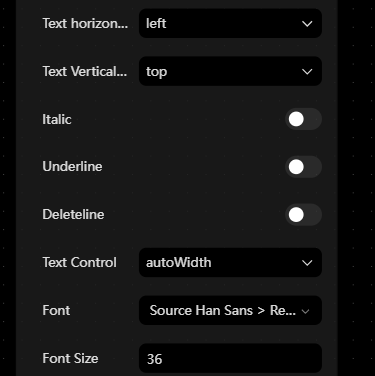 |
Align text within the text box (left / center / right). | |
| Text vertical align | 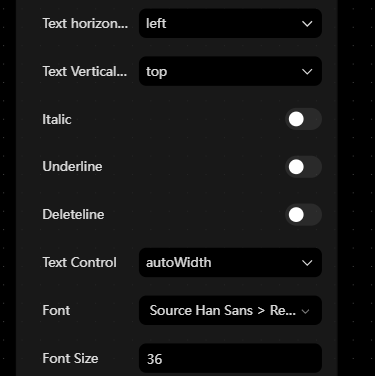 |
Align text vertically within the text box (top / middle / bottom). | |
| Italic | 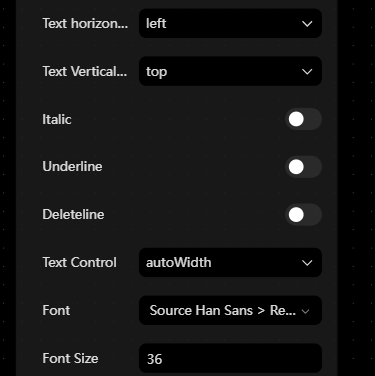 |
Apply italic style. | |
| Underline | 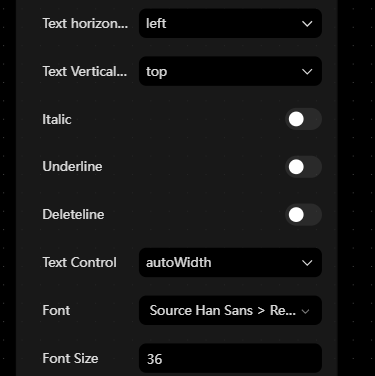 |
Add underline to text. | |
| deleteline | 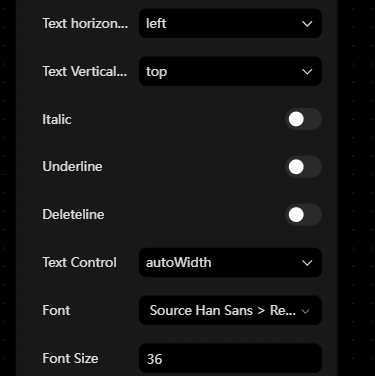 |
Add a strike-through effect to text. | |
| Text control | 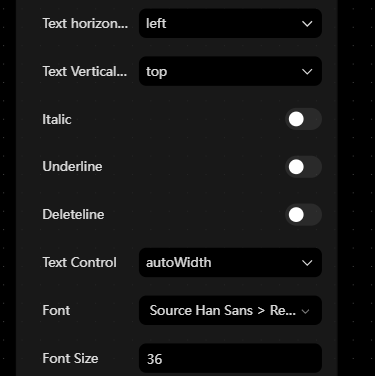 |
Controls overall text behavior (e.g. visibility, edit state). | |
| Font | 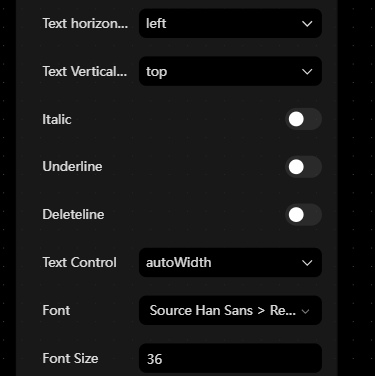 |
Select the font family. | |
| Font size | 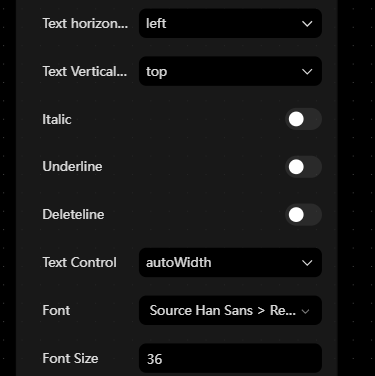 |
Adjust text size. | |
| Line spacing | 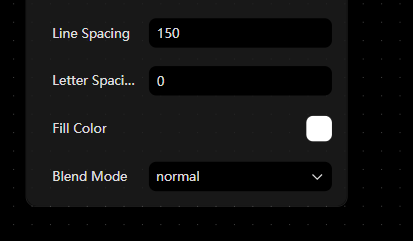 |
Adjust spacing between lines. | |
| Letter spacing | 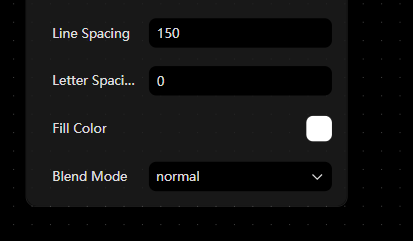 |
Adjust spacing between characters. | |
| Fill color | 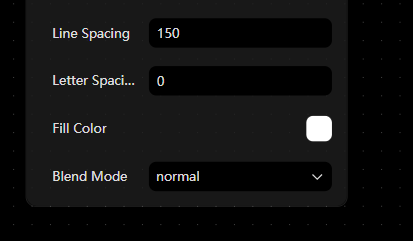 |
Set text color. | |
| Blend models |  |
Control how text blends with the background (affects color and visual result). |
Font

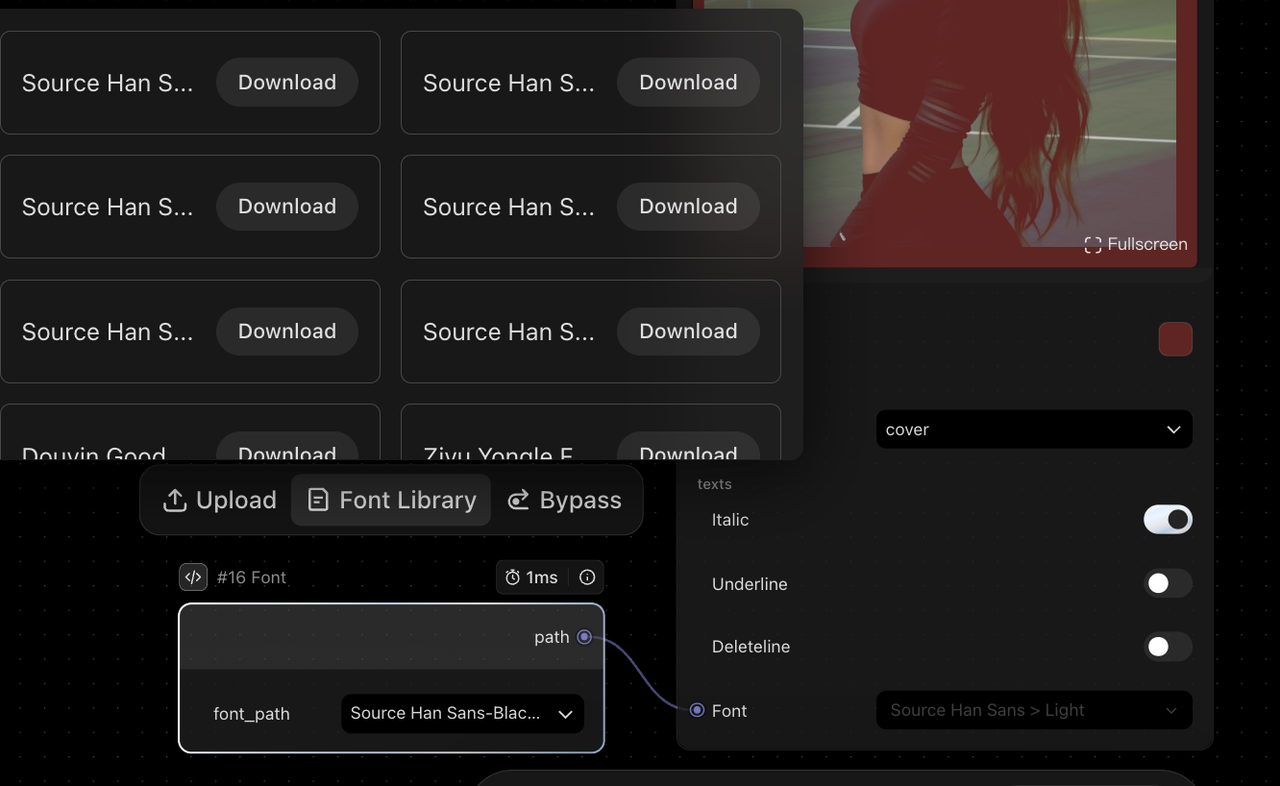
The Font Node is primarily used together with the Image Composition Node to control text styling in generated visuals.
-
Supports selecting fonts from a built-in library or uploading custom fonts
-
Enables automated font application within workflows
-
Includes 8 preset font styles
-
Supports TTF / OTF formats
| Module | Item | Description | Preview |
|---|---|---|---|
| Font |
Font | 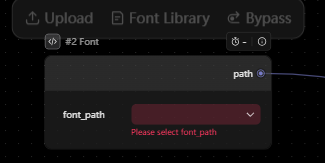 |
Supports uploading custom fonts or selecting from the built-in font library. Can be used with the Image Composition Node to control and adjust text styling in visual outputs. Once connected, the selected font is applied within the workflow, overriding canvas-level font settings. |
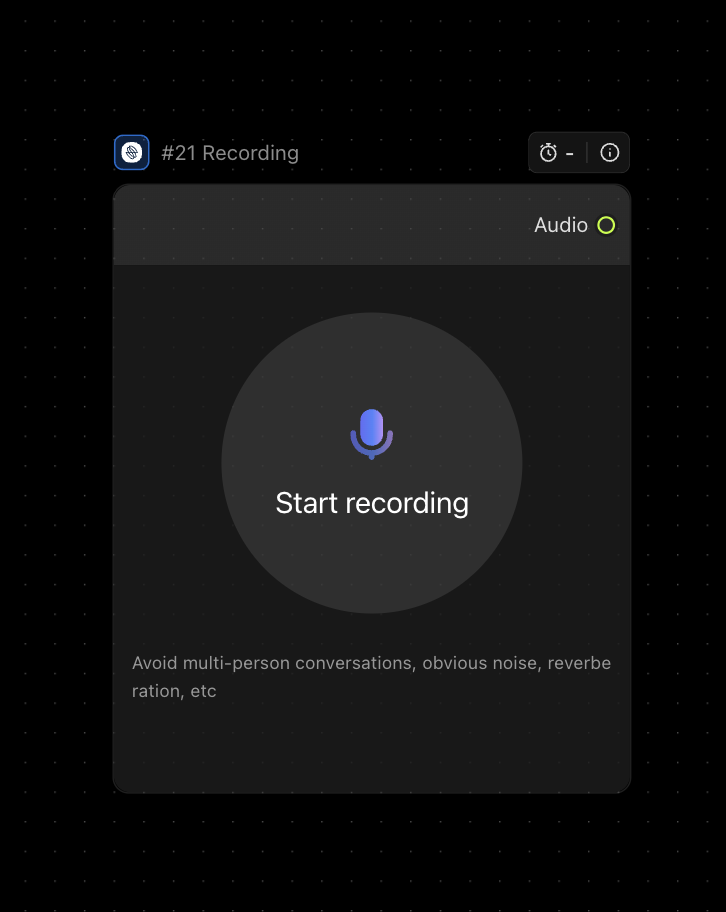
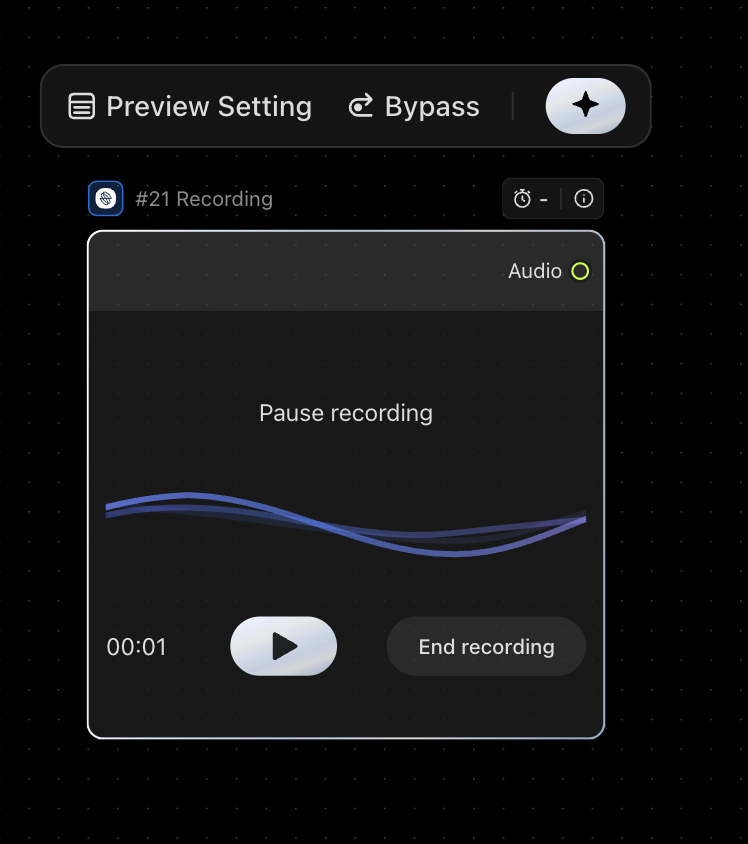
Recording
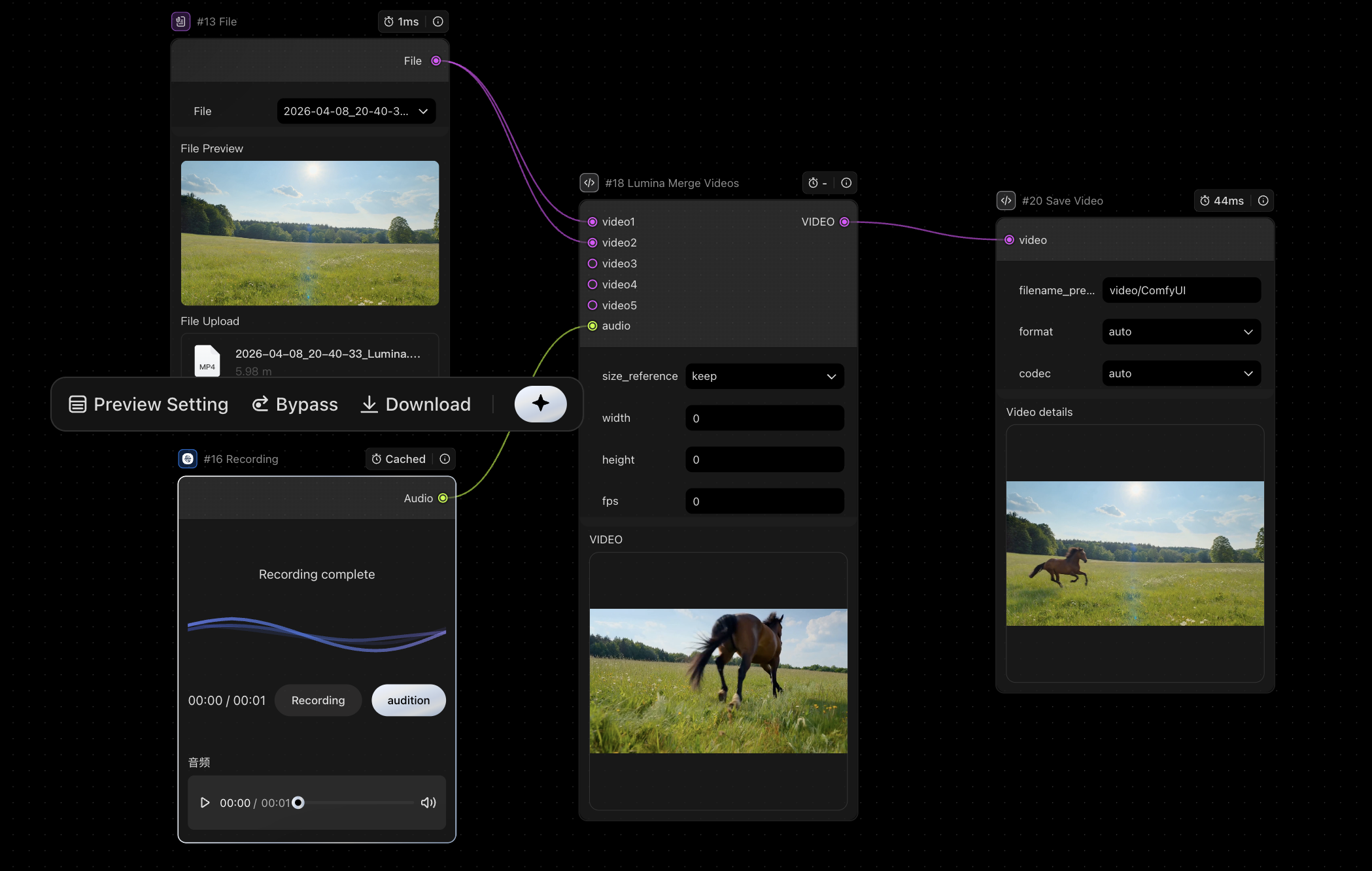
Supports recording audio and using it directly within workflows, enabling a complete flow from recording → audio/video composition → export or voiceover.
Typical Use Cases:
-
Short-form video creation: Add custom voiceovers to landscape or product videos, and generate results in one step.
-
Voice cloning: Record high-quality voice samples to create a personalized AI voice.
-
Video dubbing / voiceover: Use recorded audio as a reference to generate voiceovers in a similar style, then merge them into videos.
-
Scalable content production: Batch upload videos and batch record or generate audio to quickly produce multiple content variations.
Video Generation
Seedance_1.0mini
| Module | Item | Description | Preview |
|---|---|---|---|
| Input | Prompt | 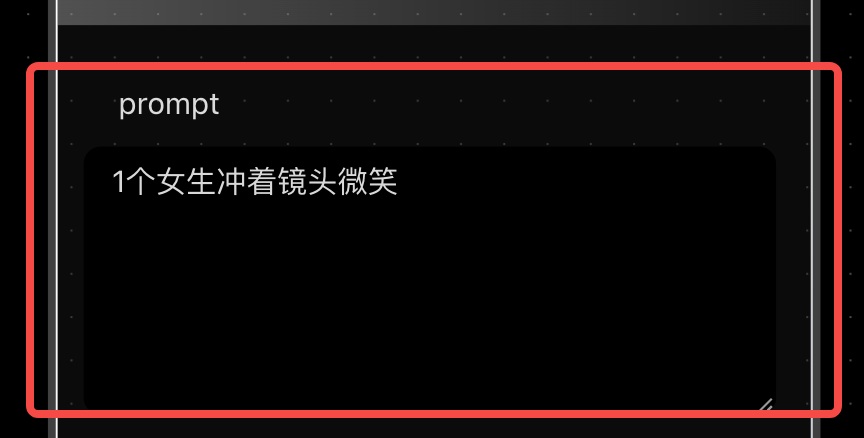 |
Text prompt used to generate the video. Currently supports Chinese only. Recommended to keep within \~500 characters. Longer inputs may be truncated due to model limits. |
| Parameters |
frames |  |
Total number of frames to generate. Default is 121. Must follow the rule: 24 × n + 1 (n = seconds). Examples: - 121 → \~5 seconds - 73 → \~3 seconds Supports videos from 3 to 12 seconds (73–289 frames). |
| seed |  |
Random seed. Default is -1. - -1 = fully random - Any other value = fixed seed for reproducible results |
|
| resolution | 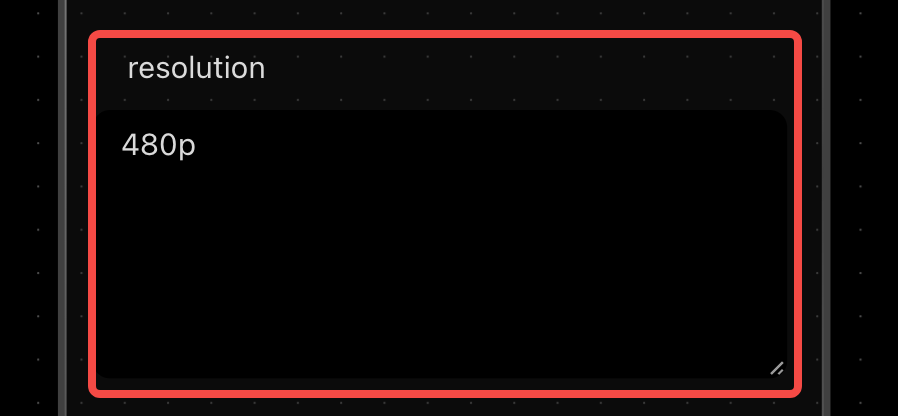 |
Output resolution. Default is 480p. Supported options: 480p, 720p, 1080p | |
| camera_fixed |  |
Keeps the camera static. Default is off (false). | |
| aspect_ratio | 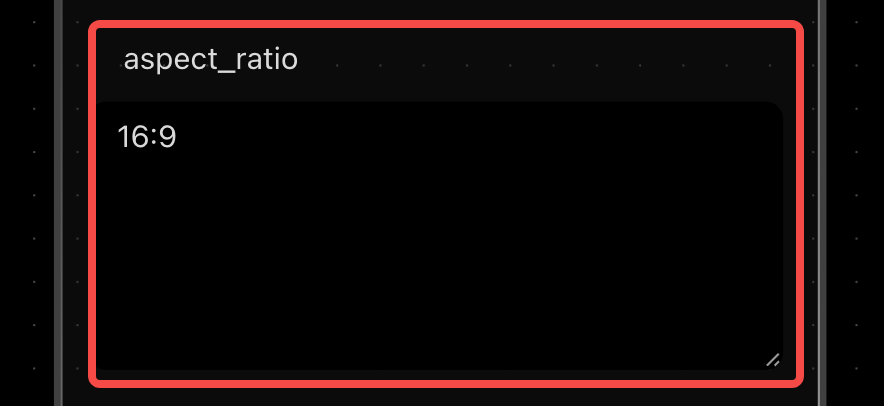 |
Video aspect ratio. Default is 16:9. Supported options: 16:9, 4:3, 1:1, 3:4, 9:16, 21:9 Different ratios correspond to different output dimensions. ```YAML ' 480p': 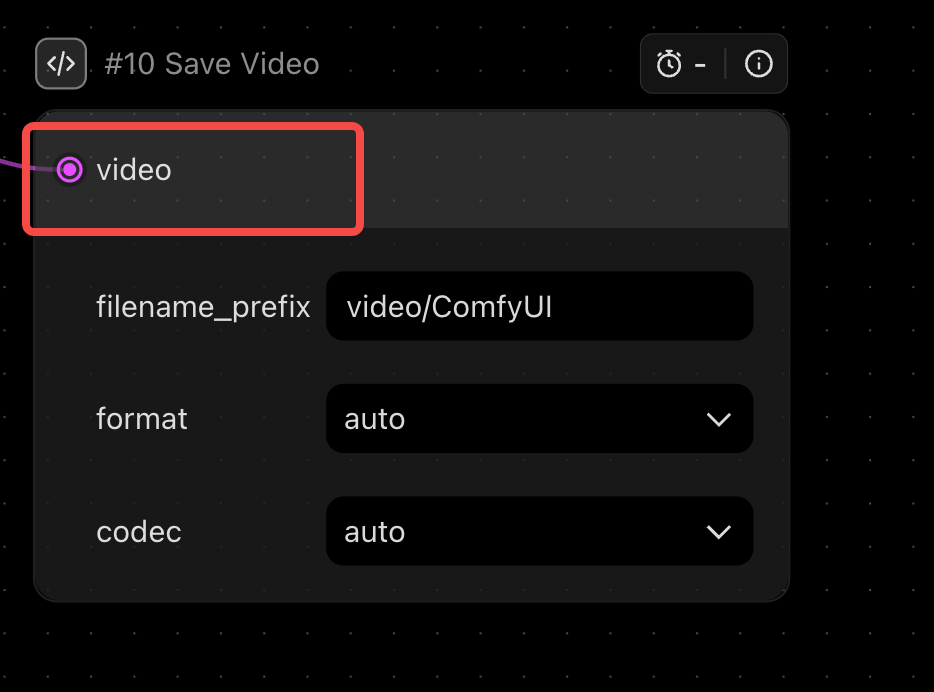 |
Seedance 1.0

| Module | Item | Description | Preview |
|---|---|---|---|
| Input | Upload Image |
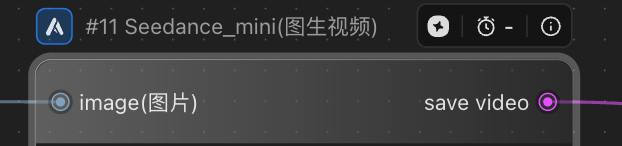 |
Supports image input. Can be connected via the Load Image node. |
| Parameters | Prompt | 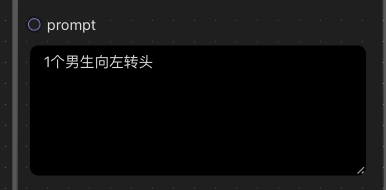 |
Text prompt used to guide video generation. Currently supports Chinese only. |
| Seed |  |
Random seed. - -1 means random generation. - Any other value uses a fixed seed. Range: 0 to 2³¹−1. |
|
| Resolution | 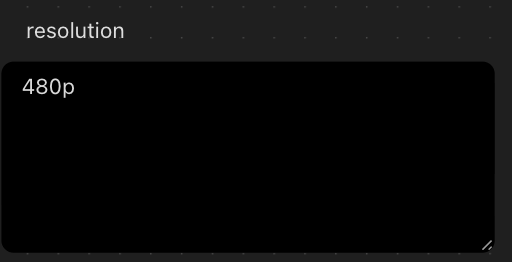 |
Output resolution. Supported options: 480p, 720p, 1080p. |
|
| Camera Fixed |  |
Keeps the camera static. Can be turned on or off. |
|
| Frames |  |
Total number of frames to generate. Must follow 24 × n + 1 (where n = number of seconds). For example: - 121 ≈ 5 seconds - 73 ≈ 3 seconds. Supports 3 to 12 seconds (73–289 frames). |
|
| Output | Save Video | 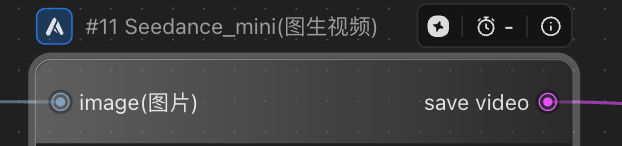 |
Outputs and saves the generated video. |

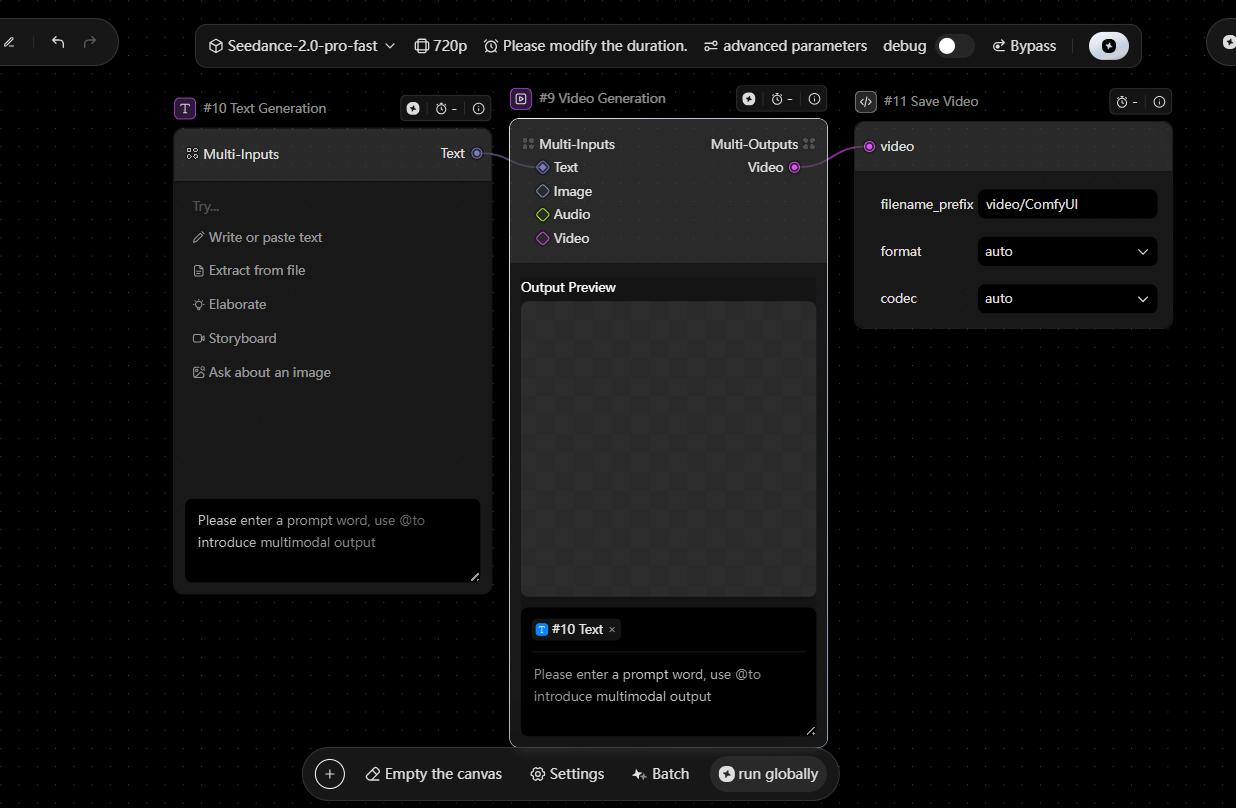
Seedance 2.0 pro fast (Coming soon)
| Module | Item | Description | Preview |
|---|---|---|---|
| Input | Upload Image | 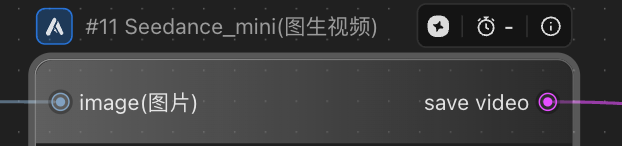 |
Supports image input. Can be connected via the Load Image node. |
| Parameters | Prompt |
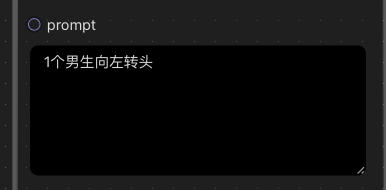 |
Text prompt used to guide video generation. Currently supports Chinese only. |
| Seed |  |
Random seed. -1 = random. Otherwise uses a fixed value. Range: 0 to 2³¹−1. | |
| Resolution | 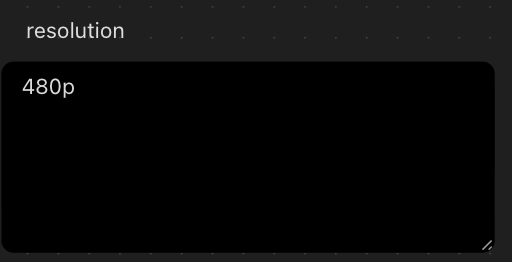 |
Output resolution. Supported: 480p, 720p, 1080p. | |
| Camera Fixed | 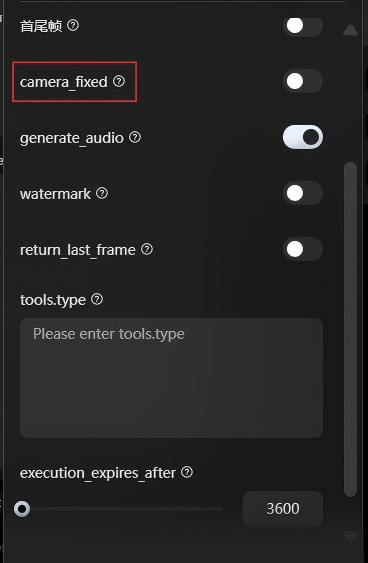 |
Keeps the camera static. Toggle on/off. | |
| Generate Audio | 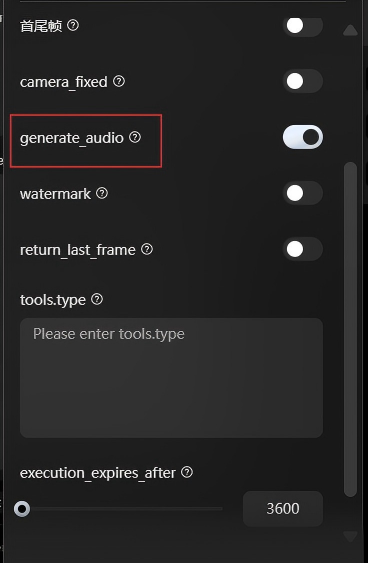 |
Whether to include a voice track in the generated video. | |
| Watermark | 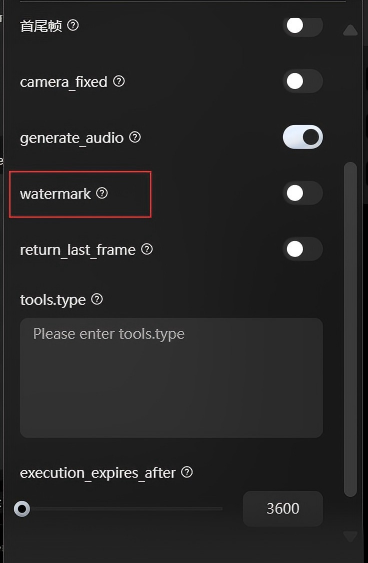 |
Whether to include a watermark in the output video. | |
| Return Last Frame | 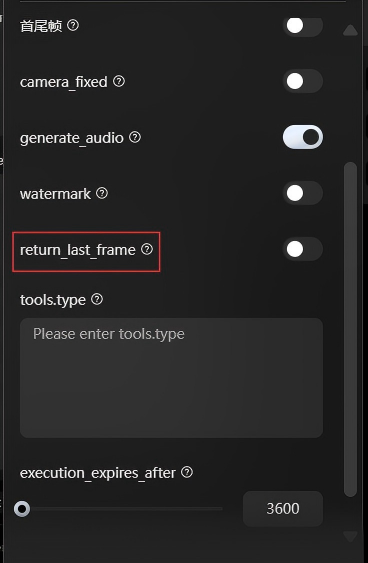 |
Returns the final frame as an image when enabled. Available via the task query API. Output format is PNG, matching the video resolution, with no watermark. | |
| Tools.Type | 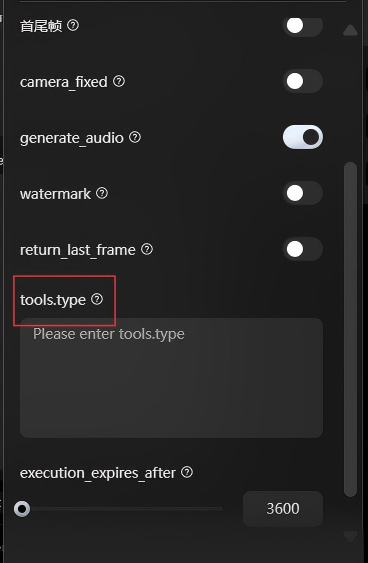 |
Specifies which tools the model is allowed to use during generation. | |
| Execution Expires After | 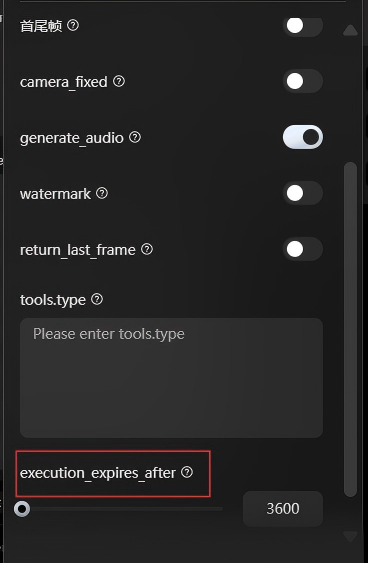 |
Task timeout (in seconds). Defines how long the task remains valid after submission, counted from the created_at timestamp. |
Seedance 2.0pro (Coming soon)

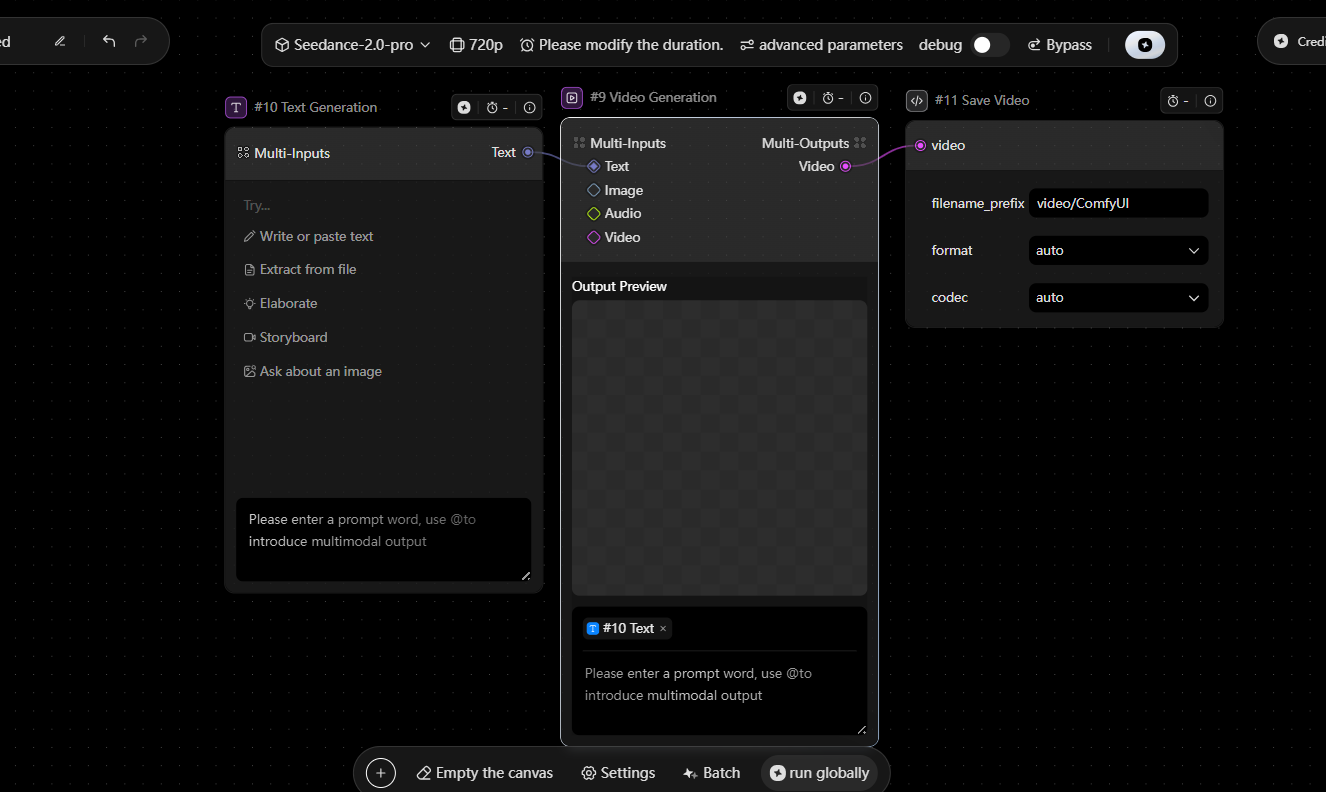
| Module | Item | Description | Preview |
|---|---|---|---|
| Input | Upload Image | 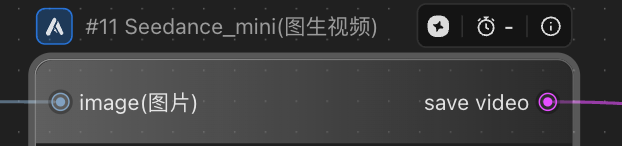 |
Supports image input. Can be connected via the Load Image node. |
| Parameters | Prompt | 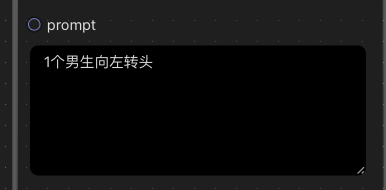 |
Text prompt used to guide video generation. Currently supports Chinese only. |
| Seed |  |
Random seed. -1 = random. Otherwise uses a fixed value. Range: 0 to 2³¹−1. | |
| Resolution | 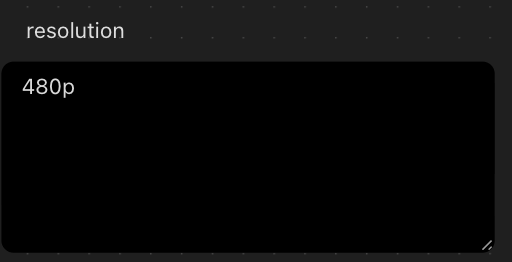 |
Output resolution. Supported: 480p, 720p, 1080p. | |
| Camera Fixed |  |
Keeps the camera static. Toggle on/off. | |
| Generate Audio | 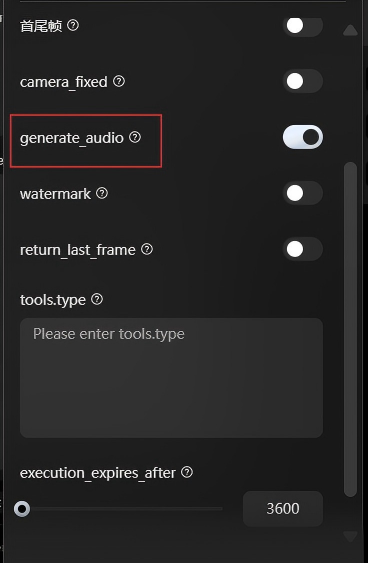 |
Whether to include a voice track in the generated video. | |
| Watermark | 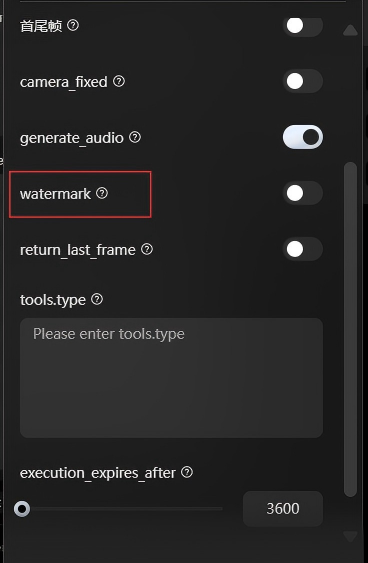 |
Whether to include a watermark in the output video. | |
| Return Last Frame | 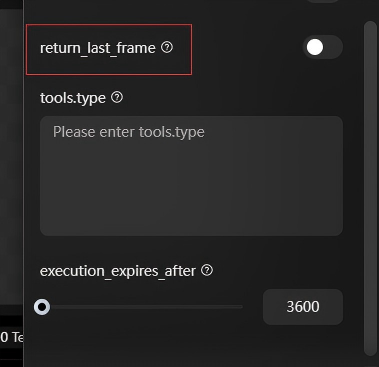 |
Returns the final frame as an image when enabled. Available via the task query API. Output format is PNG, matching the video resolution, with no watermark. | |
| Tools.Type | 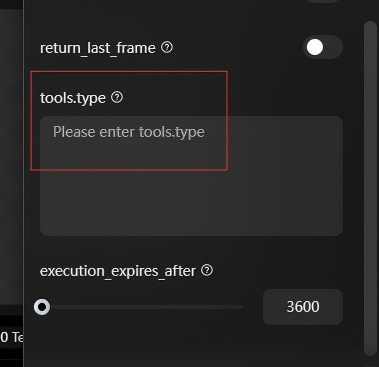 |
Specifies which tools the model is allowed to use during generation. | |
| Execution Expires After | 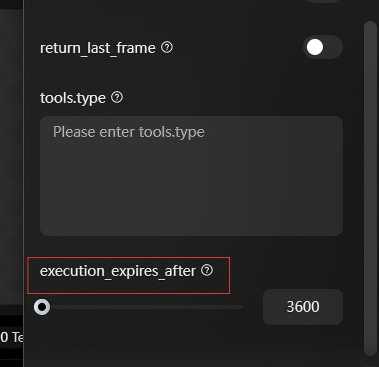 |
Task timeout (in seconds). Defines how long the task remains valid after submission, counted from the created_at timestamp. |
Seedance 1.0 tile t2v
| Module | Item | Description | Preview |
|---|---|---|---|
| Parameters | Aspect Ratio | 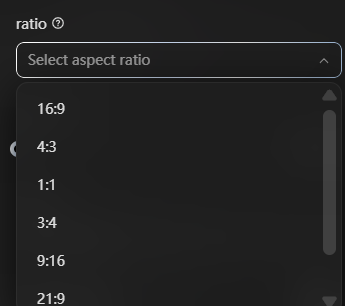 |
Selects the video aspect ratio. |
| Frames |  |
Total number of frames. - Default is 121. Must follow 24 × n + 1 (n = seconds). > Examples: 121 ≈ 5s, 73 ≈ 3s. > > - Supports 3–12 seconds (73–289 frames). |
|
| Seed |  |
Random seed. -1 = random. Otherwise uses a fixed value. Range: 0 to 2³¹−1. | |
| Camera Fixed |  |
Keeps the camera static. Toggle on/off. | |
| Auto Caption | 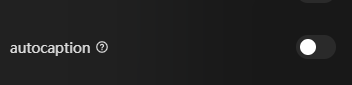 |
Automatically expands or rewrites the prompt for better generation results. | |
| Generate Audio | 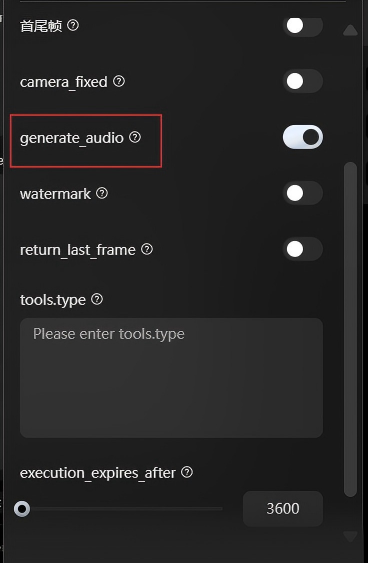 |
Whether to include a voice track in the generated video. |
Seedance 1.5pro
| Module | Item | Description | Preview |
|---|---|---|---|
| Parameters | Return Last Frame |  |
Returns the final frame of the generated video as an image. |
| Aspect Ratio | 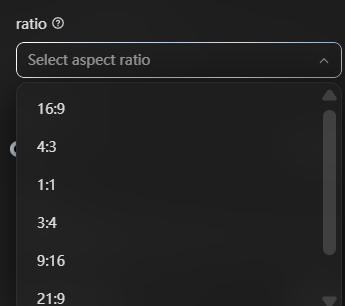 |
Selects the video aspect ratio. | |
| Frames per Second | 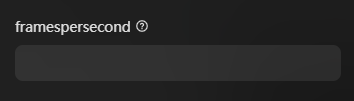 |
Sets the frame rate (FPS) of the output video. | |
| Seed |  |
Random seed. -1 = random. Otherwise uses a fixed value. Range: 0 to 2³¹−1. | |
| Camera Fixed |  |
Keeps the camera static. Toggle on/off. | |
| Watermark | 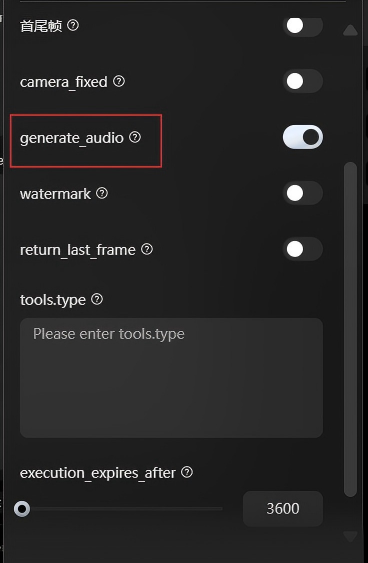 |
Whether to include a watermark in the generated video. | |
| Generate Audio | 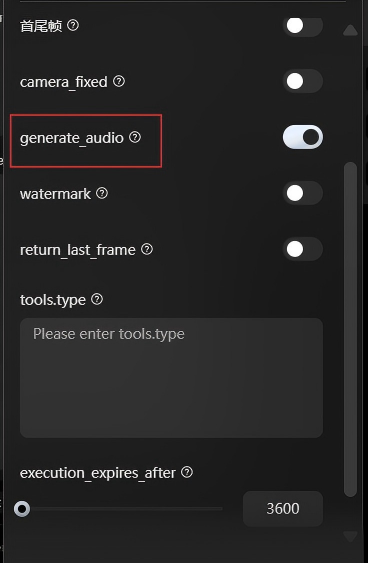 |
Whether to include an audio track in the generated video. |
Dreamontage pro

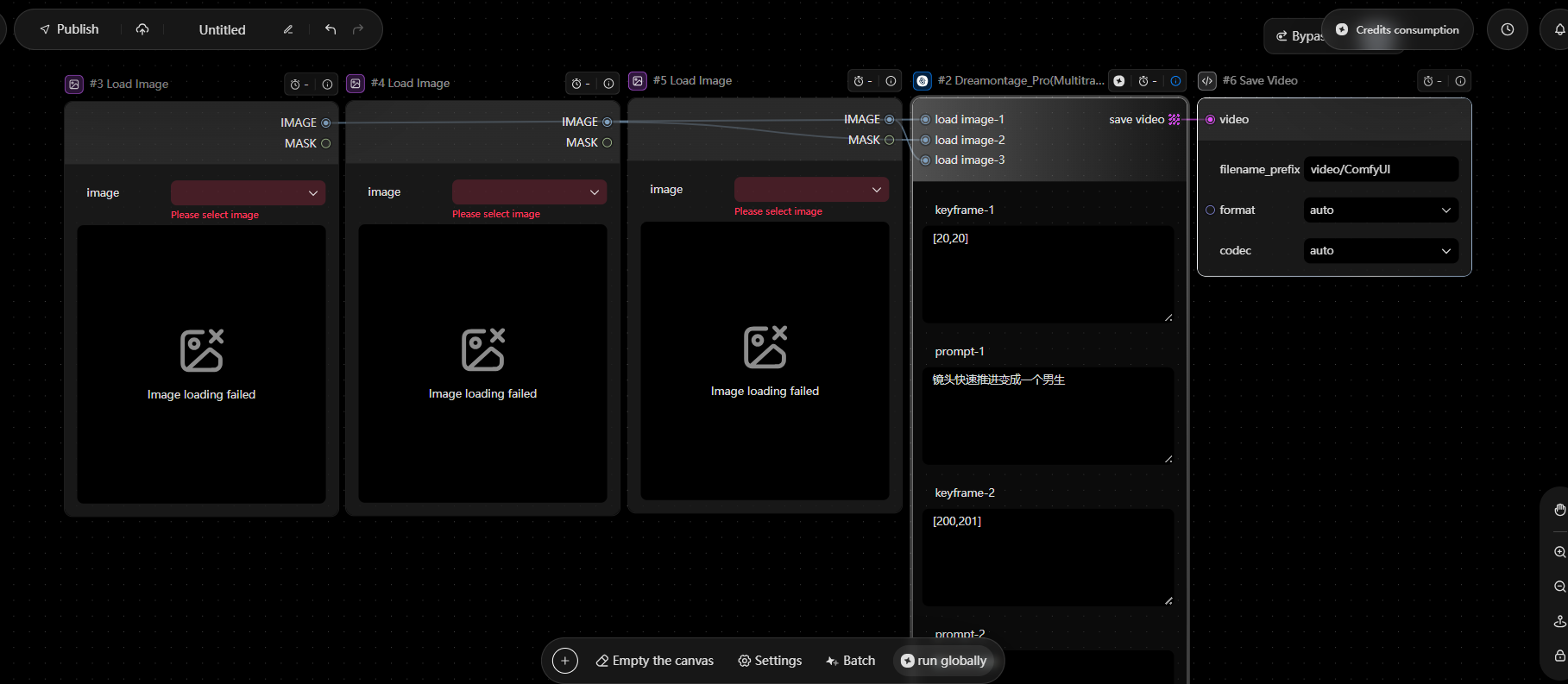
| Module | Item | Description | Preview |
|---|---|---|---|
| Input |
Image | 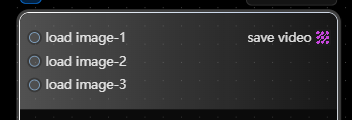 |
Supports image and video inputs. > Note: set the data type to Binary when uploading media files. > > 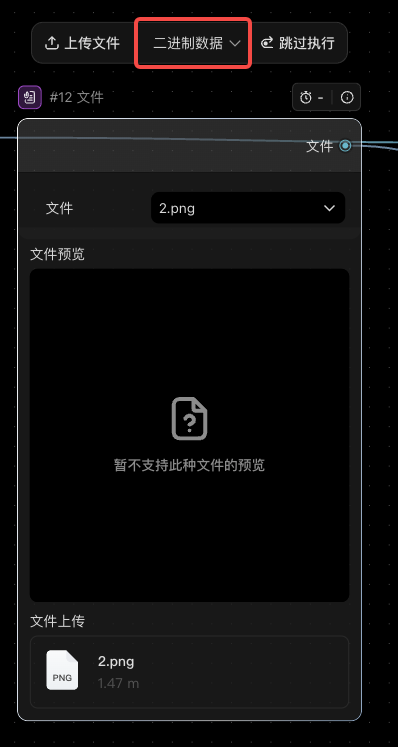 |
| Parameters | Prompt | 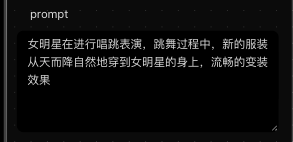 |
Generates a prompt based on the input media (recommended within 150 characters). If not provided, a prompt will be generated automatically. Recommended within 400 characters. Due to model limits, overly long prompts may be shortened automatically, which can affect the final result. |
| Frames | 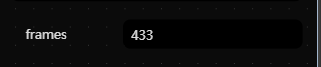 |
Total number of frames in the generated video. | |
| Resolution | 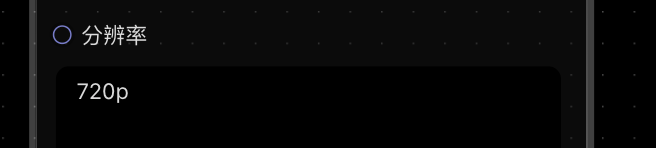 |
Currently supports 480p and 720p. The final aspect ratio is automatically selected from 16:9, 4:3, 1:1, 3:4, 9:16, 21:9, and cannot be manually set. | |
| Output | Video | Outputs the generated video. Can be connected to Preview Video and Save Video nodes. |
Image Editing
Image SR (AIGC)
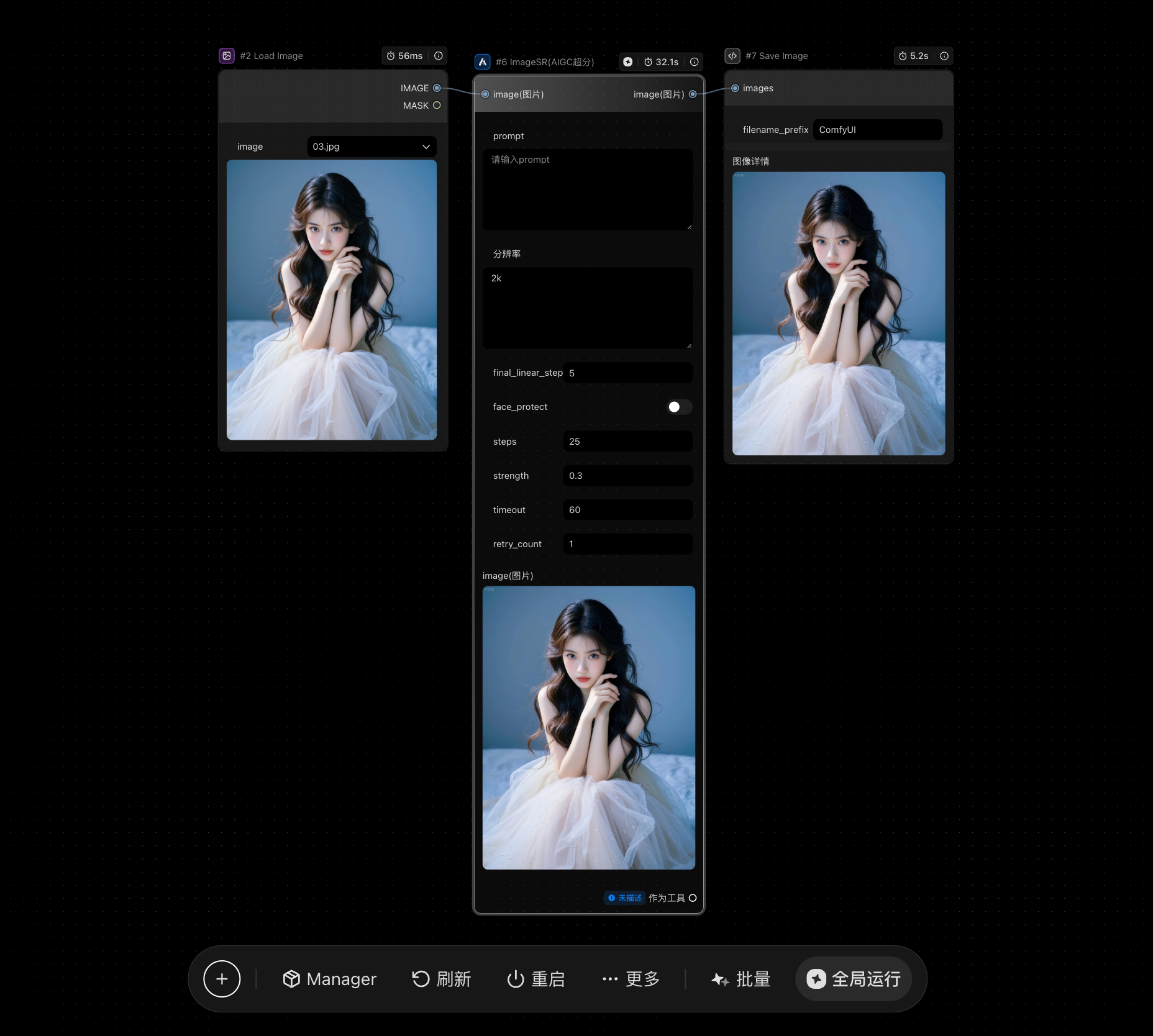
| Module | Item | Description | Preview |
|---|---|---|---|
| Input | Image | 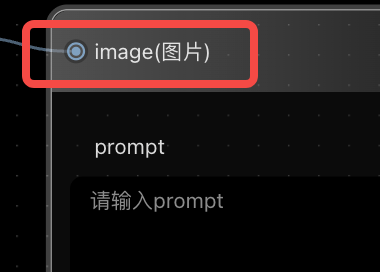 |
Supports image input. Can be connected via the Load Image node. |
| Parameters | Prompt |
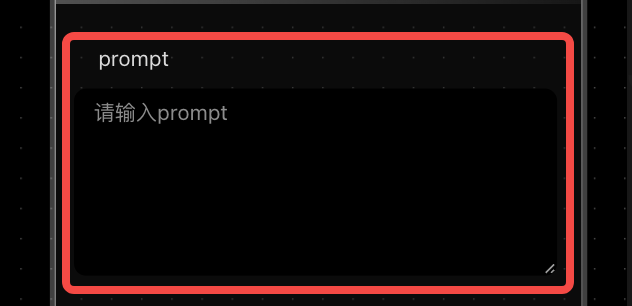 |
A single prompt used to guide image generation. If left empty, the system will automatically generate a prompt based on the input image. |
| Resolution | 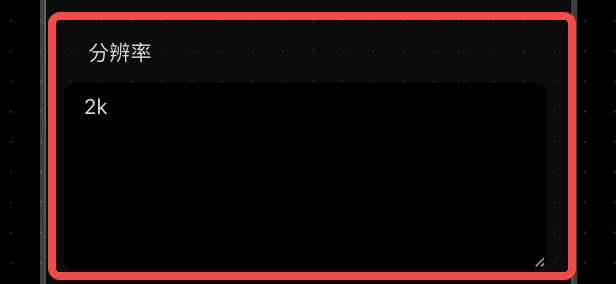 |
Supports 2K and 4K output options. | |
| Final Linear Step |  |
Controls the final stage of the generation process. Range: 0–10. |
|
| Face Protect |  |
Enables face consistency protection. Default: Off. |
|
| Steps |  |
Number of inference steps. Default: 25; Range: 1–100. |
|
| Strength |  |
Controls how strongly the output follows the input image (useful for image-to-image tasks). Range: 0–1. | |
| Output | Images |  |
Outputs generated images and supports saving results. |
Inpainting Edit_V3
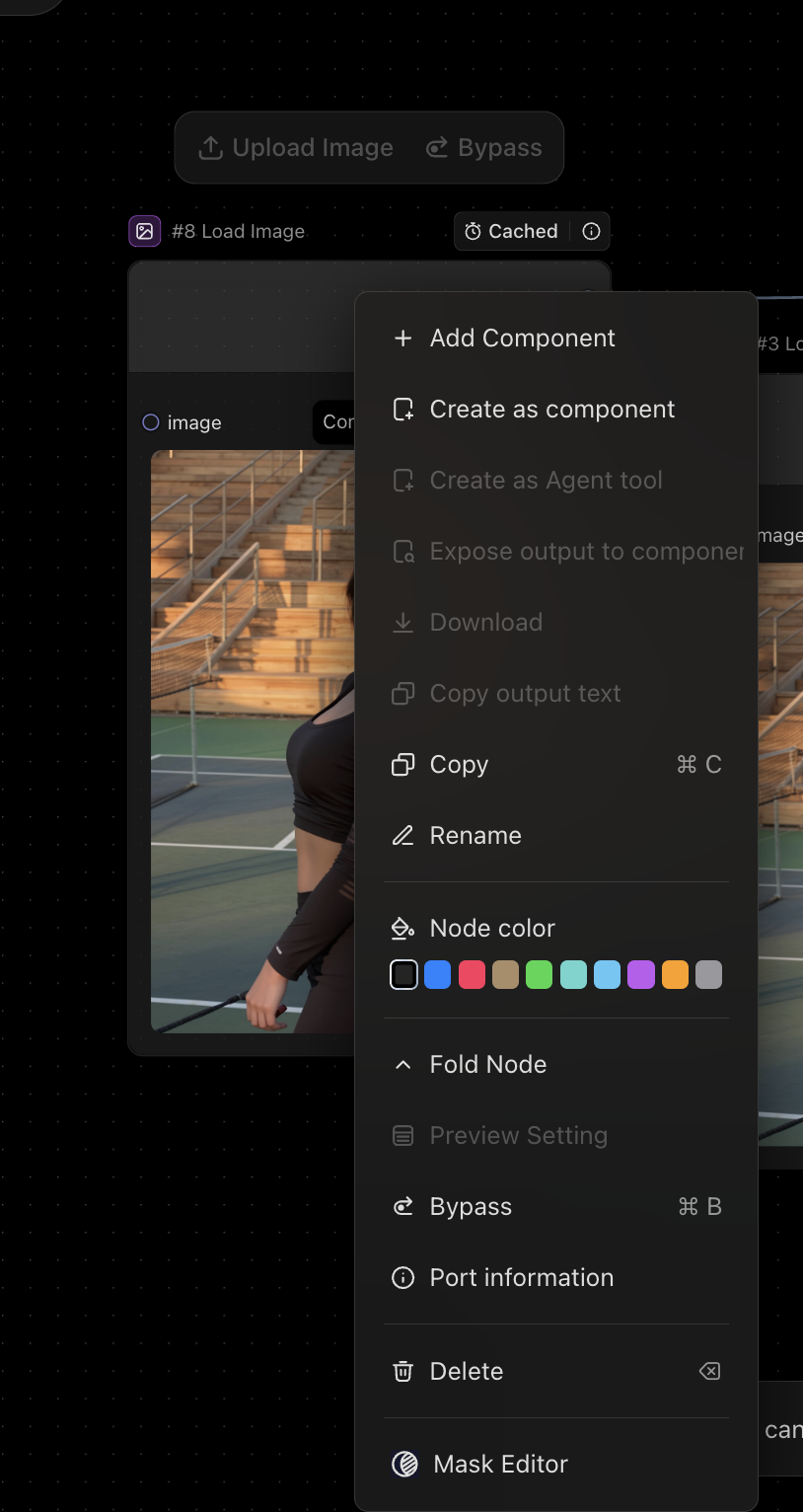
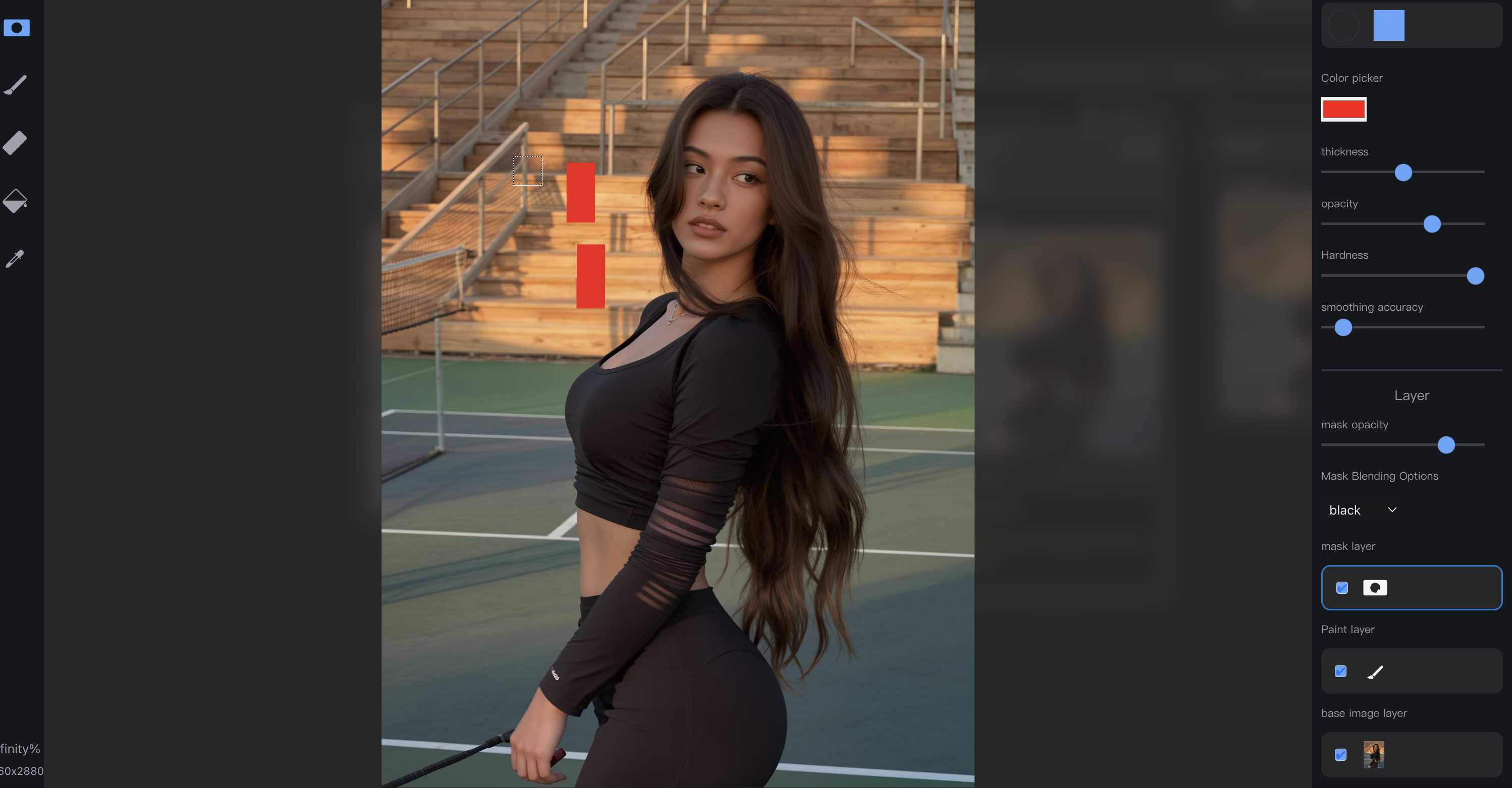
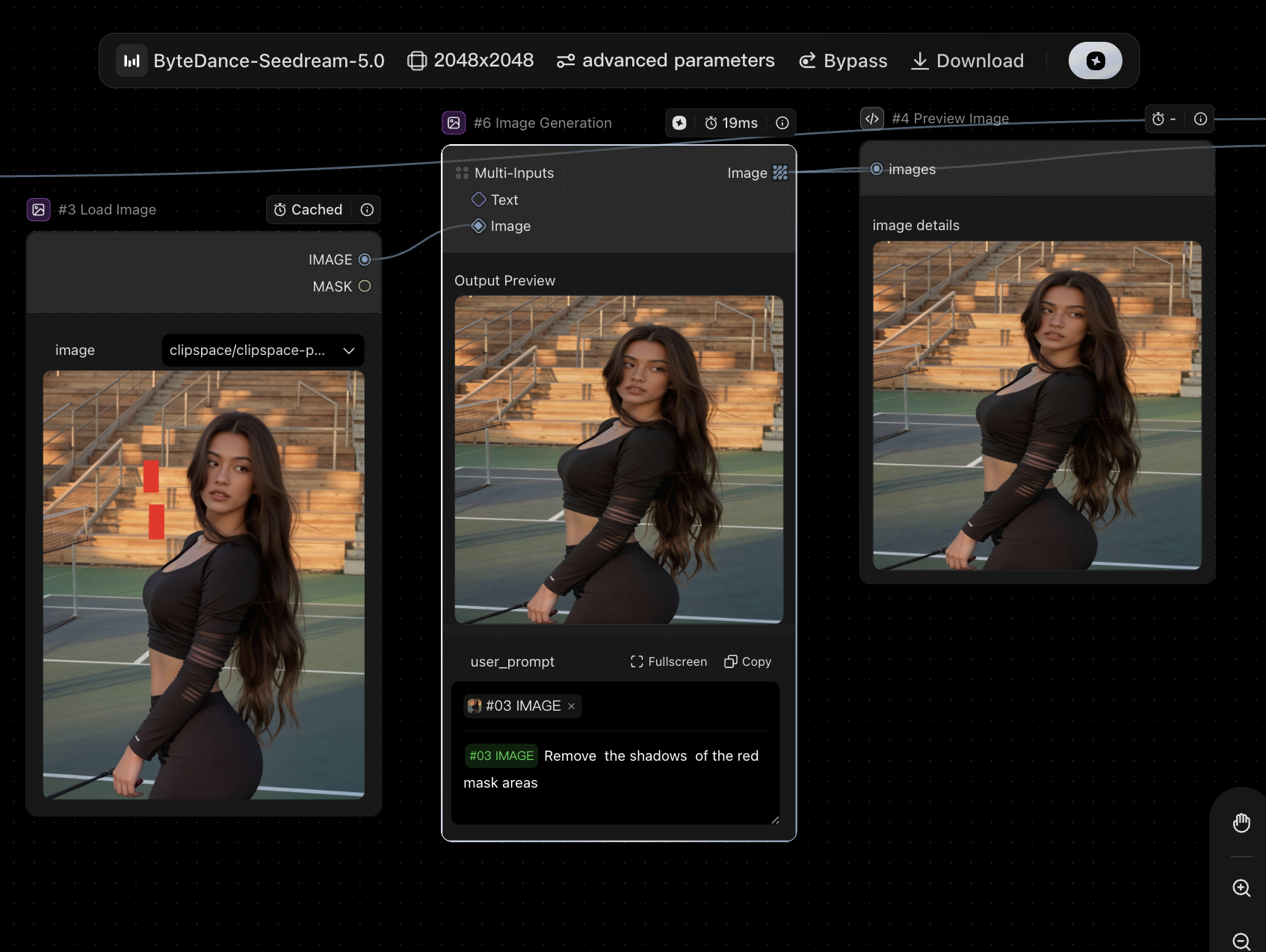
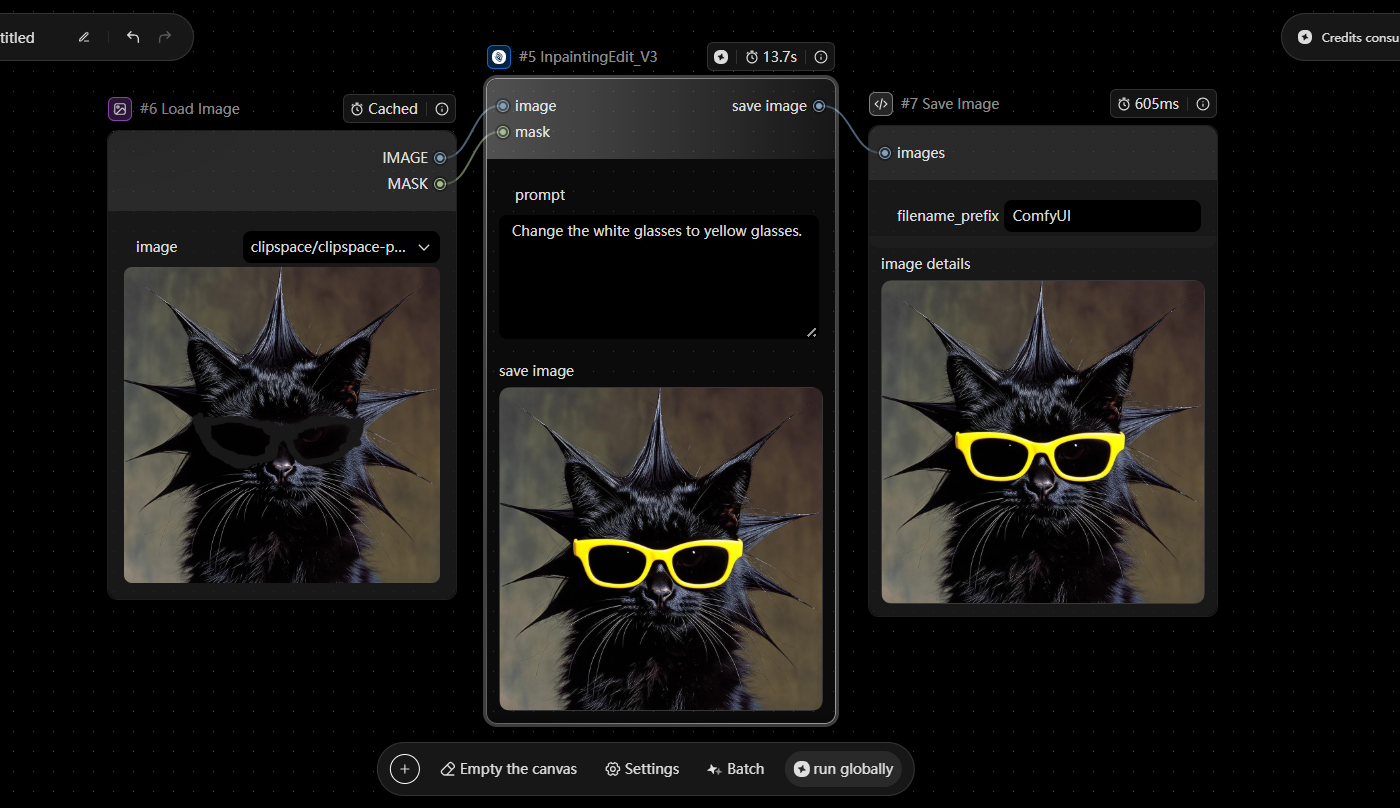
To create a mask directly on the canvas, right-click the image node and open the Mask Edit tool, then manually select the area to be edited.
| Module | Item | Description | Preview |
|---|---|---|---|
| Input | Image | 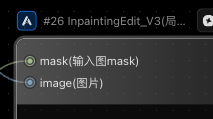 |
Supports single image input. Can be connected via the Load Image node. |
| Mask | Define the area to be edited using a mask. You can upload a mask image directly (black mask), or create one using the Mask Editor within the Load Image node. > Note: The mask area must align with the region you want to edit. > > |
||
| Parameters | Prompt | 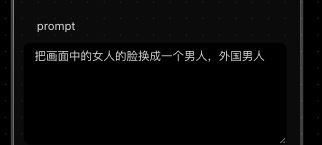 |
Specify what changes to apply to the selected area. |
| Output | Image | Outputs the edited image. Can be connected to Preview Image and Save Image nodes. |
Image Generation

Seedream5.0

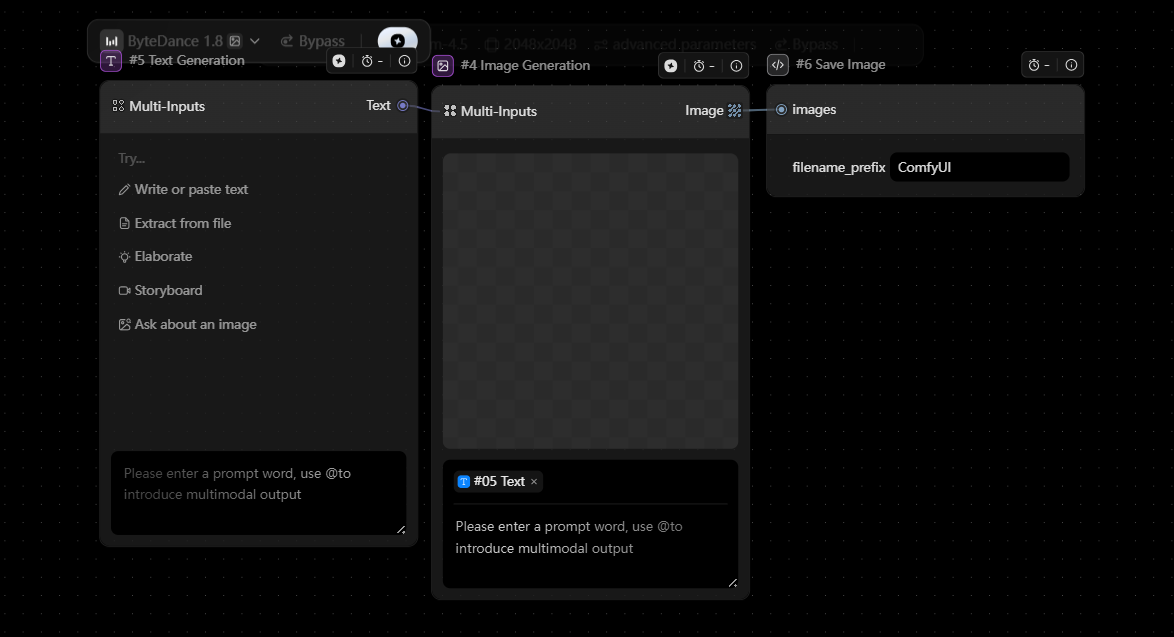
| Module | Item | Description | Preview |
|---|---|---|---|
| Parameters |
optimize_prompt_options.mode |
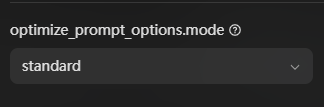 |
Controls how prompt optimization is applied. - standard: higher quality results, longer processing time. - fast: faster generation with slightly lower quality. |
| tools.type | 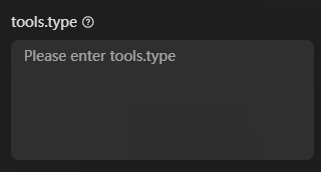 |
Defines which tools the model can access and use. | |
| sequential_image_generation | 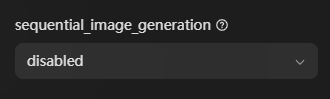 |
Controls whether multiple images are generated in sequence. - auto: the model decides whether to generate multiple images and how many, based on the prompt. - disabled: only one image will be generated. |
|
| sequential_image_generation_options.max_images | 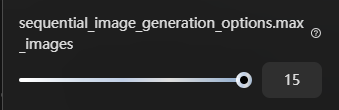 |
Sets the maximum number of images to generate per request. Only applies when sequential_image_generation = auto. |
|
| output_format | 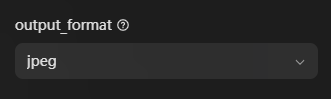 |
Sets the output file format (e.g. JPG). | |
| watermark |  |
Controls whether a watermark is added to the generated images. | |
| seed | 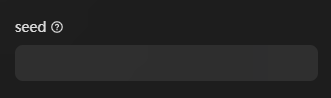 |
Random seed for generation. | |
| inner_return_dual_stack_url | 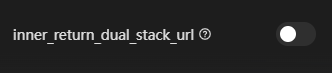 |
Controls whether an internal image URL is returned. |
Seedream5.0 lite
| Module | Item | Description | Preview |
|---|---|---|---|
| Parameters | force_single |
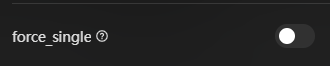 |
Forces the model to generate a single image only. |
| seed |  |
-1 means random generation. Any other value uses a fixed 32-bit positive integer seed. | |
| min_ratio | 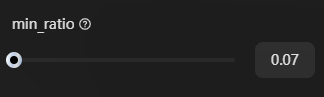 |
Sets the minimum aspect ratio limit. If the automatically selected ratio is lower than this value, min_ratio will be used instead. | |
| max_ratio | 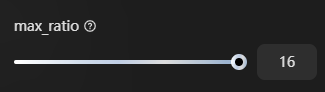 |
Sets the maximum aspect ratio limit. If the automatically selected ratio is higher than this value, max_ratio will be used instead. | |
| cot_mode | 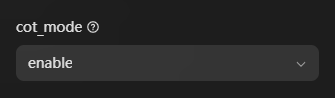 |
Controls whether Chain-of-Thought (CoT) mode is enabled. Available options: enable / disable. This setting is not applicable when PE is called manually. | |
| close_search |
 |
Turns off search. By default, search may be used in text-to-image generation. | |
| use_pre_llm |
 |
Enables pre-LLM processing. When enabled, the model can infer resolution more intelligently without requiring a fixed width and height. | |
| allow_llm_fallback |
 |
Allows fallback when PE expansion fails. If enabled, the system will fall back to the original prompt and issue an alert if the fallback affects the result. |

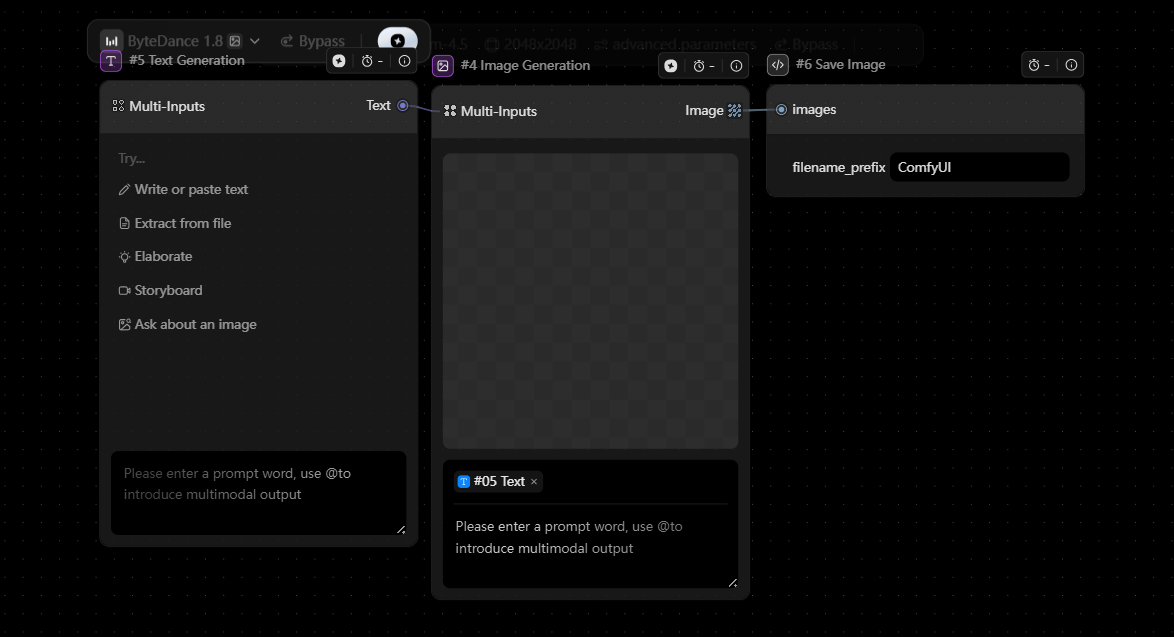
Seedream4.5
| Module | Item | Description | Preview |
|---|---|---|---|
| Parameters | negative_prompt | 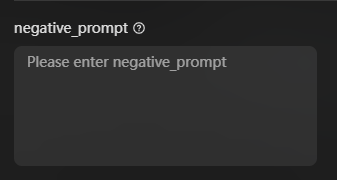 |
Describes what you want to avoid in the generated image. |
| seed | 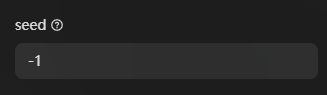 |
Random seed. Use -1 for a random result. | |
| sequential_image_generation | 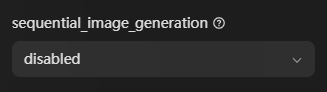 |
Controls whether the model can generate multiple images in one request. - auto: the model decides whether to return multiple images and how many, based on the prompt. - disabled: only one image will be generated. |
|
| max_images | 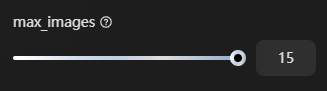 |
Sets the maximum number of images that can be generated in one request. Only takes effect when sequential_image_generation is set to auto. | |
| watermark |
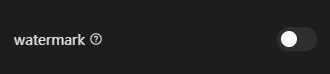 |
Controls whether a watermark is added to the generated image. | |
| optimize_prompt_options_mode |
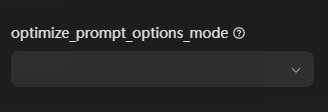 |
Controls how prompt optimization is applied. - standard: higher-quality results, but slower. - fast: faster generation, with slightly lower quality. |
Seedream3
| Module | Item | Description | Preview |
|---|---|---|---|
| Input | image |  |
Supports image input. Can be connected via the load image node. |
| Parameters |
prompt |
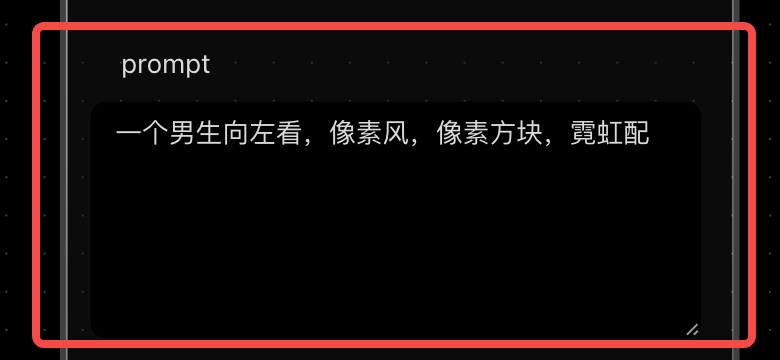 |
Text prompt used to generate the image. |
| Prompt Expansion |  |
Uses an LLM to automatically expand and refine the input prompt. Default: True | |
| Expansion Mode | 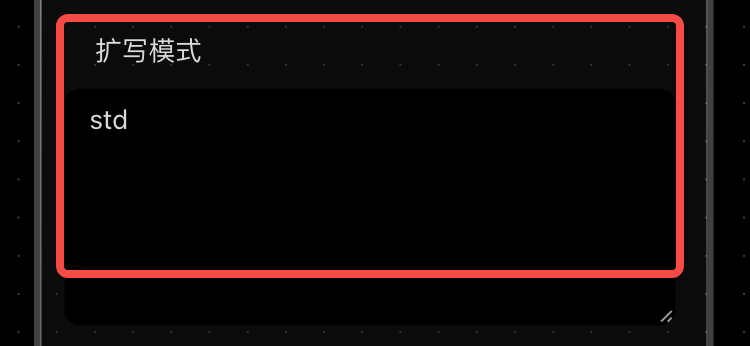 |
Defines how the prompt expansion is applied. Options: std (default) / poster | |
| seed |  |
Random seed. Use -1 for random results; other values fix the seed. Range: [-1, 2³¹−1] |
|
| width |  |
Output image width. Default: 1024 Supported resolution ranges from 512×512 to 2048×2048. Maximum aspect ratio: 1:16 |
|
| height | 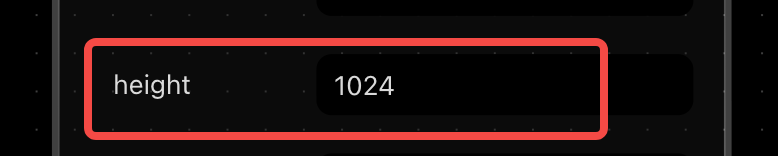 |
Output image height. Default: 1024 Supported resolution ranges from 512×512 to 2048×2048. Maximum aspect ratio: 1:16 |
|
| scale |  |
Controls how closely the output follows the prompt. Default: 2.5 | |
| i2i_strength |  |
Controls how much the output deviates from the input image. Lower values preserve more of the original image. | |
| Output | images | 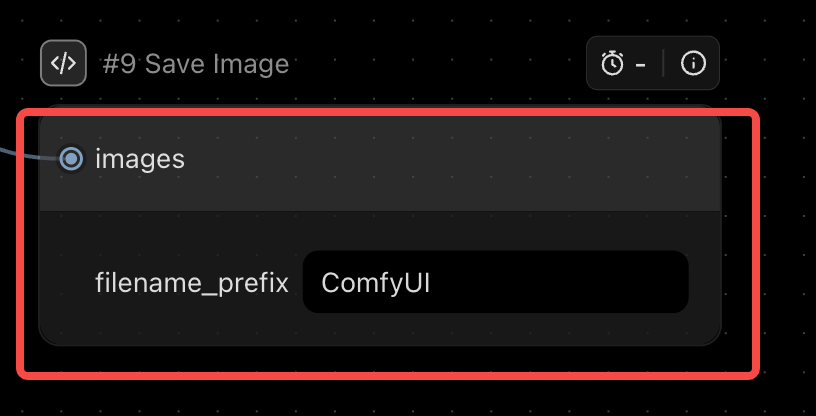 |
Outputs generated images; can be connected to save image nodes. |
Seedream4

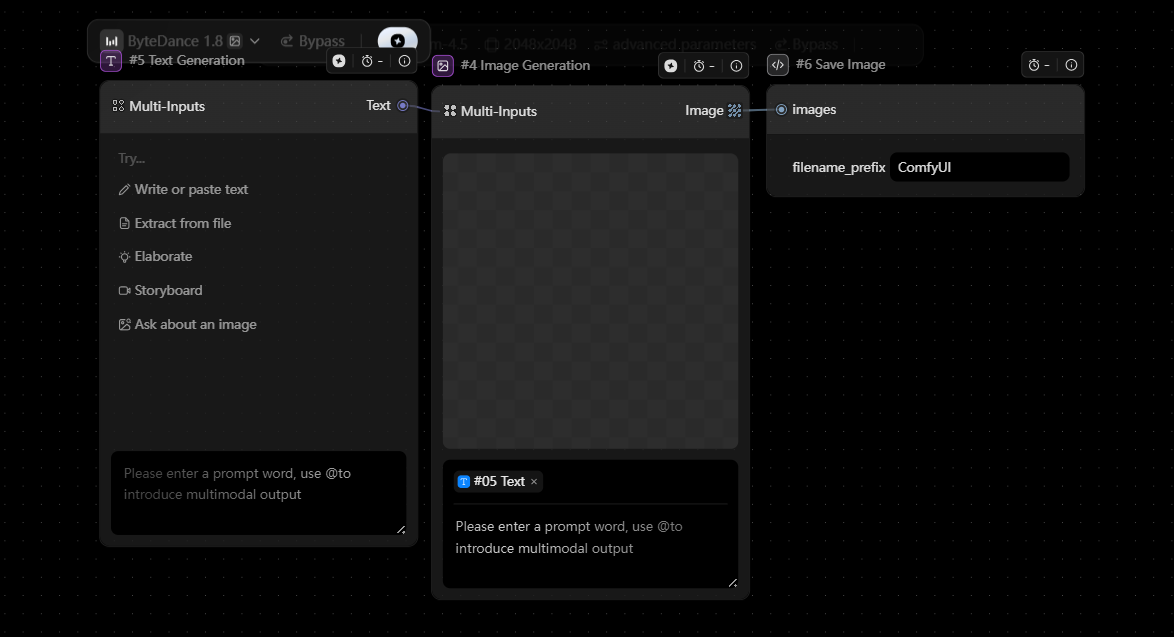
| Module | Item | Description | Preview |
|---|---|---|---|
| Input | image | Supports image input. Can be connected via the load image node. | |
| Parameters | prompt | 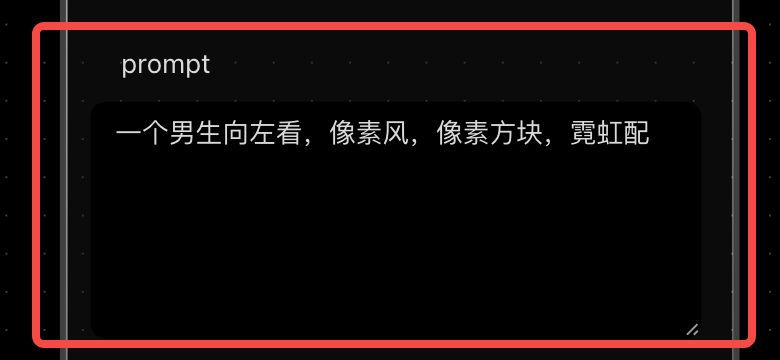 |
Text prompt used to generate the image. |
| negative_prompt | 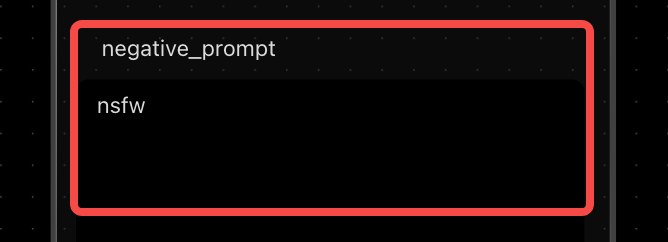 |
Negative prompt used to describe what should be avoided in the generated image. Default: “nsfw” | |
| seed |  |
Random seed. Use -1 for a random result; any other value sets a fixed seed. Default: -1 Values other than -1 are mapped to a positive int32 integer. | |
| width |  |
Output image width. Default: 1024 Width × Height must be within [512×512, 2048×2048] • Maximum aspect ratio: 1:16 |
|
| height | 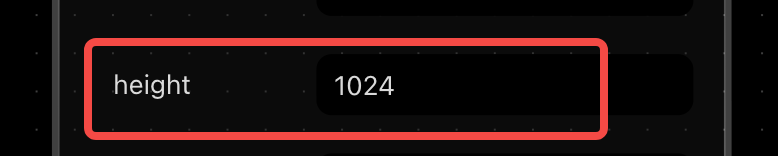 |
Output image height. Default: 1024 Width × Height must be within [512×512, 2048×2048] • Maximum aspect ratio: 1:16 |
|
| Force Single Output |  |
Controls whether the result is forced to output as a single image only. | |
| Output | images | 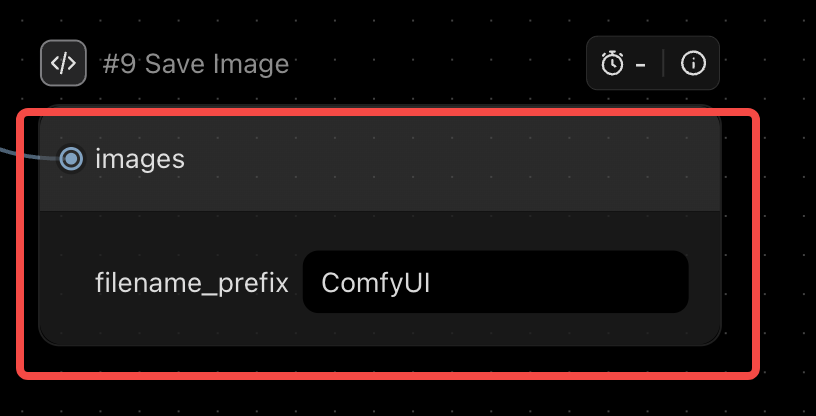 |
Outputs generated images and supports saving results. |